What stays from your video
- Body motion, gestures and timing, beat for beat
- Camera moves, cuts and framing
- Background, props and lighting
- The original audio of the window you picked
AI video swap · MiniMax H3 · Seedance 2.5 · Seedance 2.0
Upload a portrait photo, pick a template clip or your own video, and replace person in video in one pass. The moves, camera, cuts, lighting and original sound stay; the face, hair, body and clothes come from your photo.
One person per photo, up to four · 5–30 second output · Source audio restored · Exact price before you generate, refunded if it fails
See what an AI character swap video can look like before you spend credits. Your own video plays in the generator above.
Results with MiniMax H3 or Seedance will vary with your photo, reference clip and settings.
Four steps to replace person in video, with no editing software and no green screen.
Upload a clear photo of the person who should appear, one person per picture. To replace person in video with photos of two or more people, add one photo each, in casting order.
Choose one of 24 built-in clips, or upload your own MP4 or MOV of up to 5 minutes to swap characters in any video. Drag the window to the 5, 10, 15 or 30 second part you want.
MiniMax H3 is the default. Switch to Seedance 2.5 for the closest copy of the source motion, or Seedance 2.0 for a lower price. The button shows the exact credits.
We cut your window, replace person in video with the people in your photos and put the original sound back. Download the MP4, or run it again with another photo.
A face swap video pastes a new face onto the old head. When you replace person in video here, the whole person changes: a tall person stays tall, and a new haircut or outfit shows in every frame. Character swap AI video tools and AI body swap video apps aim at the same result; what differs is how much of the source they keep.
Want a new face on the original body and clothes? That is a face swap, a different job. This tool is built to replace person in video with another person; anyone without a photo stays as they were.
No clip of your own? Replace person in video templates are ready to use: single-person clips need one photo, duo clips take two. These are input clips, not results.
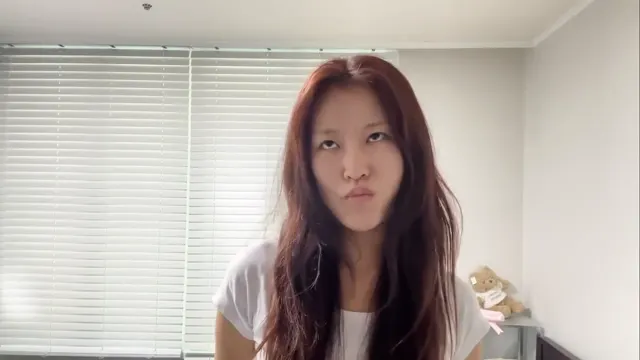
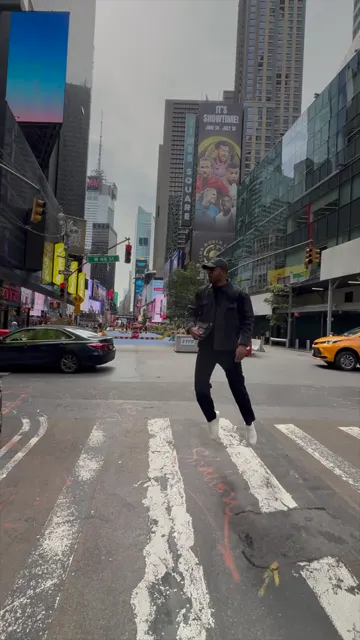
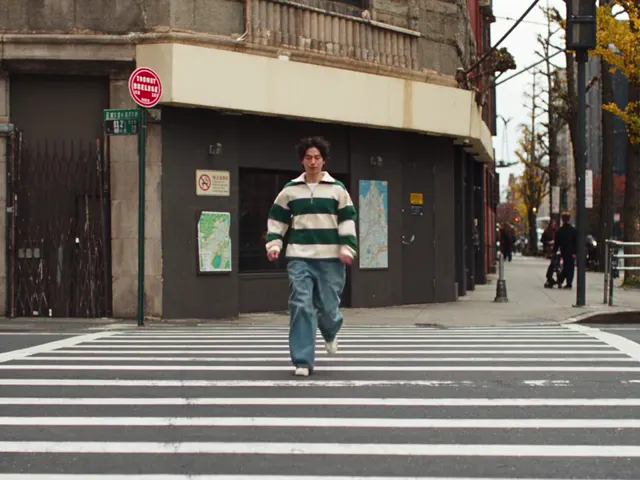
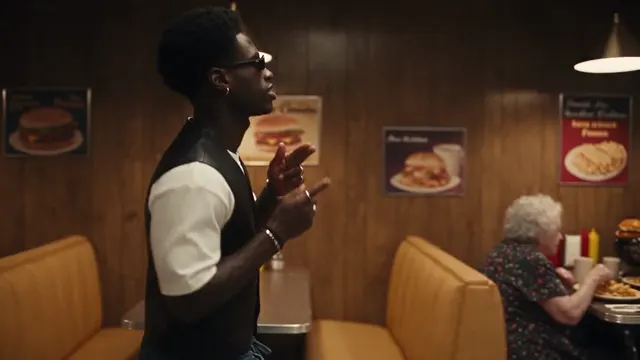
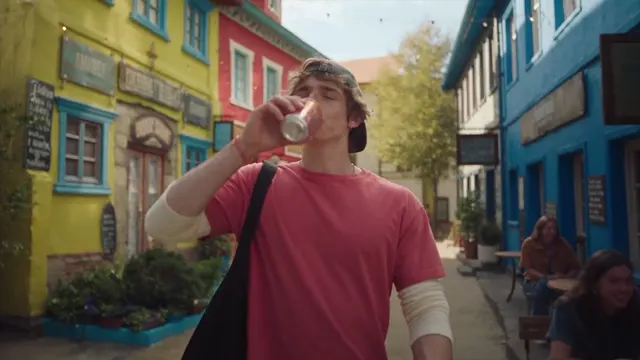
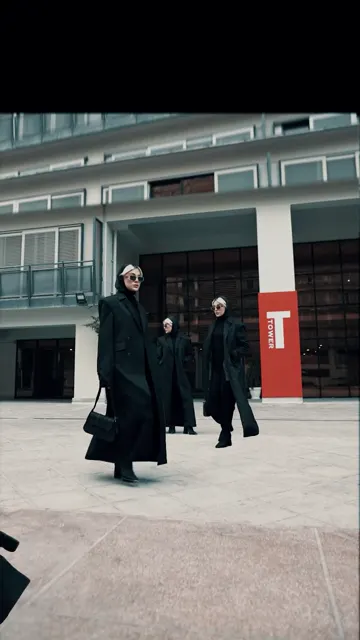
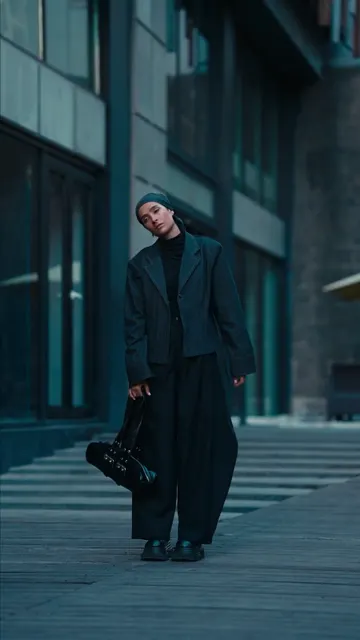

24 clips in the picker, from selfie talks and street dances to runway walks and duo scenes.
Three video character replacement AI models can replace person in video here. They share the same upload, clip window and casting, and differ in how they treat your source.
| Model | How it works | Lengths | Output | Best for |
|---|---|---|---|---|
| MiniMax H3 | Rebuilds the shot, using your clip as the motion reference | 5, 10, 15 s | 720p, 1080p (from native 768P / 2K) | The default: steady identity and clean faces at a mid price |
| Seedance 2.5 | Edits your clip directly | 5, 10, 15, 30 s | 480p, 720p, 1080p | Closest match to the source motion and framing; the only model with 30 s |
| Seedance 2.0 | Rebuilds the shot, using your clip as the motion reference | 5, 10, 15 s | 480p, 720p, 1080p | Lowest price, with looser timing and likeness |
Seedance 2.5 first sends the selected clip and your portraits through the provider’s face review. If anything is rejected, the job stops and every credit comes back.
Each way to replace person in video is priced by model, length and resolution, and the generate button shows the exact total before you start. Up to four photos cost the same as one.
| Model | Resolution | 5 s | 10 s | 15 s | 30 s |
|---|---|---|---|---|---|
| MiniMax H3 | 720p | 52 | 104 | 155 | — |
| MiniMax H3 | 1080p | 83 | 165 | 248 | — |
| Seedance 2.5 | 480p | 52 | 104 | 156 | 312 |
| Seedance 2.5 | 720p | 117 | 234 | 351 | 702 |
| Seedance 2.5 | 1080p | 208 | 415 | 623 | 1245 |
| Seedance 2.0 | 480p | 37 | 73 | 109 | — |
| Seedance 2.0 | 720p | 78 | 155 | 233 | — |
| Seedance 2.0 | 1080p | 195 | 390 | 584 | — |
On the cheapest monthly plan one credit costs about $0.028, so the default 10-second MiniMax H3 video at 720p (104 credits) comes to about $2.88.
Put yourself in a trend. Replace person in video clips everyone is posting with yourself, no dance lessons needed.
Swap friends into a duo clip. Replace someone in a video with someone else from your group: two photos, two people, and each keeps their own face through every cut.
Recast an ad or product video. Film once, then swap person in video for different presenters or markets.
Change music video characters into another person. Make a fan edit where a friend takes the lead, on footage you have the rights to.
Bring a mascot or character to life. Illustrated figures and 3D renders work when the photo shows them clearly.
Preview a casting choice. Change the person in a video with AI to see how someone else would look in a scene before a reshoot.
| Photos | 1–4 portraits · JPG, PNG or WebP · up to 10 MB · 300–6000 px per side |
|---|---|
| Source video | A template or your MP4 / MOV · 5 s to 5 min · up to 50 MB · 300–4096 px |
| Output length | 5, 10 or 15 s on MiniMax H3 and Seedance 2.0; up to 30 s on Seedance 2.5 |
| Resolution | MiniMax H3: 720p or 1080p · Seedance 2.5 and 2.0: 480p, 720p or 1080p |
| Frame | Follows your clip: 16:9, 4:3, 1:1, 3:4 or 9:16, padded and never cropped |
| Sound | The original audio of the selected window is restored; silent clips stay silent |
| Note | Optional, up to 800 characters |
| Account | Sign in and buy credits; no watermark on finished videos |
| Content | Adults who agreed to be edited; no sexual or NSFW content |
Specs and prices checked on 2026-10-10.
No. A face swap video only changes the face. To replace person in video, the model takes the face, hair, skin tone, build and clothes from your photo and keeps them from the first frame to the last. The motion, camera and background come from the video.
Yes. Add up to four photos, one per person. Photo 1 replaces the most prominent person, Photo 2 the next, and anyone without a photo stays as they are. Duo templates already know who is who, so Photo 1 and Photo 2 go to the right performers.
Upload a clip of 5 seconds to 5 minutes and pick the window to use. The output is 5, 10 or 15 seconds on MiniMax H3 and Seedance 2.0, and up to 30 seconds on Seedance 2.5. To replace person in video for a longer piece, run several windows and join them in an editor.
Yes. When you replace person in video here, the new video is generated silent and the original audio of the window you picked goes back underneath, so the song or voices stay in sync. A silent clip gives a silent result.
This tool keeps the scene and the sound from your clip on purpose. You can describe a small outfit or prop change in the optional note, but a new location or a new voice is a different job for a video editing or voice tool.
Start with MiniMax H3, the default. Choose Seedance 2.5 when the motion and framing must match the source exactly or you need 30 seconds (a Seedance 2.5 character swap edits the clip itself), and Seedance 2.0 when price matters most.
A replace person in video job usually takes a few minutes: cutting the clip, generating and restoring the sound. Longer windows and the Seedance 2.5 face review take longer. You can close the page; the job keeps running and appears under your recent videos.
No. You can replace person in video with illustrated characters, mascots and 3D renders if the photo shows them clearly, one figure per image.
Only with their permission. Use photos of adults who agreed to be in the video, and never make sexual or misleading content. Inputs the provider flags are refused and the credits are returned.
No. It runs in the browser on desktop or phone: upload, generate and download the MP4 on this page.
Add a portrait, pick a clip and replace person in video at the exact price shown before you generate.
Start replacing