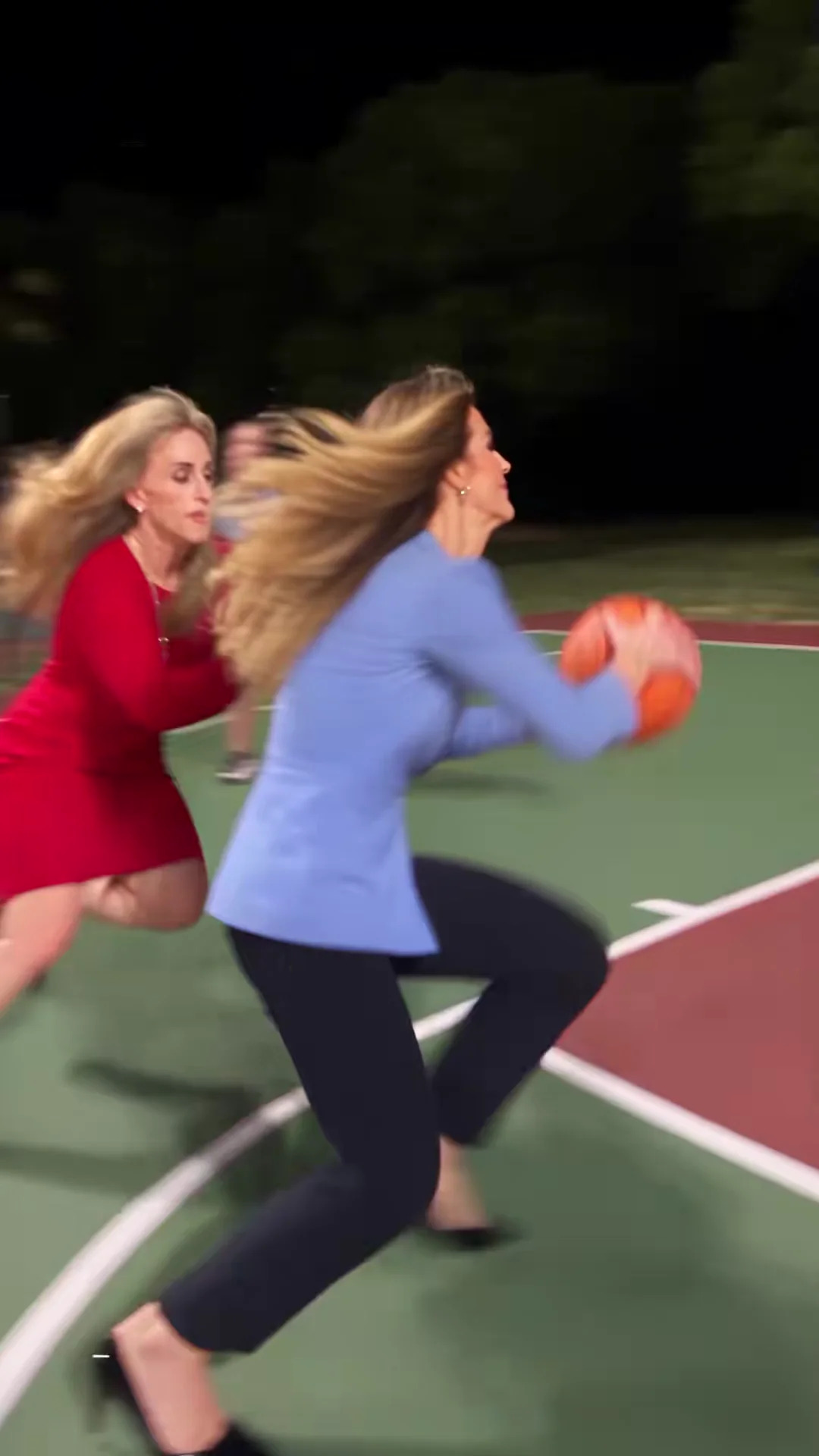
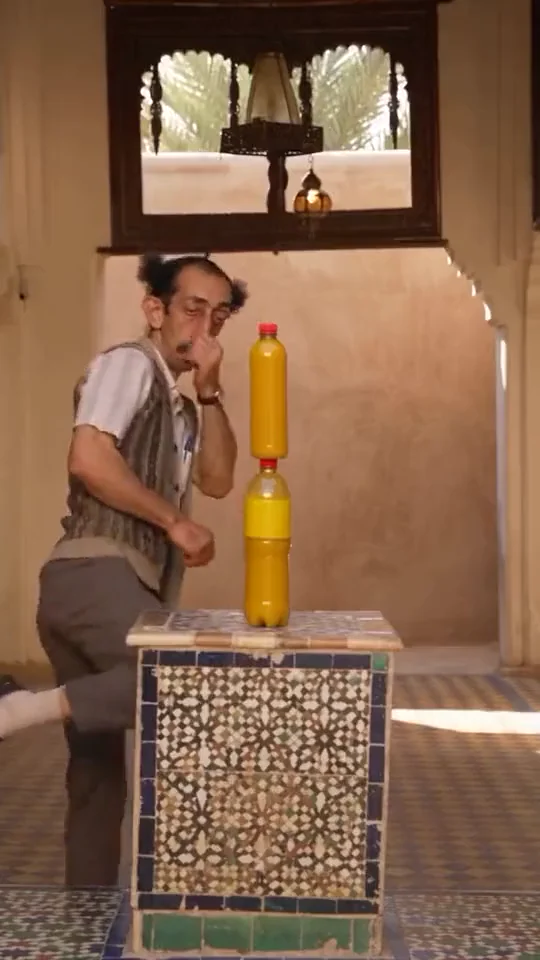
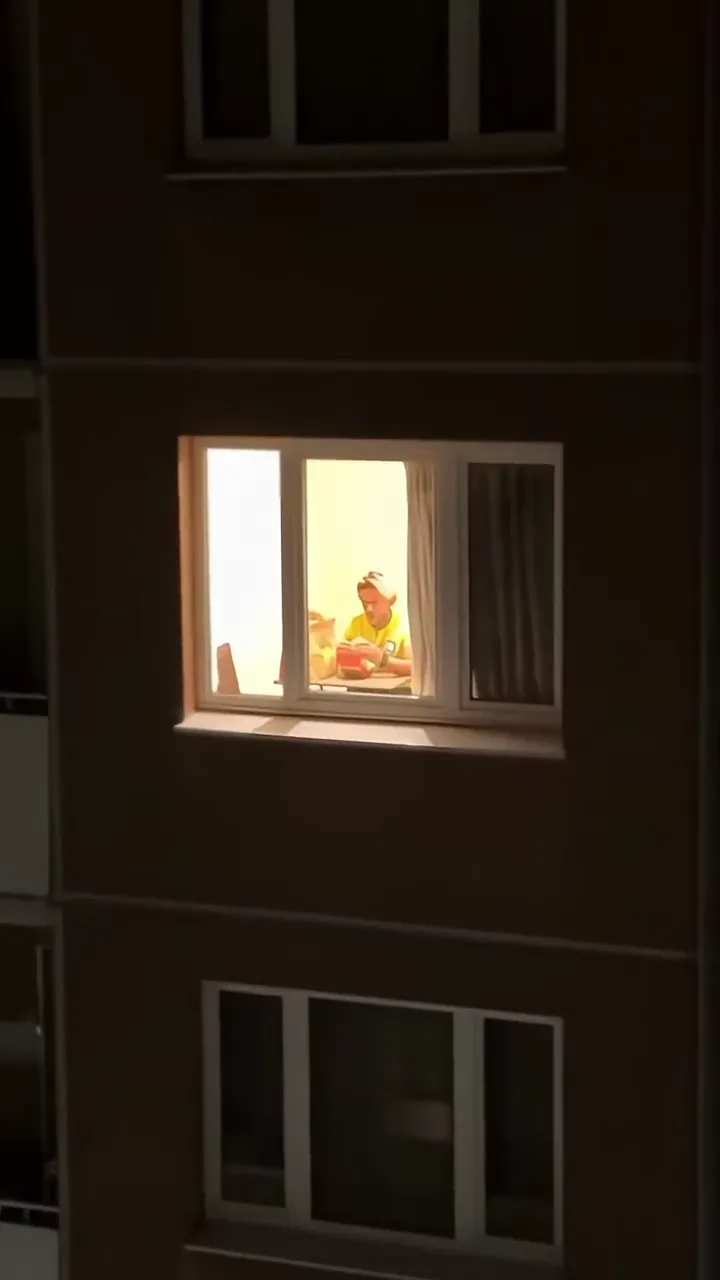
















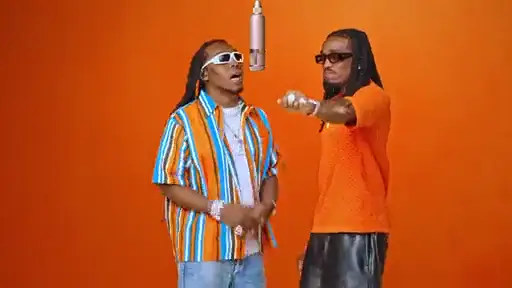

Native 2K output
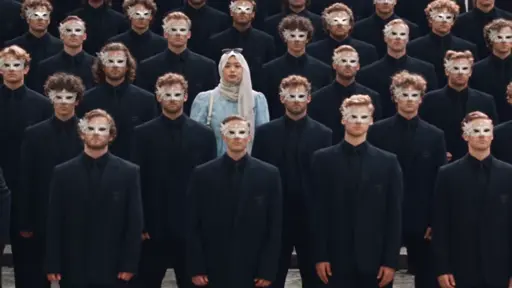
H3 renders at up to 2K resolution natively. Frames stay crisp on the big screen without upscaling tricks.
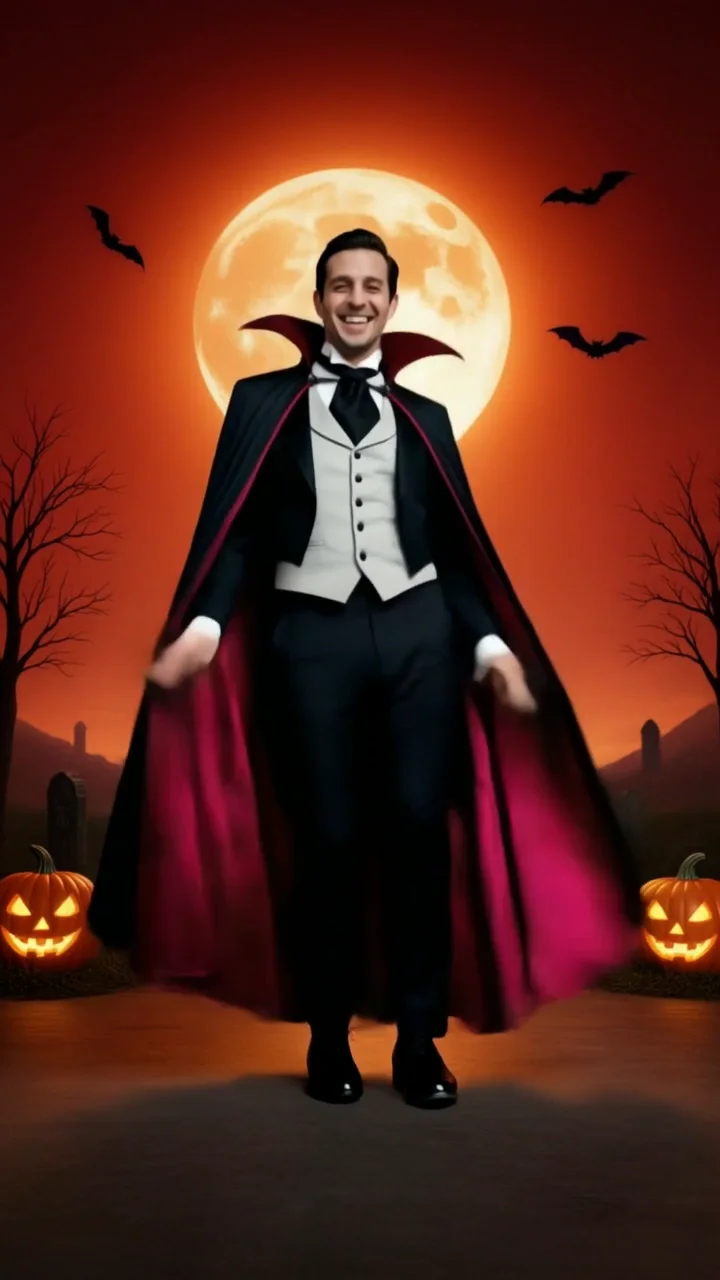
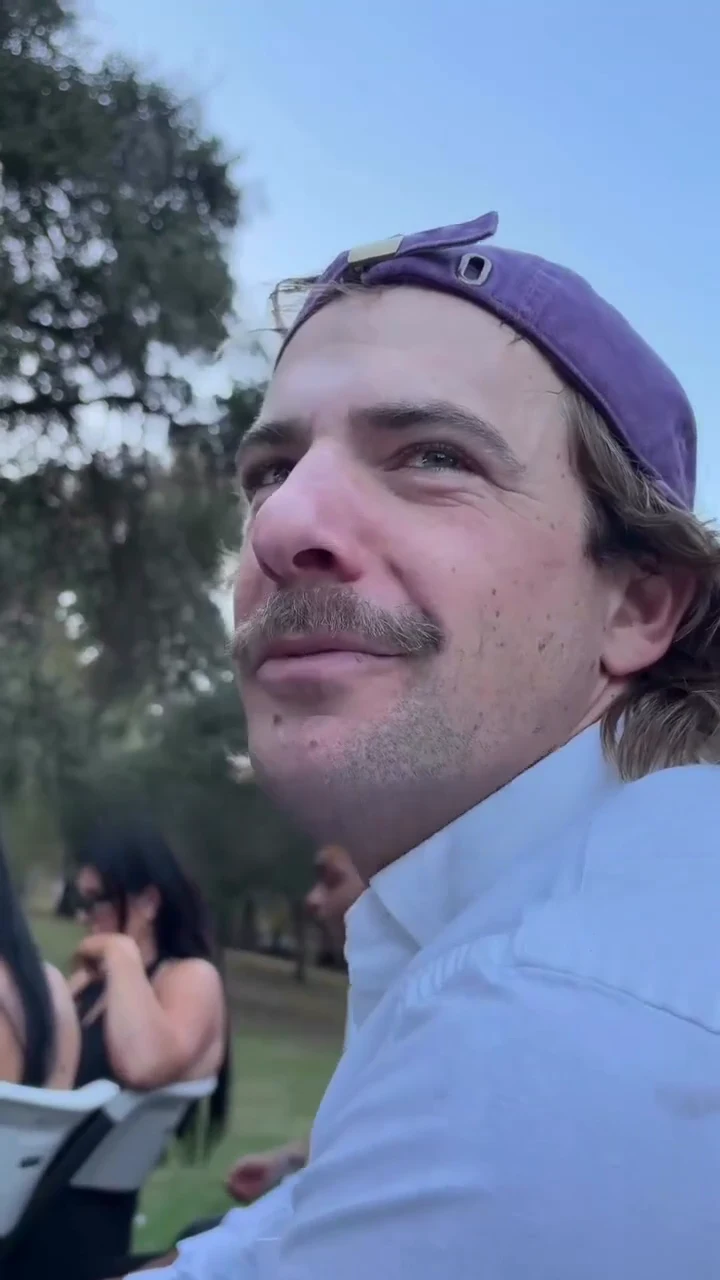
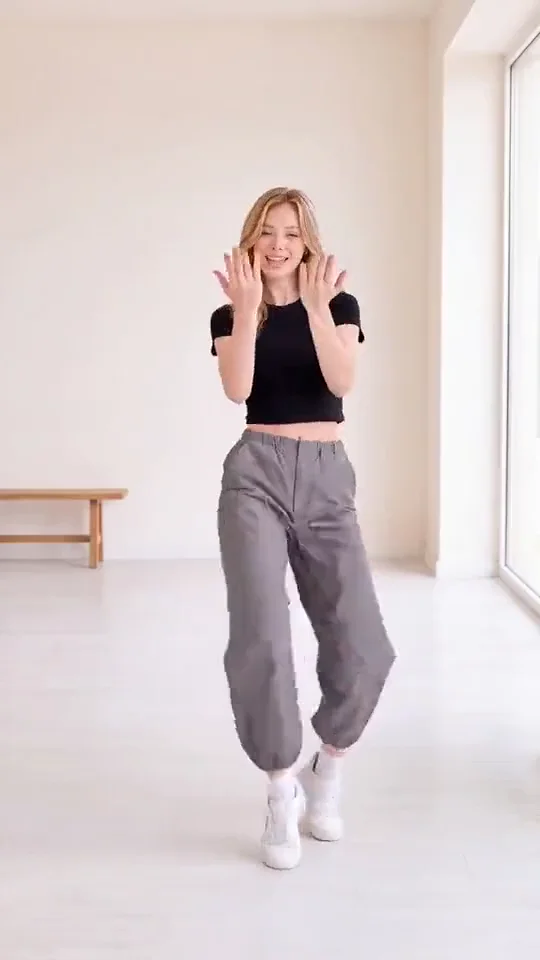
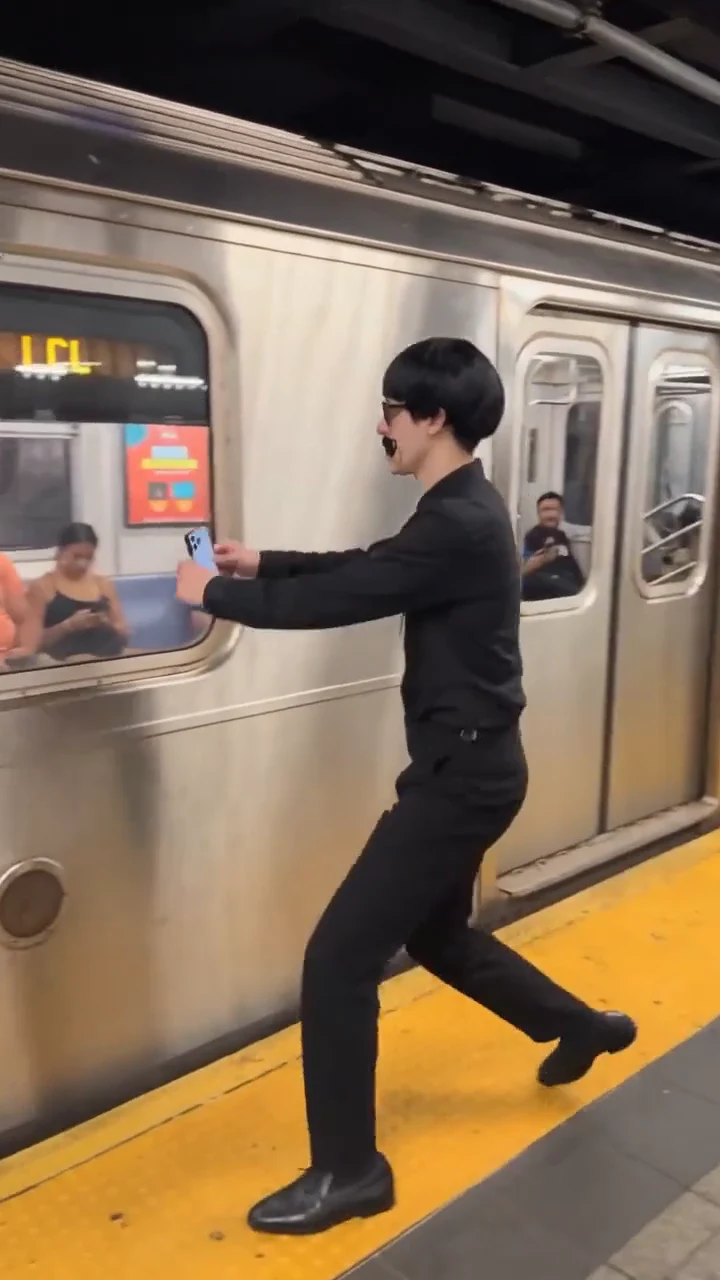
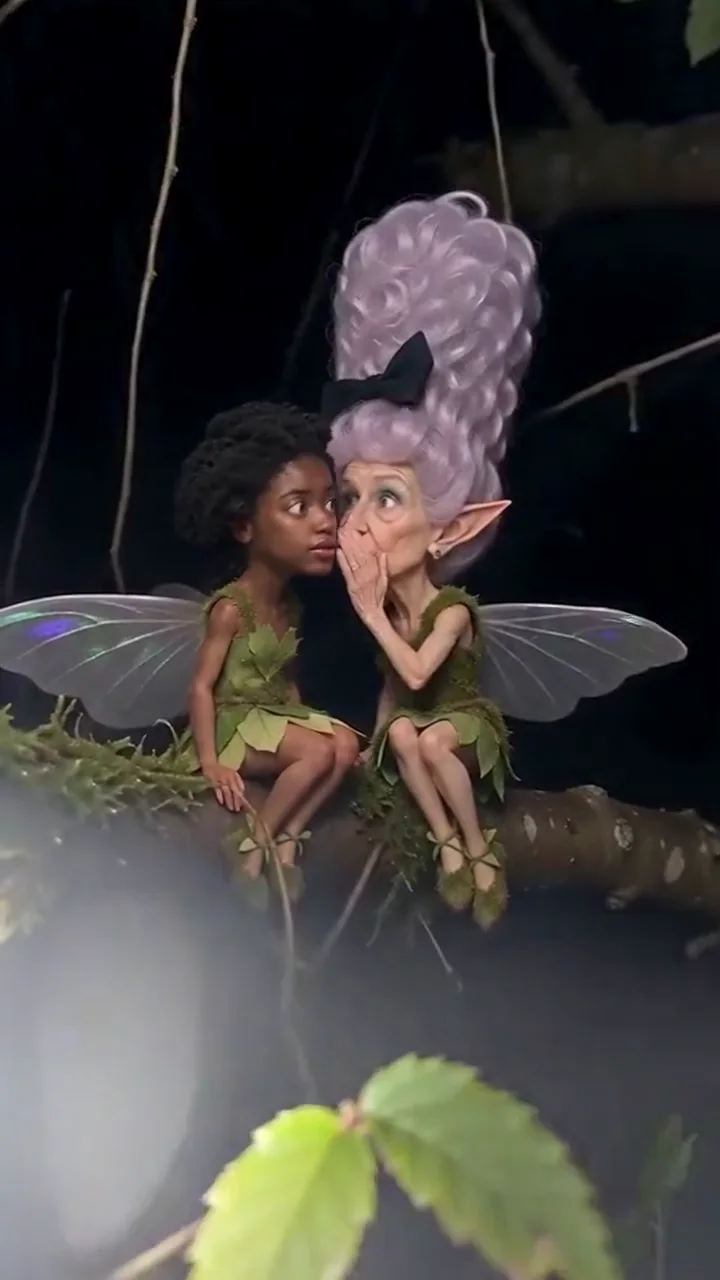
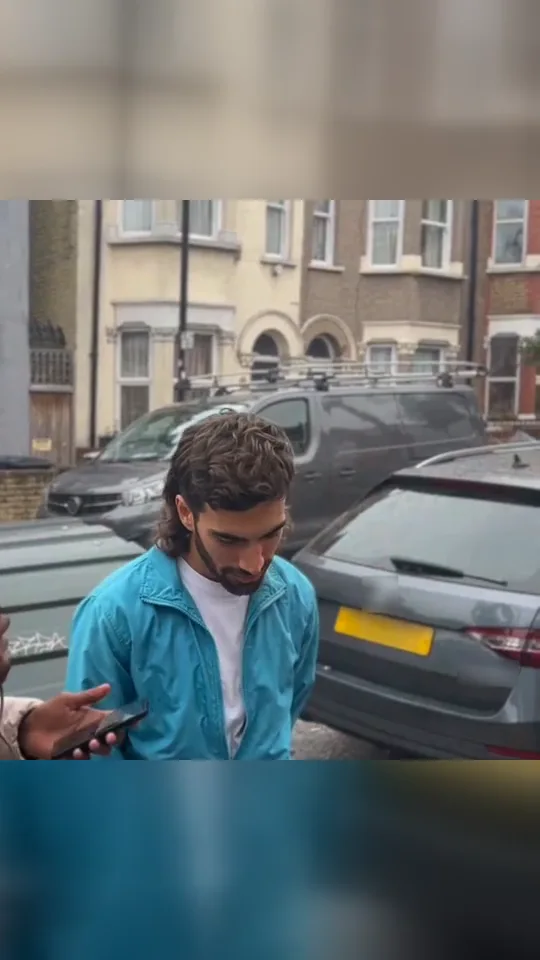
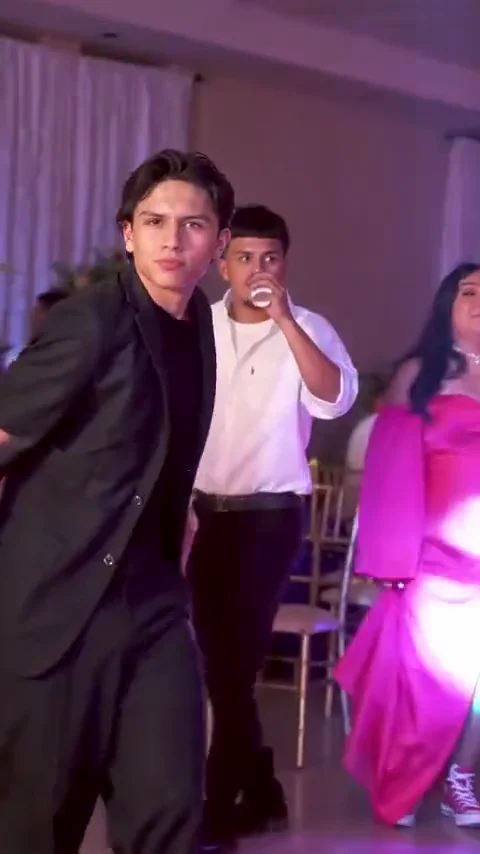
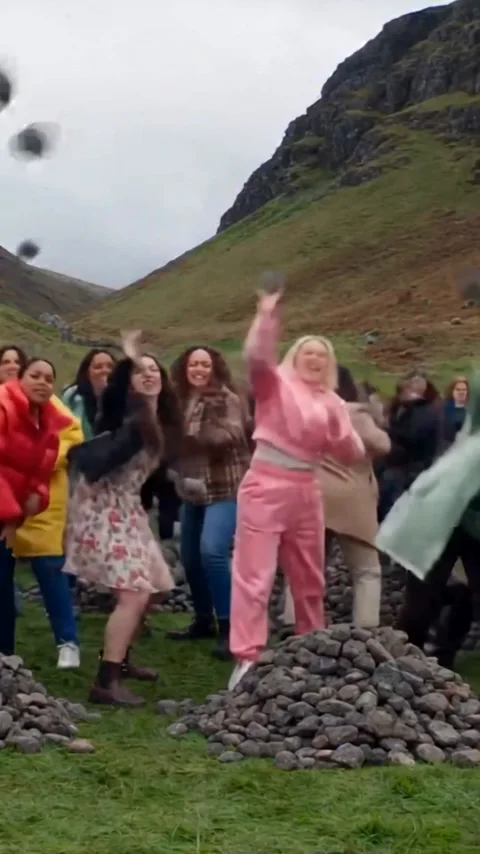
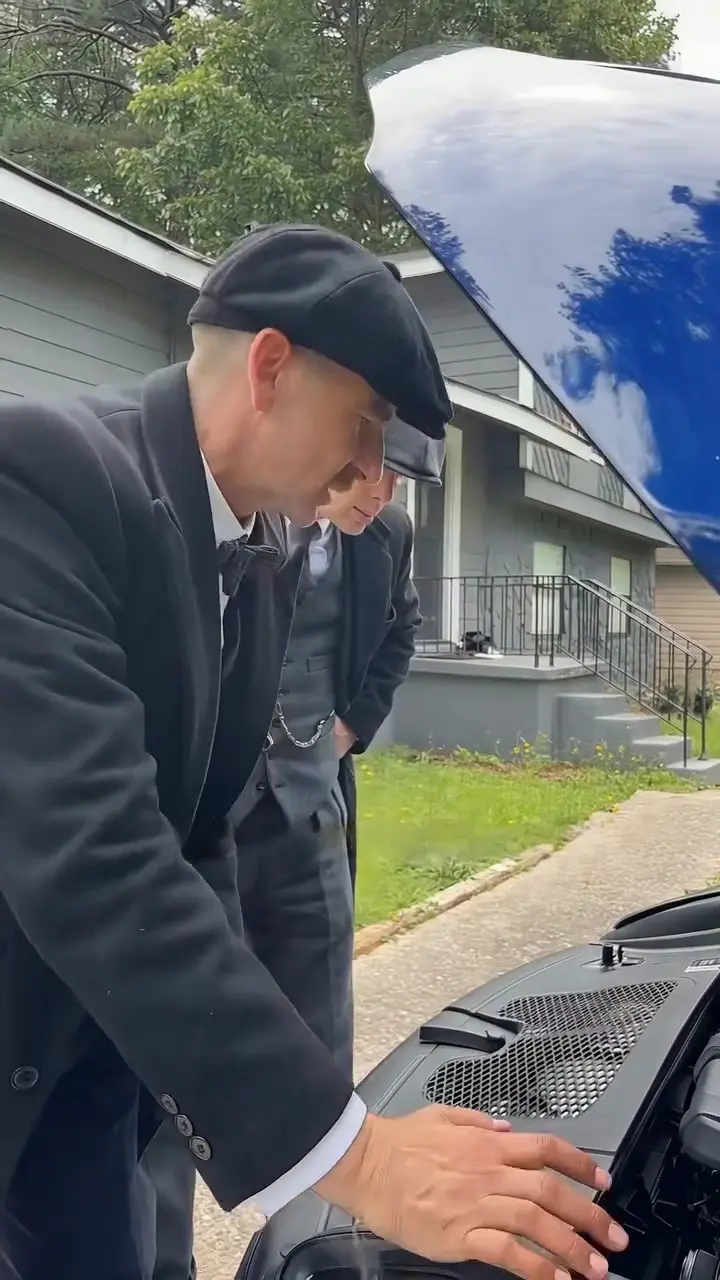
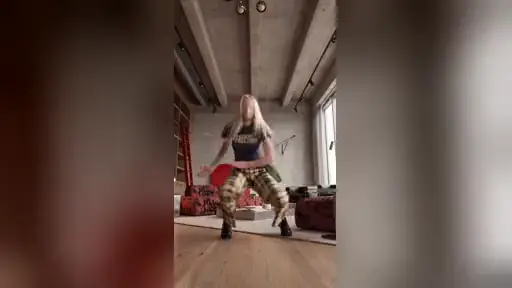
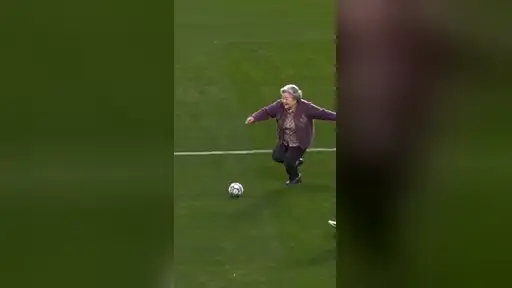
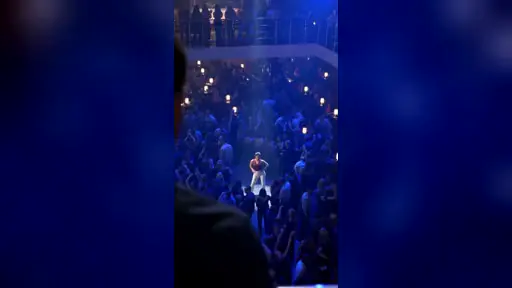
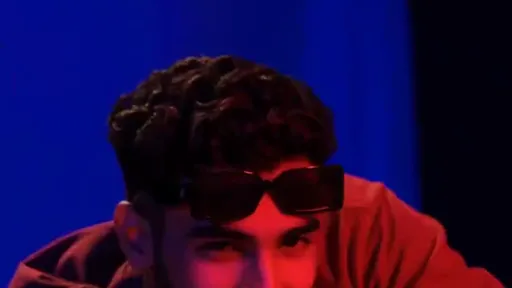
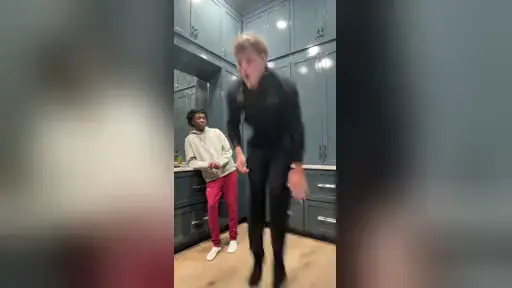
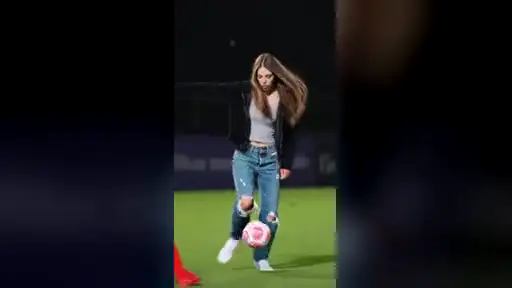
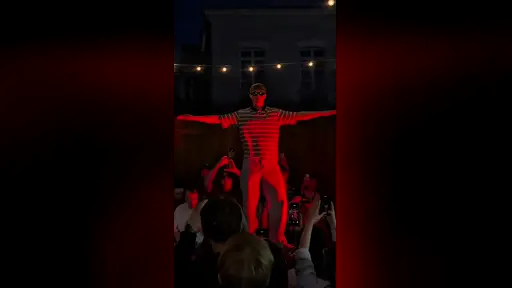
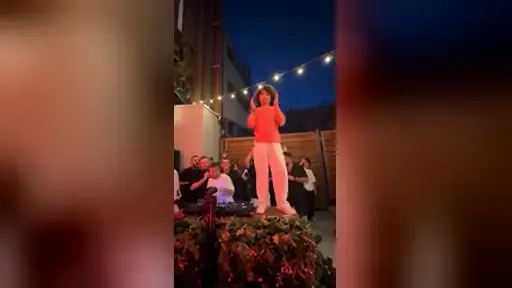
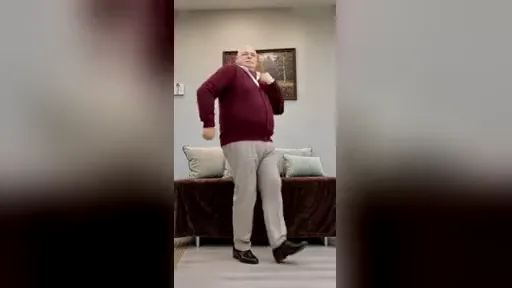
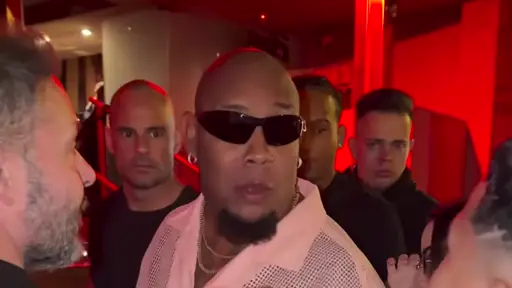
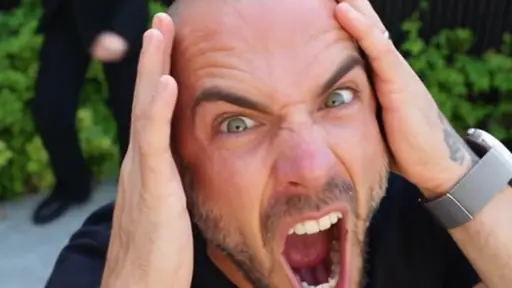
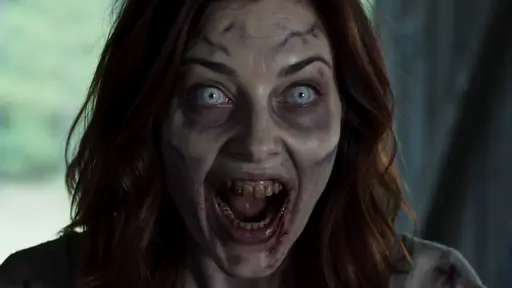
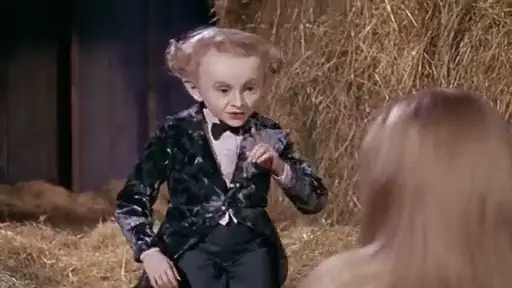
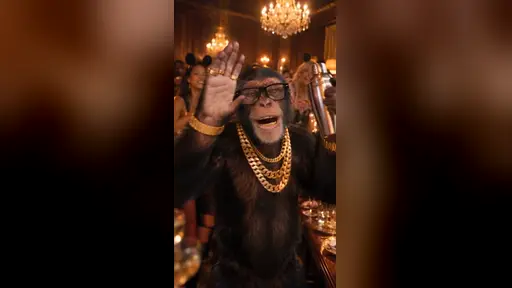
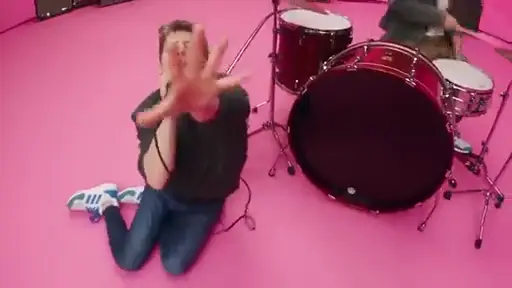
Pick one of 170 trend templates — dances, memes, transformations — upload a photo and get the finished clip with the original sound. Or skip the template and generate from a prompt with MiniMax H3, Seedance and more.

Cinematic video with native audio, up to 2K.
2K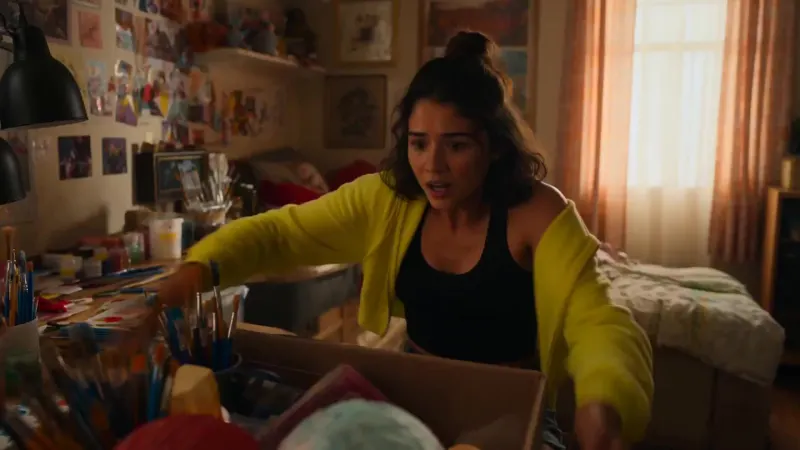
Bring text, images and references into motion.

Create and refine images with Flare or Sunburst.
NEW
Create videos from a prompt or an opening frame.

Detailed images and edits with reference images.

Turn an idea or a reference into a polished image.

Generate video from text or image references.
Generate, edit and inpaint with one image model.

Explore image ideas and reference-guided edits.
Create images from text or rework an existing image.
Turn a text prompt into your next visual idea.
Find the right model for your next idea. Explore MiniMax H3, Seedance, Kling, Grok, Gemini Omni and Wan in one workspace, from the first prompt to the finished video.
MiniMax H3Start with a scene in your head. Describe the action, camera and sound, then watch MiniMax H3 turn your words into a moving story.
Try text to video MiniMax H3
A small kitchen at dusk. A glowing hand-drawn creature appears beside a half-washed mug. Follow it with a gently handheld camera, warm backlight, quiet room sounds and soft electronic hums.
Give a still image its next moment. Add natural movement, guide the camera and turn a photograph into a scene that feels alive.
Try image to videoOriginal image
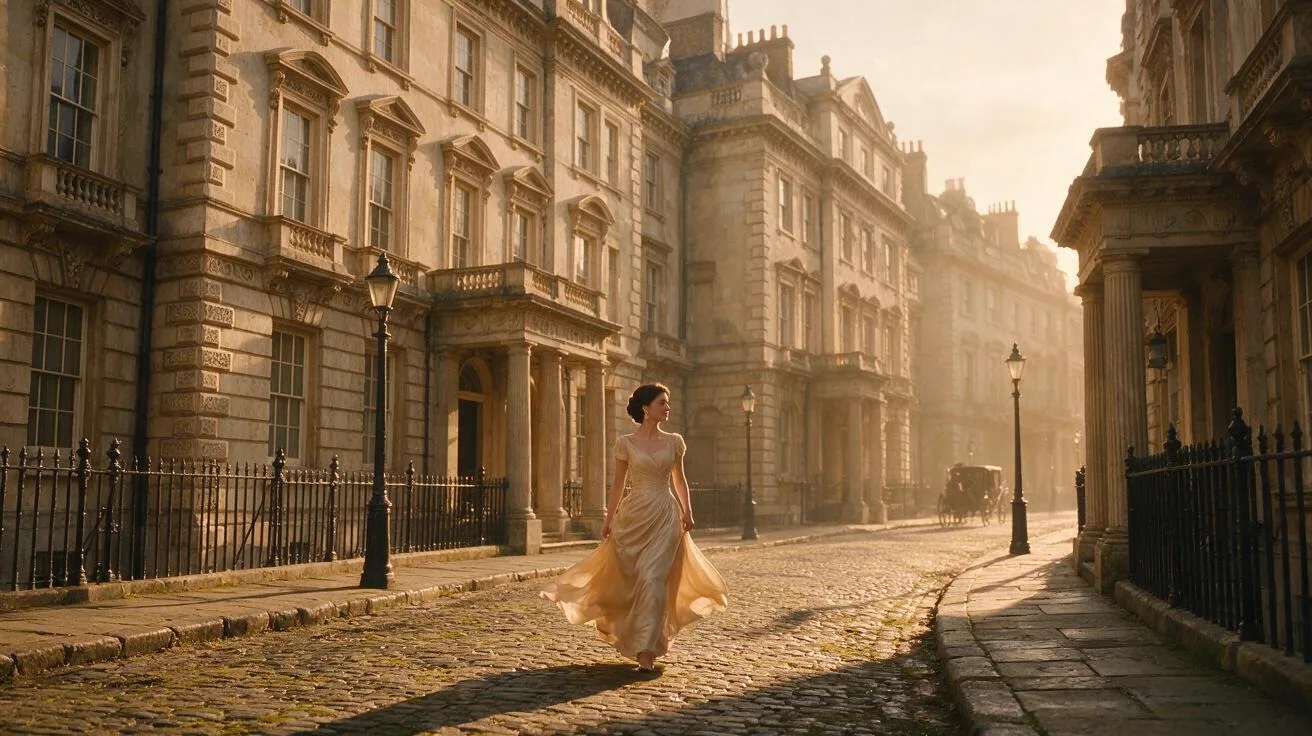
Animate this London street portrait. Track the woman while easing the camera backward to reveal the architecture. Let a passing steam car stir her dress and the street bustle around her. Include footsteps, conversation and the engine.
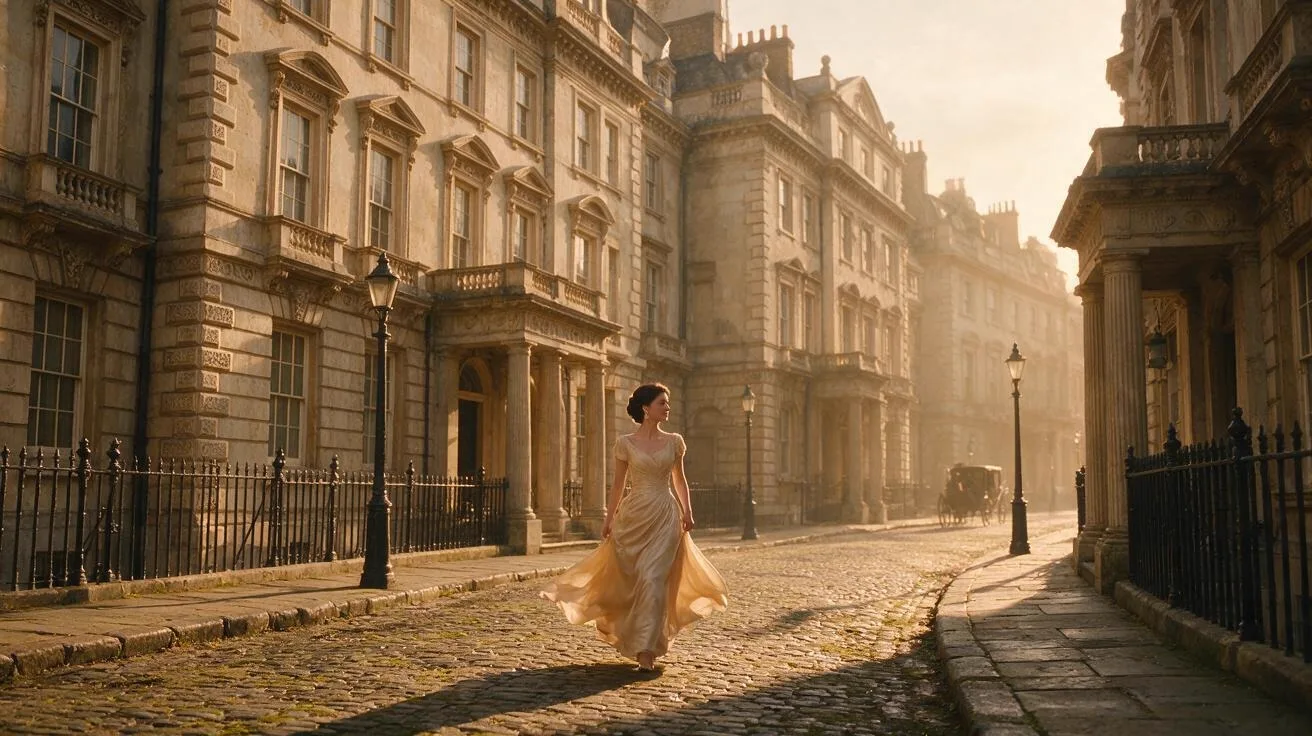 Seedance 2.0
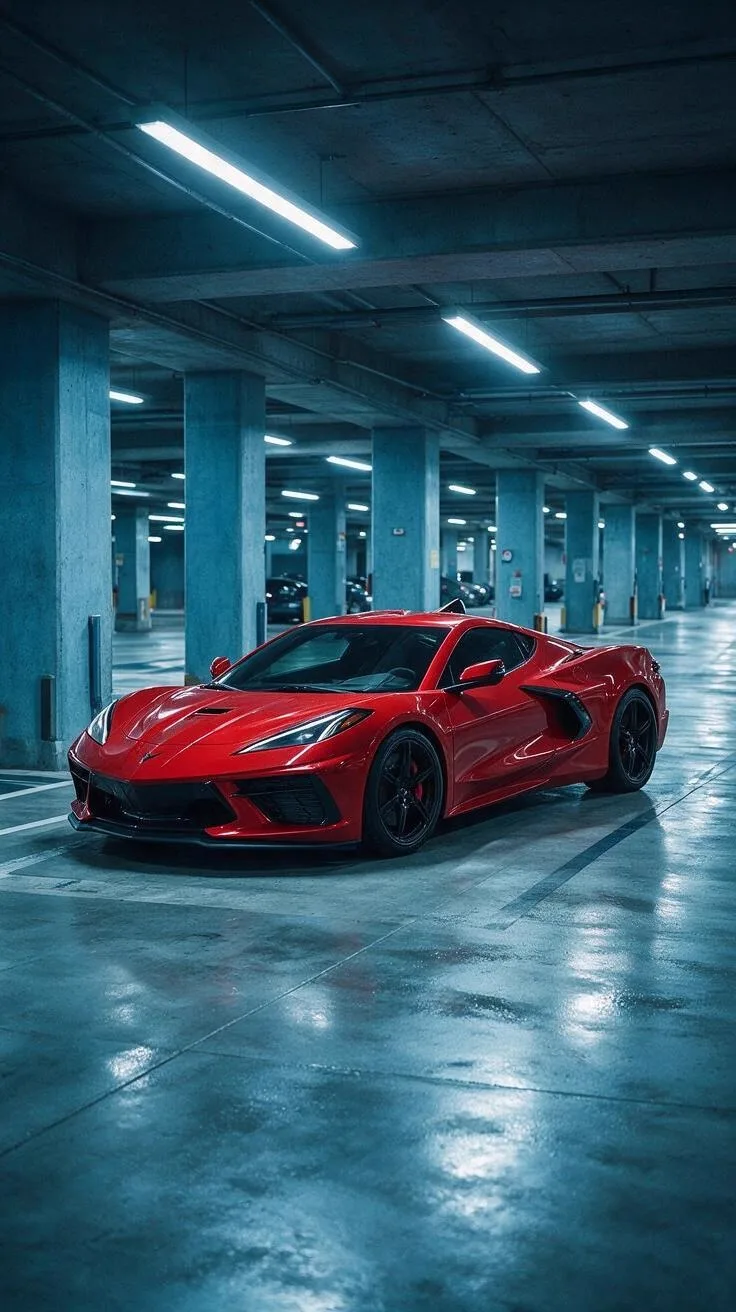
Bring the look you love and the movement you want. Combine image and video references to guide the subject, style and camera in your next shot.
Try reference to videoReference image
Reference video
 Seedance 2.0
Use @image1 as the car design. Borrow the camera choreography and editing pace of @video1 to film that red car. Keep its bodywork, paint and lighting coherent throughout the sequence.
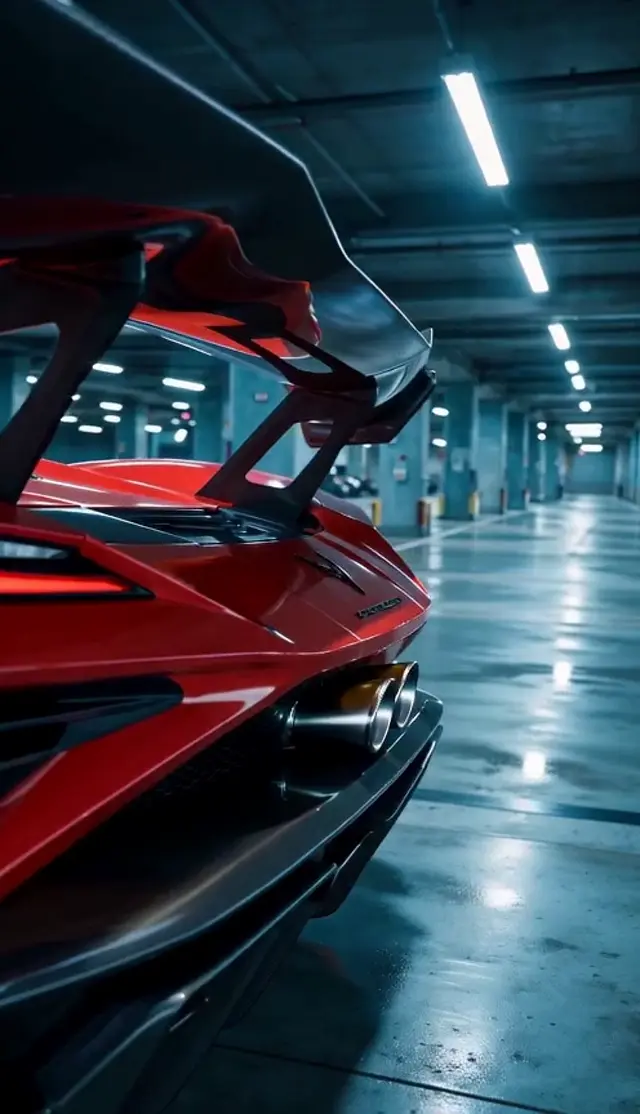 Seedance 2.0
Give the story another scene. Use your clip as a reference, describe what happens next and keep the character and visual direction connected.
Try video extensionReference images
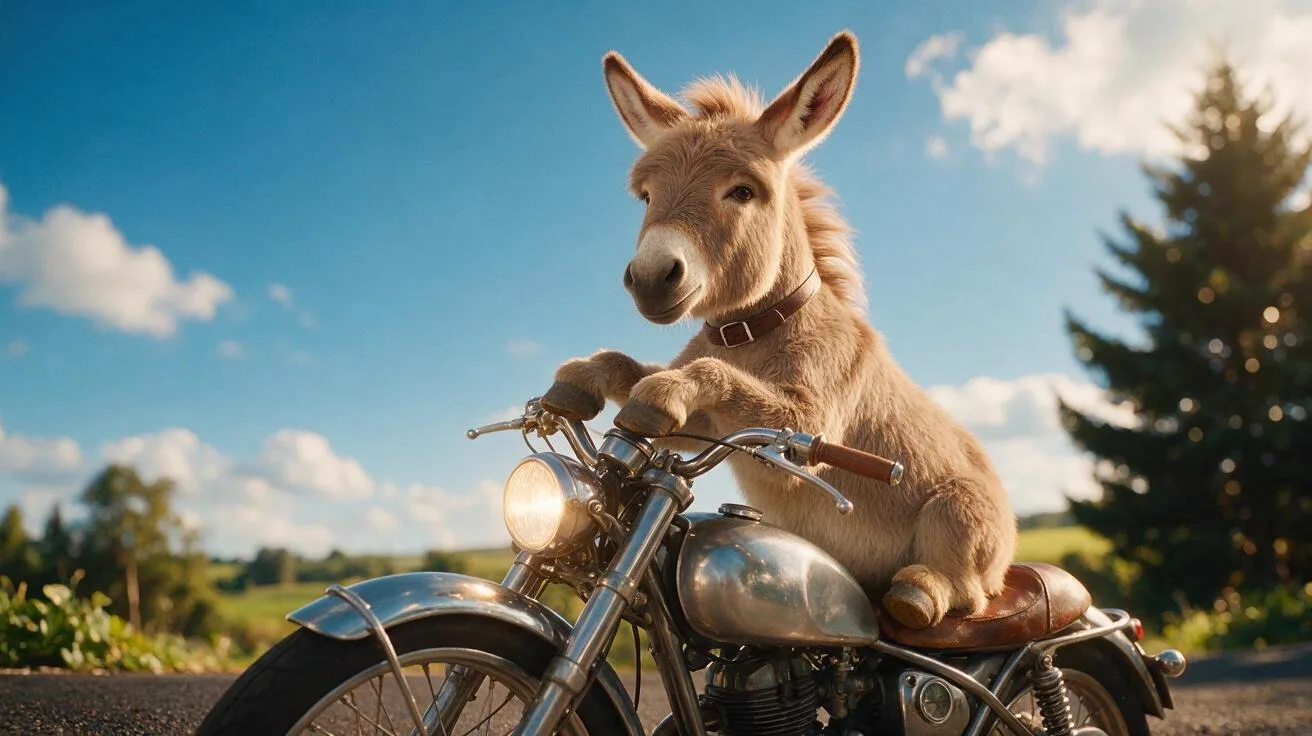
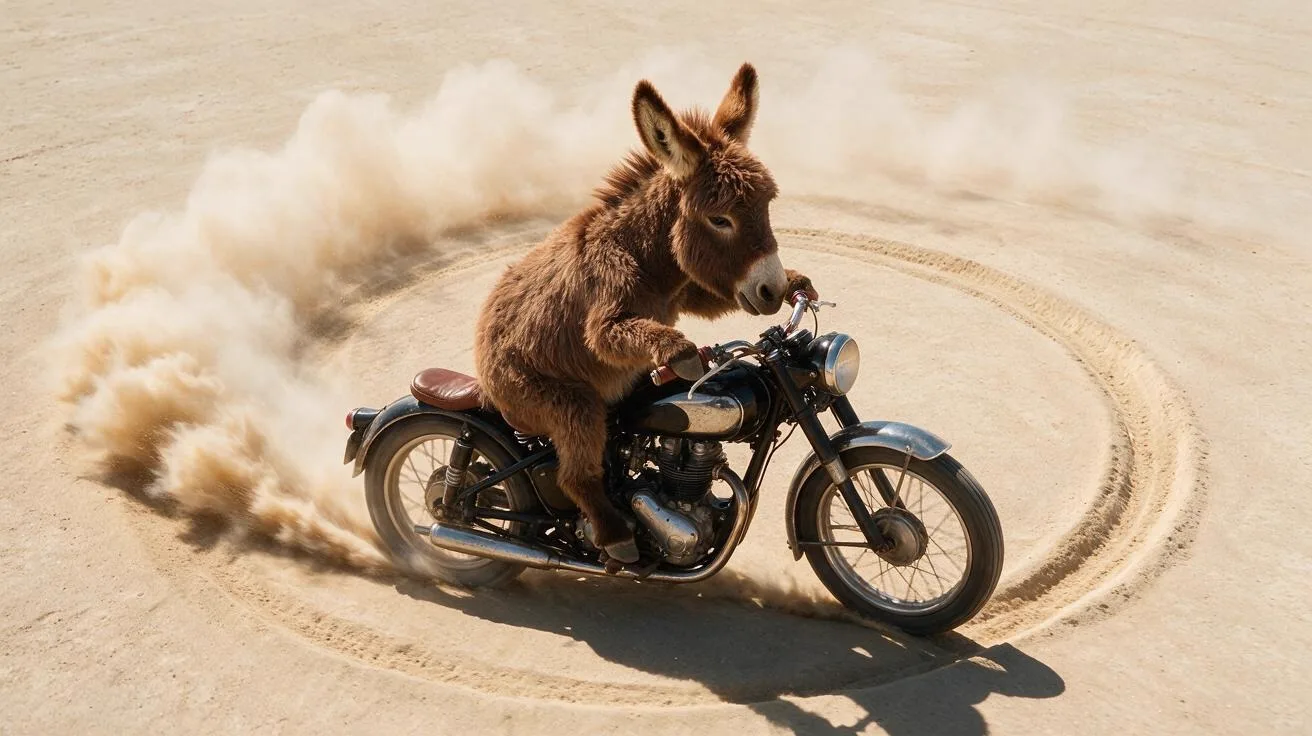
Original video
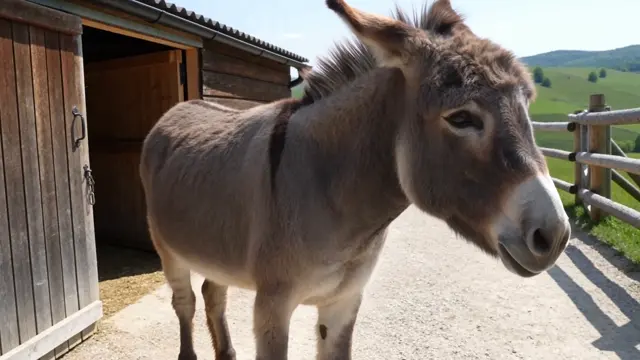 Seedance 2.0
Continue the motorcycle adventure after @video1. Preserve the donkey rider shown in @image1 and @image2, then follow the bike through a playful surreal advertising world for another 15-second scene.
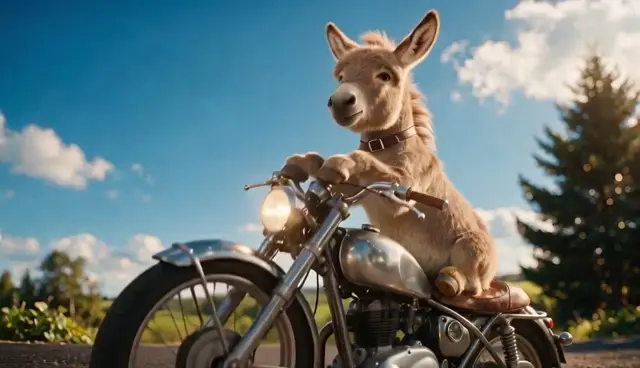 Seedance 2.0
Take an existing clip in a new direction. Describe a different action, setting or story and use Seedance to reimagine the scene.
Try video editingOriginal video
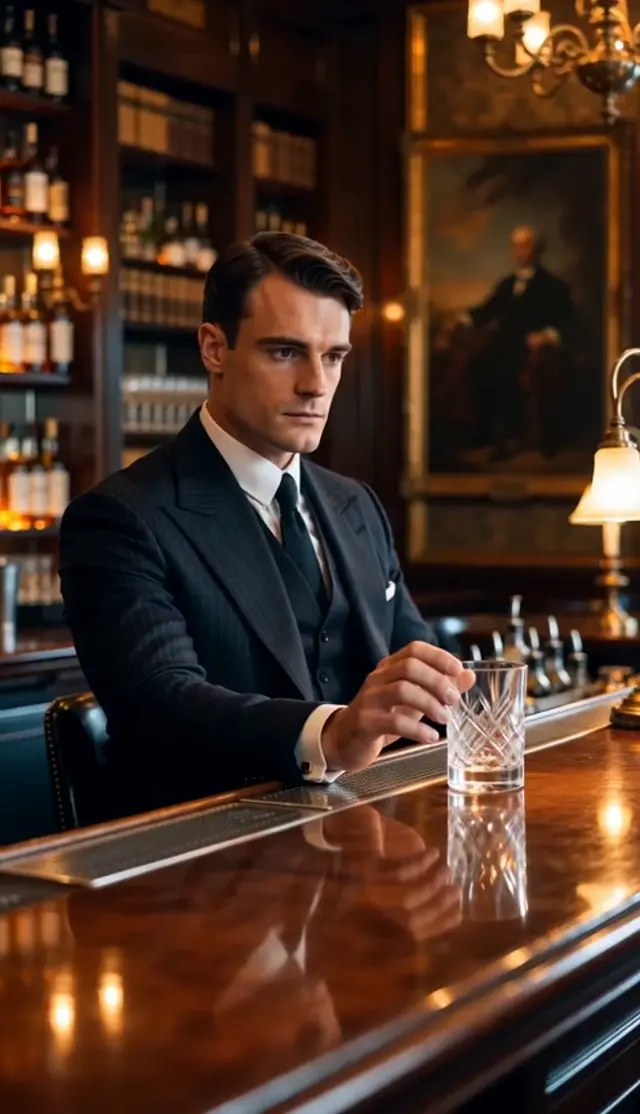 Seedance 2.0
Reimagine @video1 as a playful snack commercial. Begin with the suited man quietly holding a drink at the bar. Surprise the viewer when he lifts a large snack package, then end with him sharing it as the camera widens.
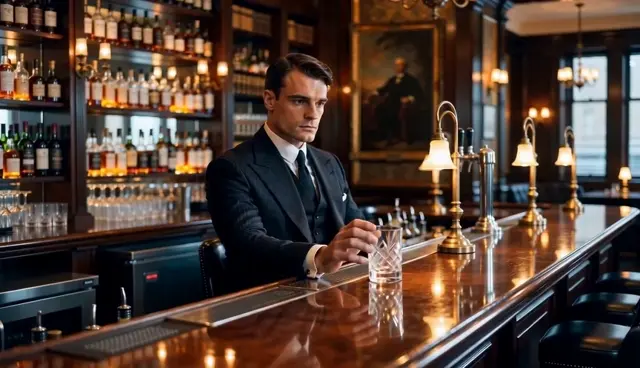 Seedance 2.0
Let the rhythm lead. Combine your images with a music or rhythm reference, then guide outfit changes, camera moves and transitions to the beat.
Try beat sync videoReference images
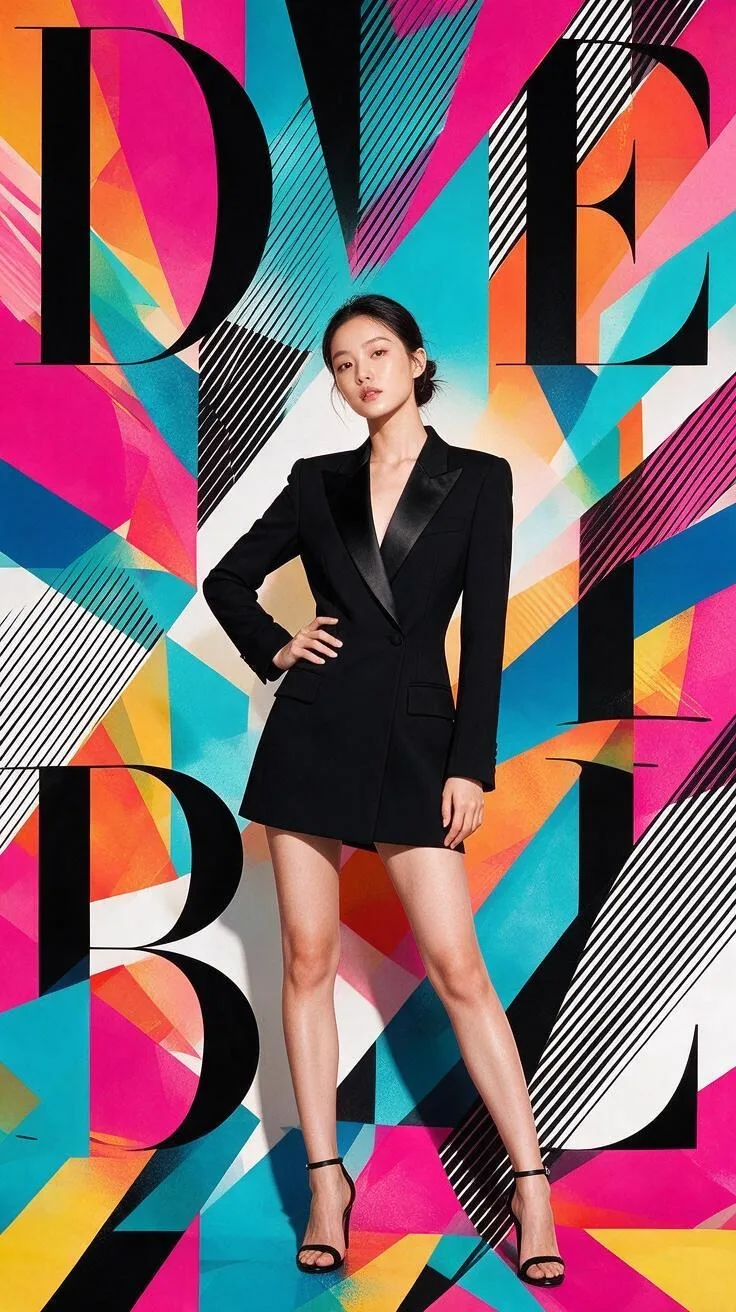

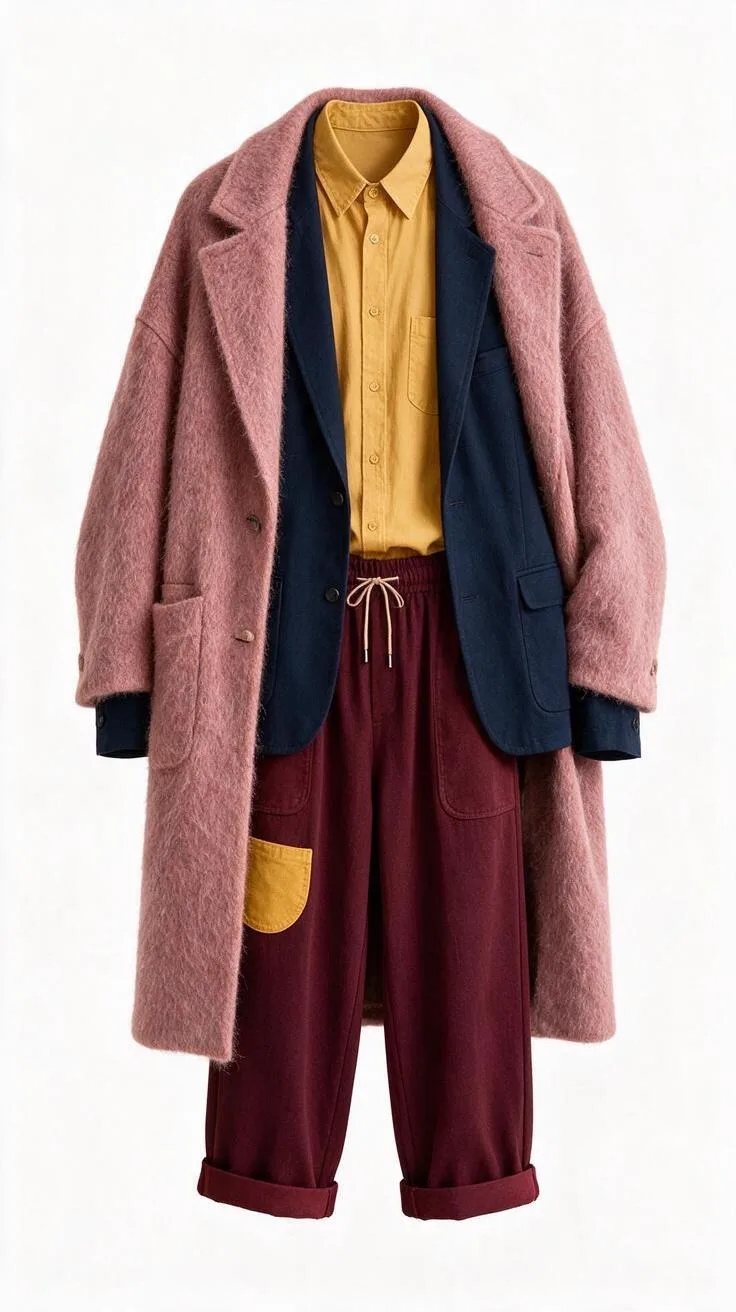
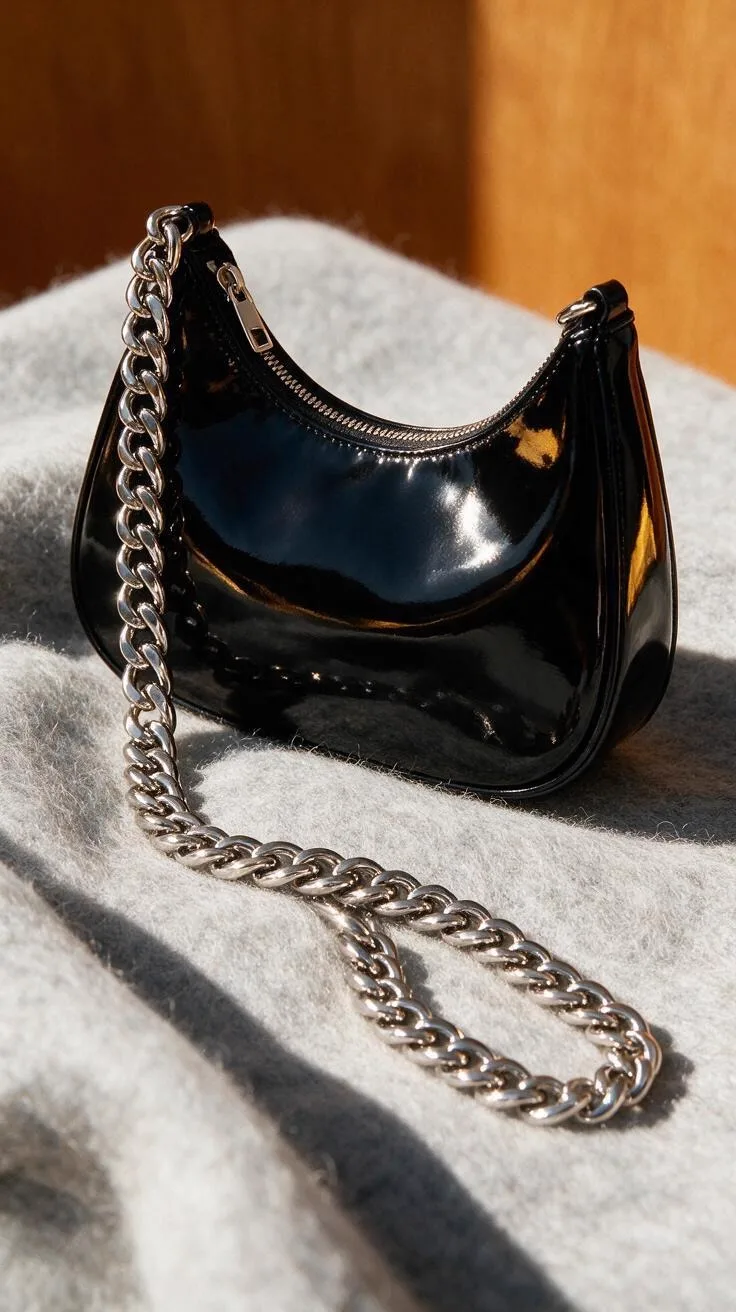
Rhythm reference
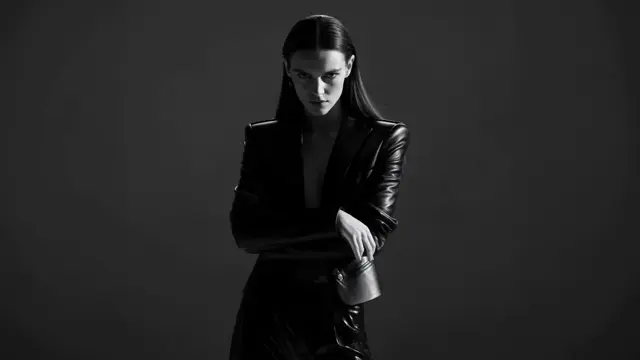 Seedance 2.0
Keep the woman from @image1 recognizable while switching between the outfits in @image2 and @image3. Add the bag from @image4. Time each outfit reveal and camera accent to the rhythm of @video1.
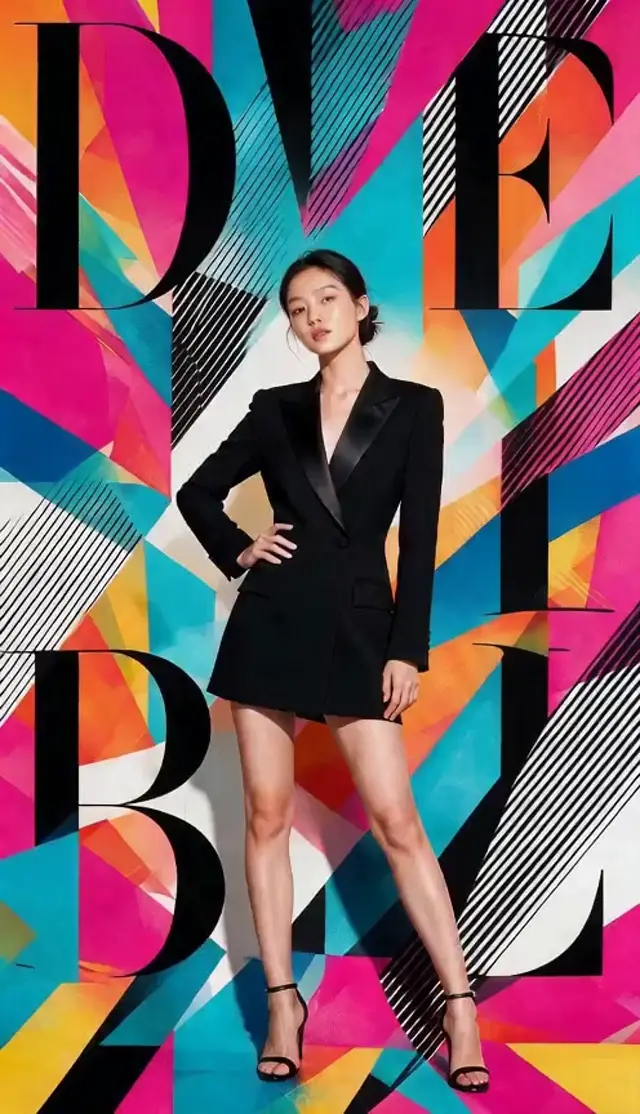 Seedance 2.0
Model provider


A production-focused AI video model for turning direction, frames and references into finished shots.
H3 renders at up to 2K resolution natively. Frames stay crisp on the big screen without upscaling tricks.
Every clip includes synchronized ambience and effects, matched to the movement in the scene.
Start from a prompt, a first frame, or both first and last frames. H3 animates everything in between.
Render for cinema, feeds and Shorts in 16:9, 9:16, 1:1, 4:3, 3:4 or 21:9.
Multimodal reference keeps faces, outfits, and styles stable across shots and scenes.
Videos made with subscription or purchased pack credits are yours to use in ads, client work and monetized content.
Built for real production work
Switch the lane to see the visual language, practical controls and a ready-to-run prompt recipe.
MiniMax H3 / film
Use MiniMax H3 to explore camera movement, atmosphere and action before committing to a production setup.
A young woman in a neon-yellow jacket races through a lantern festival across four shots, urgent handheld tracking, close-ups between wide crowd views, consistent face and wardrobe, vivid night ambience
MiniMax H3 / ads
Build short product films for launches, paid social and client concepts without a physical studio day.
Paris street fashion campaign, model in a black coat walks toward camera carrying a camel leather handbag, cut to a clean product close-up, soft overcast light, polished commercial pacing
MiniMax H3 / character
Direct expression, body motion and the surrounding scene from a written direction or reference frame.
Reference-driven anime sequence in a wood-paneled chess room, alternate between the same woman in red, her opponent and the full table, preserve faces, outfits and illustration style across every cut
MiniMax H3 / social
Create short vertical ideas with readable action, immediate hooks and sound built into the concept.
Vertical tracking shot of a surfer riding a glassy wave at sunset, camera stays beside the board through fast spray, warm sky reflections, synchronized ocean sound, immediate first-frame hook
Choose your inputs, check the credit cost, and generate your video.

01 · Opening frame
This saved first frame establishes the subject, framing, light and visual direction before motion.
02 · Finished H3 clip
Play the eight-second clip to judge rack focus, visual continuity and synchronized sound.
A real matched opening frame and MiniMax H3 output from the TryH3 example set—not an illustration or mock interface.
Write a prompt or upload a first frame. Pick a ratio and a duration from 4 to 15 seconds.
Check the displayed credit cost. When your balance covers it, start the video generation directly.
Watch your completed H3 video with motion and synchronized audio, then download the MP4.
One balance for every trend template and AI model. Pay once with a credit pack that never expires, or subscribe if you post every week.
Annual payment · All yearly credits granted at once · Valid through the paid year
Estimates for a typical 10-second meme template, using the whole balance on one model: Seedance 2.0 Mini at 480p, Seedance 2.5 at 720p (480p on the smaller packs). The real count depends on the template’s length and your resolution: shorter videos use fewer credits, longer videos and 1080p use more.
Pay safely and securely with




Studio: 2.25× the yearly credits for $72.00 more per year
Creator includes 9,600 credits; Studio includes 21,600. The full yearly balance is available after payment.
MiniMax H3 workflow guide
Choose an input path, set your output options and check the credit cost, then generate. Technical claims below link to MiniMax-owned sources.
Start from text when the shot exists as direction, from an image when the opening composition is already defined, or from multimodal references when identity, motion, voice or editing rhythm needs tighter guidance.
Choose 768P or native 2K, a 4–15 second duration, and the appropriate frame shape. Text mode offers six ratios; image mode follows the supplied frame. The generator shows the credit quote before submission.
Check composition first, then motion, continuity and sound. If a result misses, revise the single instruction that controls the weakest element instead of replacing the entire directing brief.
Everything you need to know before your first generation.
TryH3 is an AI video workflow built around MiniMax H3. Type a prompt or upload an image, review the direction, then render a clip at up to native 2K with synchronized audio.
Subscription credits renew each billing period and expire at that paid period’s end. One-time credit packs never expire. Each generation is quoted from its model, duration, resolution, audio tier and reference inputs; failed jobs are refunded automatically.
Clips run 4-15 seconds at up to native 2K resolution, with sound. Choose from 16:9, 9:16, 1:1, 4:3, 3:4 and 21:9.
Yes. Switch to Image to Video and upload a first frame. H3 animates it while your text prompt directs the motion.
Yes. Videos generated with subscription or purchased pack credits include commercial use for ads, client work and monetized content.
Usually 1-3 minutes depending on duration and queue load. Your video appears on the generator page as soon as it is ready.
Choose H3 for short directed scenes where motion, composition and synchronized sound matter together. Use an image tool for a still result, or Reference to Video when existing image, video or audio assets must guide the shot.
Uploads are processed to provide the requested workflow and remain subject to the TryH3 Privacy Policy. Only upload material you have permission to use; contact support for account, data or deletion requests.
Review the composition before committing credits. Continue to the full MiniMax H3 render when the direction is ready.
Start free — no card