
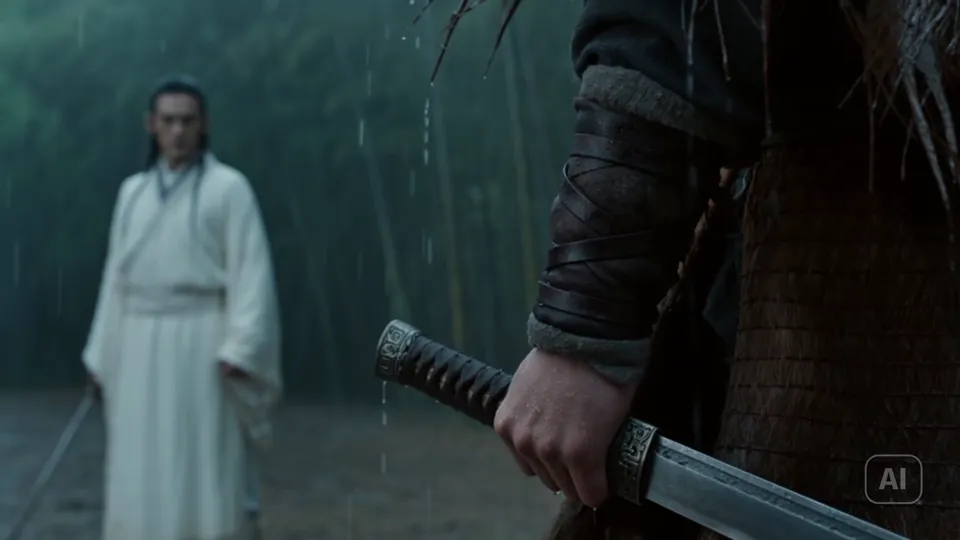
Text to video
Describe what happens in the shot
Start with a subject, a setting and one clear action. Add a camera move and describe the sound you want. Use text mode to explore a scene before preparing reference assets.
Create with Seedance 2.0Turn a written scene, a still image, or a set of references into a short video with Seedance 2.0. Choose your shot, set the output, and generate in one workspace.
4–15 seconds · Up to 4K · Optional generated audio
Generation requires a purchased plan or credit pack and enough credits. Your estimated cost appears before you generate.
See the model in motion
Watch how motion, camera direction and sound work together. Your results depend on your prompt, references and settings.
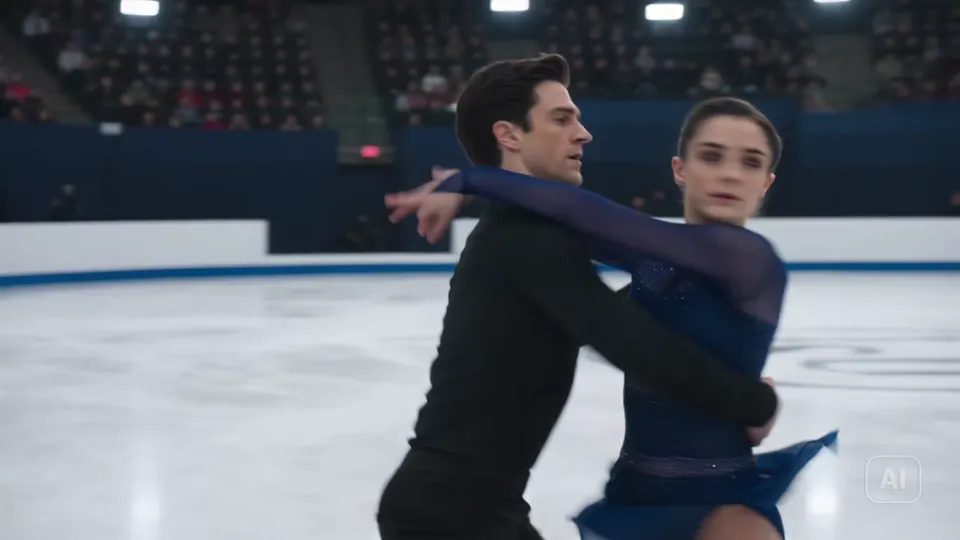
Motion & interaction
A skating sequence puts coordinated movement, changing camera angles and ice contact in the same shot.
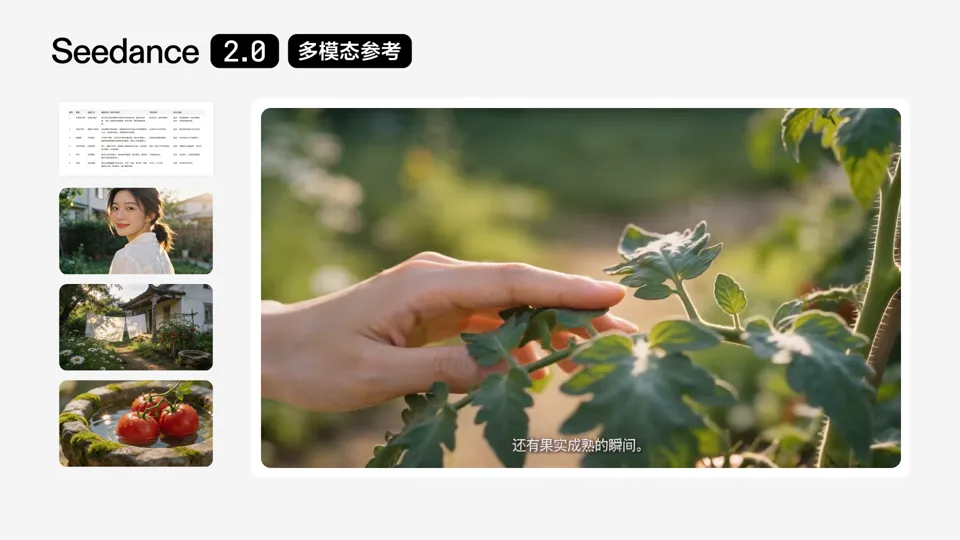
Reference to video
A reference-led short combines a shot plan, character, setting and props into a visual story.
Generated sound
A bamboo-forest duel pairs a moving camera with rain, footsteps and precisely timed impacts.
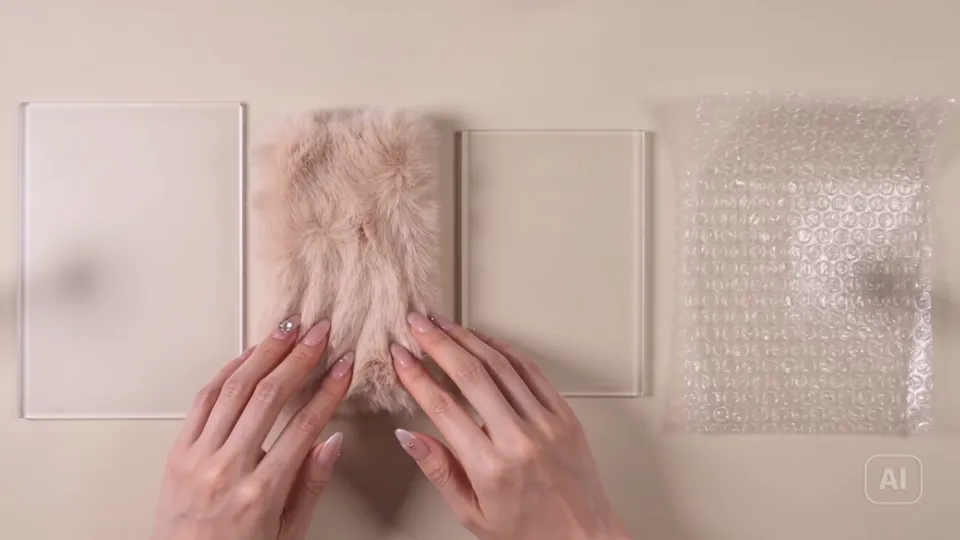
Texture & detail
Hands interact with textured objects in an ASMR scene built around gentle movement and sound.
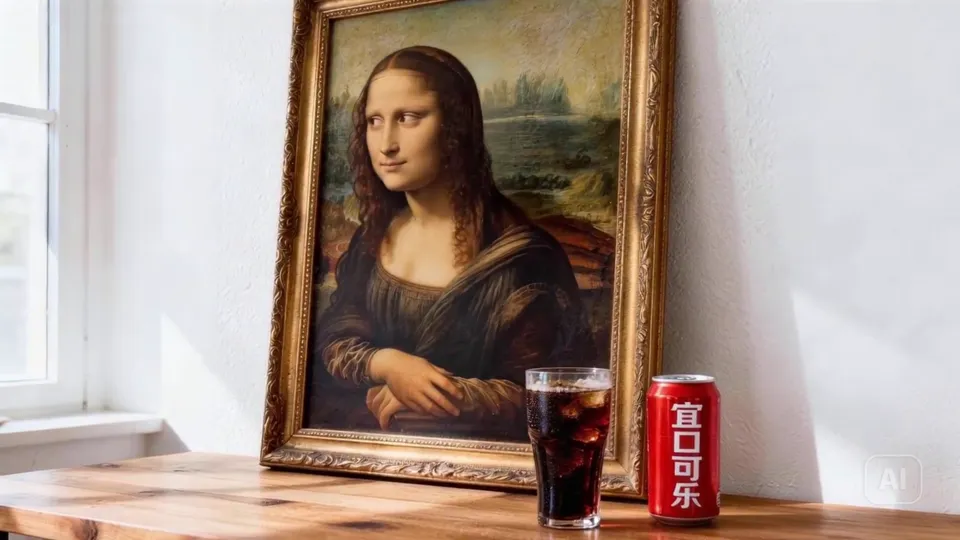
Image to video
A character steps out of a painting before the sequence moves to a product close-up.
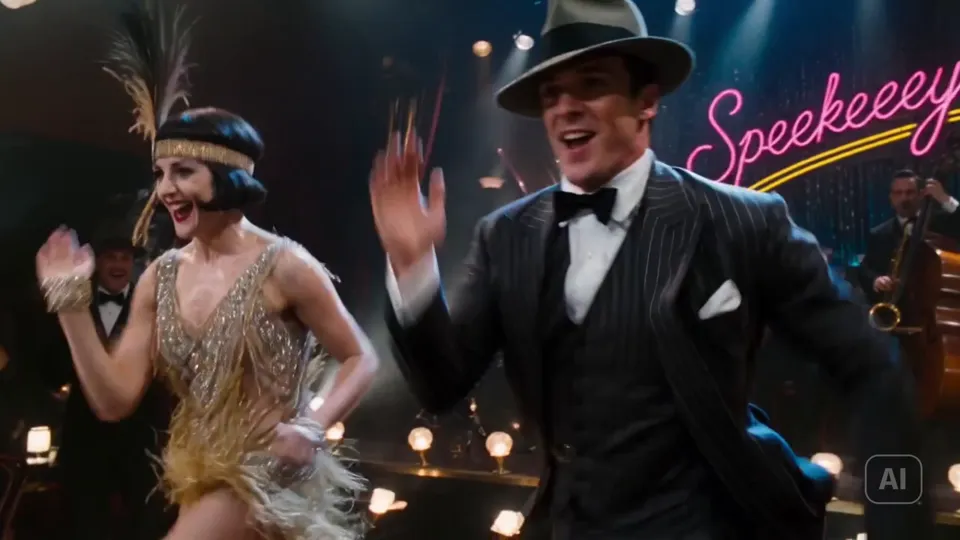
Performance
Fast footwork, moving fringe and a lively setting give this dance scene its rhythm.
Bytedance Seedance 2.0 accepts more than a written description. Choose the input that gives your scene the clearest starting point.
Text to video
Start with a subject, a setting and one clear action. Add a camera move and describe the sound you want. Use text mode to explore a scene before preparing reference assets.
Create with Seedance 2.0First & last frames
Use a first frame to establish the opening composition, a last frame to guide the ending, or both. Describe how the subject and camera move between them. This mode keeps frame inputs separate from reference media.
Create with Seedance 2.0Seedance 2.0 R2V
Use images for appearance and composition, a short video for motion or camera direction, and audio to suggest a sound. Tell the model what each reference should contribute, and what should change in the new video.
Create with Seedance 2.0Select Text to Video, First / Last Frame, or Reference mode. Start with text for an idea, frames for an opening or ending, and references when a subject or movement needs a visual guide.
Describe the action, camera and sound. Add the media your mode needs, then choose a duration, aspect ratio and resolution. Review the credit estimate before continuing.
Sign in with an account that has purchased a plan or credit pack and has enough credits. Generate your video, review the result, and download the completed clip. Change one instruction at a time when refining it.
Choose settings for the shot you need. Longer clips, higher resolutions and reference video can change the credit estimate shown in the generator.
| Setting | Available on this page |
|---|---|
| Duration | 4–15 seconds, in 1-second steps |
| Resolution | 480p, 720p, 1080p or 4K |
| Aspect ratio | 16:9, 9:16, 1:1, 4:3, 3:4 or 21:9; adaptive sizing in frame and reference modes |
| Generated audio | On or off; describe dialogue, ambience or effects in your prompt |
| Prompt length | Up to 4,000 characters |
| Model | Seedance 2.0 Pro; this page uses the standard 2.0 model |
Try a shorter draft at 720p to check the action before choosing a higher-resolution output. A 4K setting does not guarantee perfect faces, lettering or motion; inspect the downloaded video before using it in a final edit.
Give each asset a clear job. Consistent subjects, lighting and shot direction are easier to explain than a mixed collection of unrelated examples.
Add up to 9 JPG, PNG or WebP images, up to 30 MB each. Explain which image defines the subject, setting or style. Use media you own or have permission to use.
Add up to 3 MP4 or MOV clips, up to 50 MB each. Each clip must be 1.8–15.1 seconds, with no more than 15.1 seconds in total. Short, focused references make the intended movement easier to identify.
Add up to 3 MP3 or WAV files, up to 30 MB each and 15 seconds in total. Audio references need at least one image or video reference; audio alone cannot start a reference-mode generation here.
First / Last Frame and Reference are separate modes. To use images alongside reference video or audio, upload them in Reference mode instead of the frame slots.
Specify the subject and setting, one main action, the camera movement and the sound. The examples below are starting prompts to edit; they are not the prompts behind the videos above.
A matte ceramic coffee cup sits on a walnut table beside a rain-streaked window. Steam rises gently as the camera slowly pushes from a medium shot to a close-up of the rim. Soft overcast light, natural colors. Quiet rain and room ambience, no music, no text.
Use this promptA cyclist in a yellow raincoat stops beside a roadside flower stall at dusk. The florist hands over a small paper-wrapped bouquet. The camera tracks sideways at eye level, keeping both people in frame. Wet pavement reflects warm shop lights. Bicycle bell, light rain, no dialogue.
Use this promptClose-up of a hand placing three glass marbles into a shallow wooden bowl, one at a time. A locked camera holds the bowl in focus while afternoon light crosses the table. Each marble makes a distinct tap and a brief rolling sound. No speech or background music.
Use this promptStart with a product image and describe the reveal, lighting and camera move. Use the clip to review a visual direction before building a longer campaign.
Choose 9:16 and keep the action readable in a short clip. Plan space for captions you will add in your editor.
Use a frame or a set of references to test a scene’s composition and movement. Review continuity before combining clips into a longer sequence.
Seedance 2.0 is a ByteDance video-generation model that works with text, images, video and audio references. This page provides an online generator for the standard Seedance 2.0 Pro model. This site is an independent service.
You can browse this page, watch the examples and prepare a prompt for free. Seedance 2.0 generation here requires a purchased plan or credit pack and enough credits for the selected settings. Signup or gift credits alone do not unlock this model. There is no free Seedance 2.0 generation trial on this page.
The generator displays an estimated credit cost before you submit. It depends on output duration and resolution; uploaded reference video also affects billing. Check the current estimate for your settings and the pricing page for available plans and credit packs.
This generator supports clips from 4 to 15 seconds in one-second steps. For a longer project, generate separate clips and assemble them in a video editor. Keep the number of actions realistic for the duration you choose.
Yes. The standard Seedance 2.0 model on this page offers 480p, 720p, 1080p and 4K settings. Higher resolution changes the credit estimate. Choose 4K when the extra detail is useful, and review the actual output before final delivery.
Yes. Use the audio control to request generated sound, and describe dialogue, ambience or effects in the prompt. You can also supply audio references in Reference mode together with an image or video. Check the finished clip for timing and pronunciation.
Text mode starts from a written prompt. First / Last Frame mode accepts an opening image, an ending image, or both. Reference mode accepts up to 9 images, 3 videos and 3 audio files within the upload limits shown above. Do not mix frame slots with reference-mode uploads.
Describe a specific subject, action, setting and camera move, then add the sound you want. Explain the role of each reference asset. For multiple shots, state their order and keep the sequence short enough for a 4–15 second clip. Refine one detail at a time.
Choose a starting point, describe the movement, and check your settings. Your Seedance 2.0 workspace is ready above.