
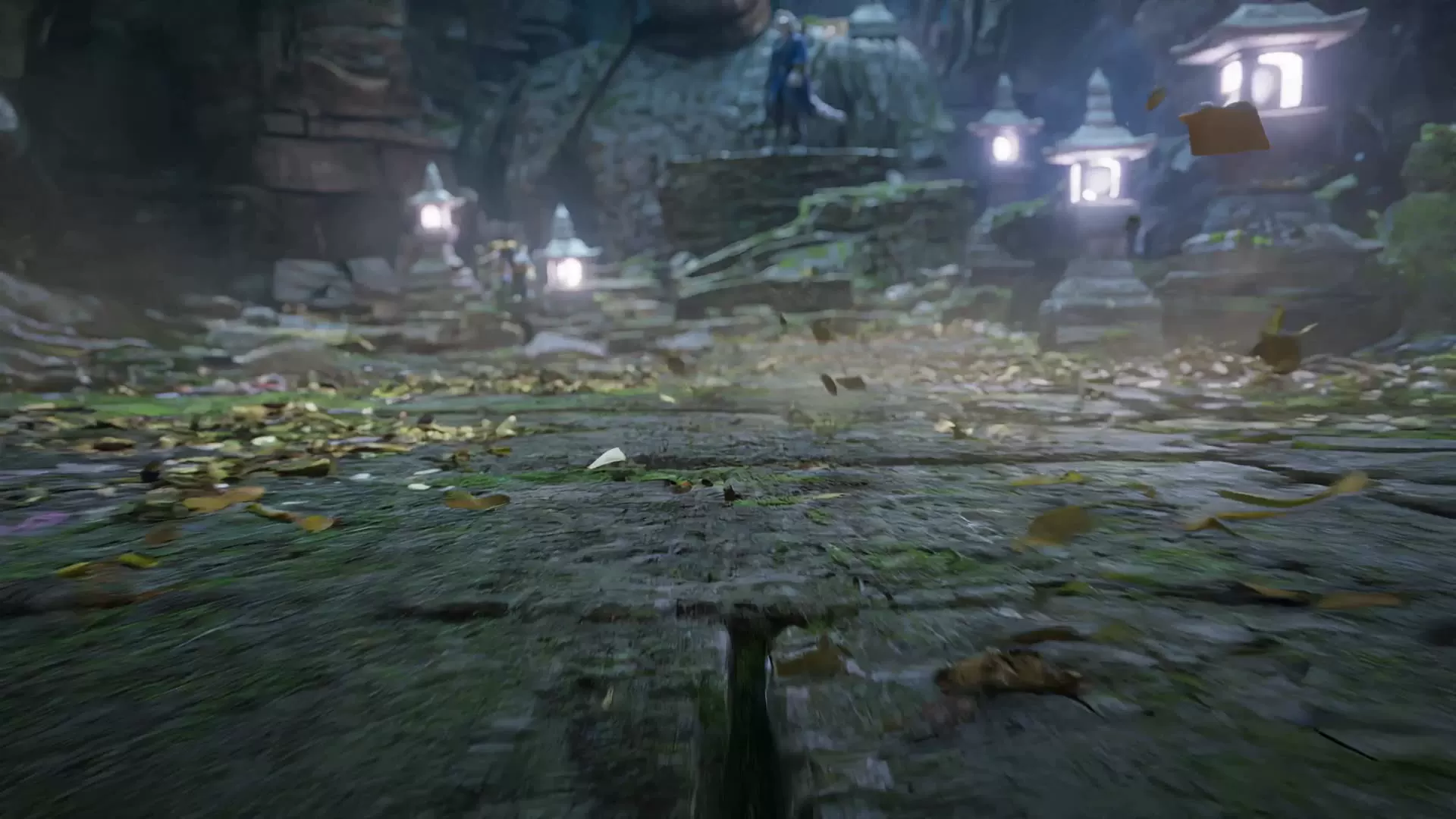
Image references · 1080p
Two characters, one action scene
A cat and a wolf spar among ruins, guided by two character images. Follow their motion across a 30-second scene.
Turn a prompt, a still image or your reference clips into a video. Choose 2–30 seconds, up to 1080p, with generated sound.
Requires any paid purchase and sufficient credits. Free account credits do not unlock this model.
Explore three Wan 3.0 demonstrations. Your results depend on the prompt, references and settings.
Image references · 1080p
A cat and a wolf spar among ruins, guided by two character images. Follow their motion across a 30-second scene.
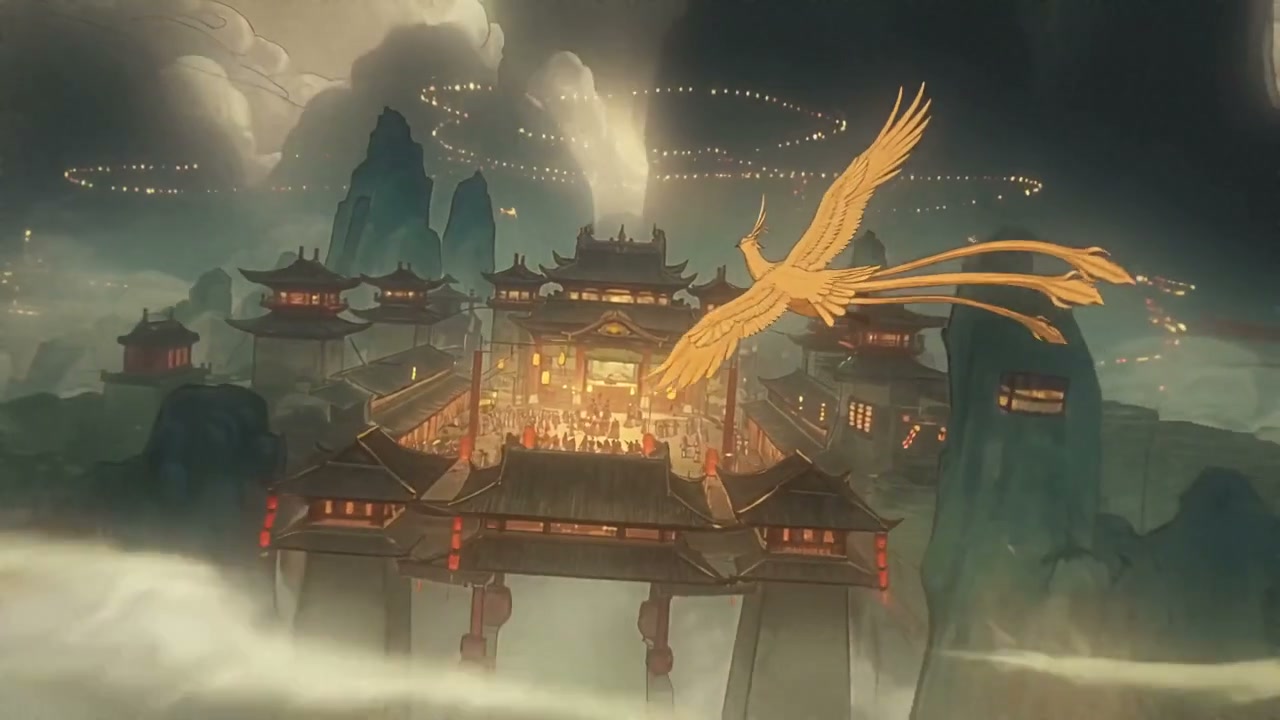
Text to video · 720p
A text prompt becomes a 30-second fantasy scene. Watch how the camera moves through the setting.
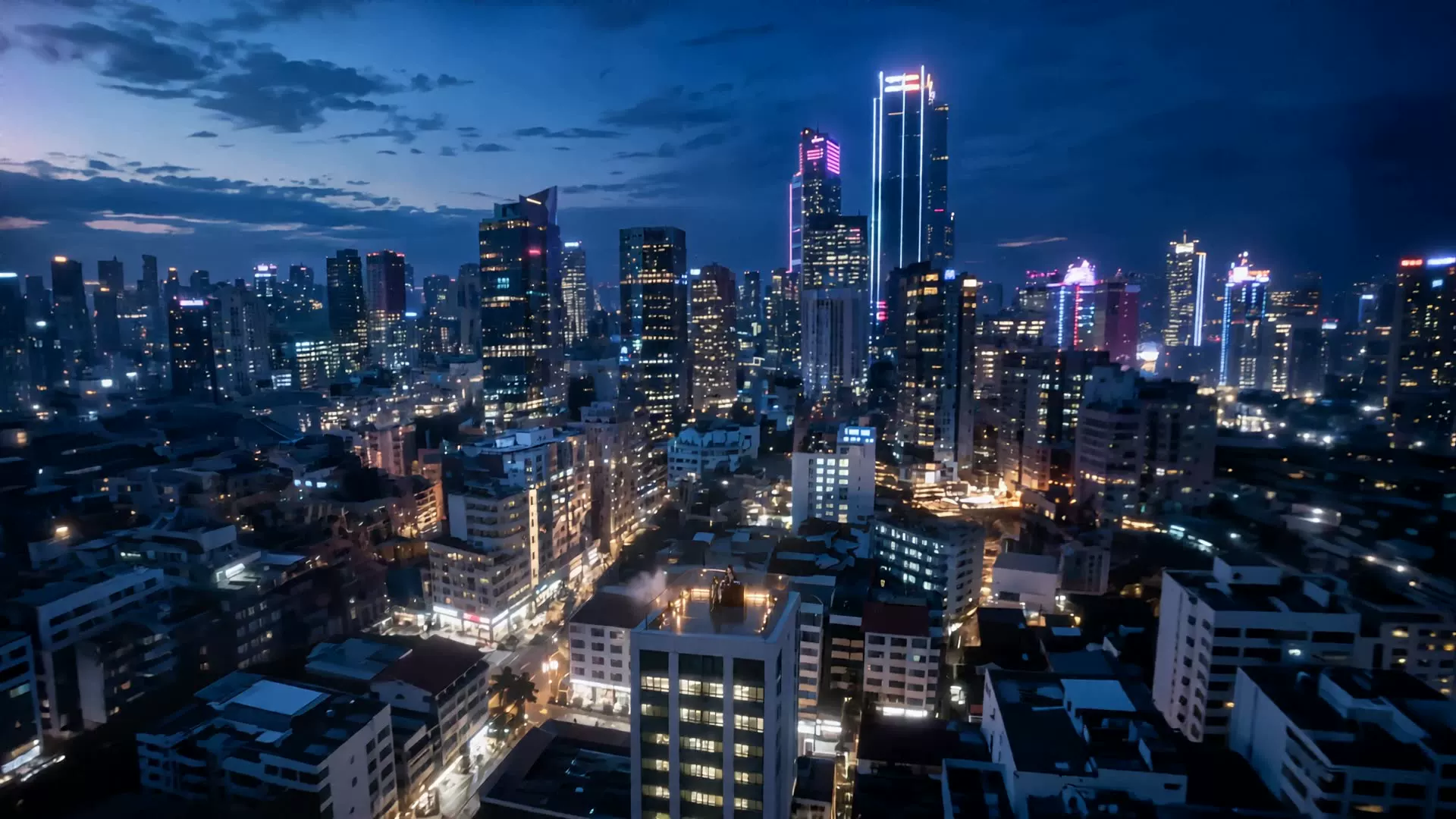
Audio and performance
A group performance pairs movement and vocals in a 24-second clip. Play with sound to hear the demonstration.
Wan 3.0 is an AI video model from Alibaba. You may also see its name written as Wan3.0, Wan 3 or Wan3. This workspace brings those searches to one model, with text, image and reference generation in the same tool.
Build a scene from scratch, animate a first frame, or use reference media to guide the subject, movement and sound. Start with a short draft before committing credits to a longer take.
Describe the subject, action, camera and sound. Use this mode when you have an idea but no source media.
Upload a required first frame and describe what should move. Add an optional last frame to guide where the shot ends.
Add images, video clips or audio, then explain what each should guide. Reference mode creates a new video from these inputs.
Keep Text mode for a written idea. Choose First / last frame for a still image, or Reference for image, video and audio guidance. Wan 3.0 is already selected.
Write the action in order. Set duration, resolution and aspect ratio, then choose whether to generate audio. The Generate button shows the required credits before submission.
Sign in with eligible model access and enough credits, then generate. Review the result in the player, download it or adjust your prompt for another take.
| Setting | Available in this workspace |
|---|---|
| Output length | 2–30 seconds in whole seconds; 5 seconds by default |
| Resolution | 480p, 720p or 1080p; 720p by default |
| Aspect ratio | 16:9, 9:16, 1:1, 4:3, 3:4 or Adaptive |
| Generated sound | On by default; switch it off for a silent result |
| Prompt length | Up to 20,000 characters; required in Text mode |
Use one source to establish the character, another for camera movement and audio for sound guidance. Explain these roles in the prompt instead of uploading unrelated material.
Up to 10 JPEG, PNG or WebP images, 20 MB each. In First / last frame mode, supply a first frame and optionally a last frame; switch to Reference to use a collection of images.
Up to 5 MP4 or MOV clips, 100 MB each. Each clip must be 1–15 seconds, with no more than 15 seconds of video references in total.
Up to 5 WAV or MP3 files, 15 MB each. Each file must be 1–15 seconds, with no more than 15 seconds of audio references in total. Audio-only references are supported.
Your video references and requested output share a 30-second budget. A 10-second reference leaves up to 20 seconds for the output. First/last frames cannot be combined with Reference mode inputs.
The table shows a 5-second generation without video references. Longer output and higher resolution use more credits. Check the live estimate in the tool for your exact settings.
| Resolution | 5-second video |
|---|---|
| 480p | 26 credits |
| 720p | 52 credits |
| 1080p | 103 credits |
Video-reference seconds are added to output seconds when calculating credits. Images and audio references do not add a separate charge, and switching generated sound off does not lower the rate.
Compare plans and credit packsWrite the subject, action, camera movement, lighting and sound in that order. For a longer scene, describe a small sequence of events. Set duration and format in the controls, then test and refine.
A night-shift baker opens a quiet shop before sunrise. Begin close on flour-covered hands unlocking the door, then slowly track inside as warm lights switch on. Blue dawn outside, amber light inside, realistic textures. Sound: keys, a creaking door and a soft refrigerator hum. One continuous shot.
Keep the ceramic cup and tabletop from the first frame. A hand pours tea into the cup while steam curls toward the window. Gently push the camera closer to the glaze, keeping the cup shape stable. Soft morning light. Sound: pouring tea and quiet room ambience.
A small paper robot finds a yellow umbrella in a rainy cardboard town. It opens the umbrella, looks up, then offers shelter to a paper bird. Handmade stop-motion look, soft overcast lighting, a slow camera follow. Sound: gentle rain, tiny footsteps and a cheerful chirp.
Wan 3.0 requires a paid purchase on TryH3 — any credit pack or subscription unlocks it — plus enough credits. Free account credits do not unlock this model. Eligible free credits can be used with H3 Fast 1.0 at 480p instead.
Wan 3.0 is offered here as a hosted model. As of September 14, 2026, we have not verified an official Wan 3.0 model-weight release. Wan 2.2 has an official open repository; its weights, license and local setup should not be presented as a Wan 3.0 download. Check the official sources below for release updates.
No. Wan 2.2 Animate is a separate model for character animation and replacement. Searches such as wan animate 2 or wan2.2 animate commonly refer to that workflow. This page runs Wan 3.0 for text, image and reference video generation; it does not offer the dedicated Wan 2.2 Animate pipeline.
Yes. Select Reference and upload a video clip, then describe the new result. Video inputs guide a new generation; this workspace does not expose a dedicated Wan 3.0 edit or extend operation. Reference videos total at most 15 seconds, and reference video plus output cannot exceed 30 seconds.
Choose 2–30 seconds per clip. The default is 5 seconds. With video references, subtract their total duration from 30 seconds to find the maximum output length. Choose the length explicitly before generating so you can review the credit estimate.
This workspace offers 480p, 720p and 1080p output for Wan 3.0. It does not offer native 4K. Choose 1080p for the highest available resolution, or use a lower setting to review an idea with fewer credits.
Yes. Generated sound is on by default. Describe dialogue, ambience or effects in the prompt, or add audio in Reference mode. You can turn generated sound off when planning to add your own soundtrack later.
Wan3.0, Wan 3 and Wan3 are common spellings used for Wan 3.0. The spelling wan 3.o uses the letter o instead of zero; it does not identify a separate model. The model selected in this tool is Wan 3.0.
Start with a prompt or your own references. Choose a short first take, check the credit estimate and generate with Wan 3.0.