PixVerse V6 AI Video Generator — Text, Photo & Frames to Video
PixVerse V6 on TryH3 turns a prompt, a photo or two key frames into a 1–15 second AI video with native sound, running PixVerse's own V6 and V6 Max models.
Try a sample prompt
Load one, then edit it before you generate.
PixVerse V6 here is for creators and small brands who want V6 clips without a PixVerse subscription or an API key. Each clip is a watermark-free MP4 of 1 to 15 seconds at 360p, 540p, 720p or 1080p. A 5-second 540p V6 clip with sound costs 24 credits (about $0.67). There is no free tier; the $5.00 Trial pack is the smallest purchase and covers one.
· Independent site, not affiliated with PixVerse.
How PixVerse V6 works here
Pick PixVerse V6 or V6 Max
PixVerse V6 is the default and takes text, one photo, first and last frames or up to seven reference images. V6 Max takes text or one photo. Seedance and MiniMax H3 are in the same list if you want to compare one prompt.
Write the prompt and add images
Describe the subject, the action, the camera move, the setting, the light and the sound, in that order, in plain sentences. Add a photo to animate it, two frames for a transition, or reference images to fuse characters, products or places.
Set length, resolution, frame, sound and multi-shot
Choose 1 to 15 seconds, 360p to 1080p and an aspect ratio (photo modes keep the photo's shape). Sound and multi-shot are switches. The credit cost next to Generate updates with every change.
Generate and download the MP4
Credits are taken when the clip starts and refunded if it fails. Finished clips download as MP4 and stay in Creations.
PixVerse V6 example videos and prompts
Six 10-second 16:9 clips with sound, each next to a prompt that describes it. Every prompt follows the same order: subject, action, camera, setting, light, sound. Load one into the generator and change it; results vary with the model, settings and seed.
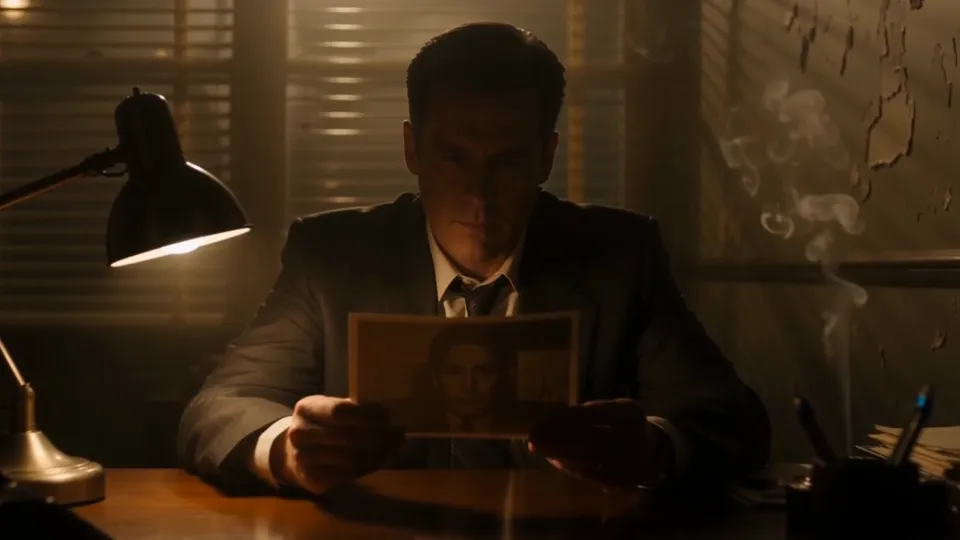
Noir detective at his desk with a rainy neon city outside
10 s · 16:9 · sound · several shots
A private detective sits alone at his desk on the 6th floor of an old office building, a single lamp lit, blinds casting bar shadows across the wall behind him. He holds a photograph but we never see what's in it. Cigarette smoke curls toward the ceiling. Outside the window, the city moves: headlights, neon, rain. He sets the photograph face down. The camera holds still. The audio carries the tick of a wall clock, distant traffic through glass, the low hum of a neon sign outside, and a muted trumpet playing something slow and unresolved.
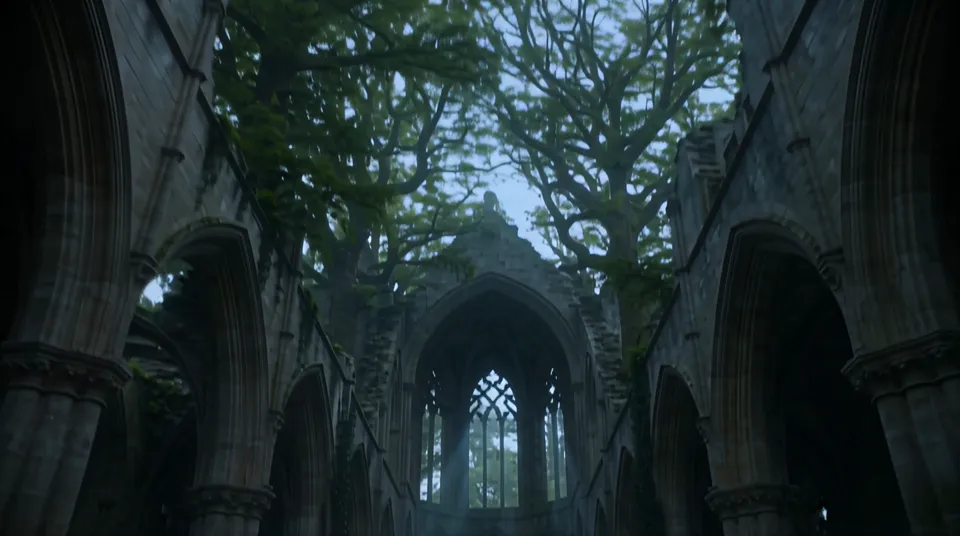
Ruined cathedral in a moonlit forest, camera drifting to the altar
10 s · 16:9 · sound · one slow camera move
An abandoned cathedral in a forest, the roof long gone, trees growing up through the nave, moonlight falling through open arches and the gaps where stained glass once was. Mist moves at floor level. The camera drifts slowly down the central aisle from the entrance toward the altar, where moss has overtaken the stone completely. An owl lifts silently from a rafter and disappears. The audio carries wind through open stone arches, the creak of old wood above, distant forest sounds and a faint, sourceless choir.
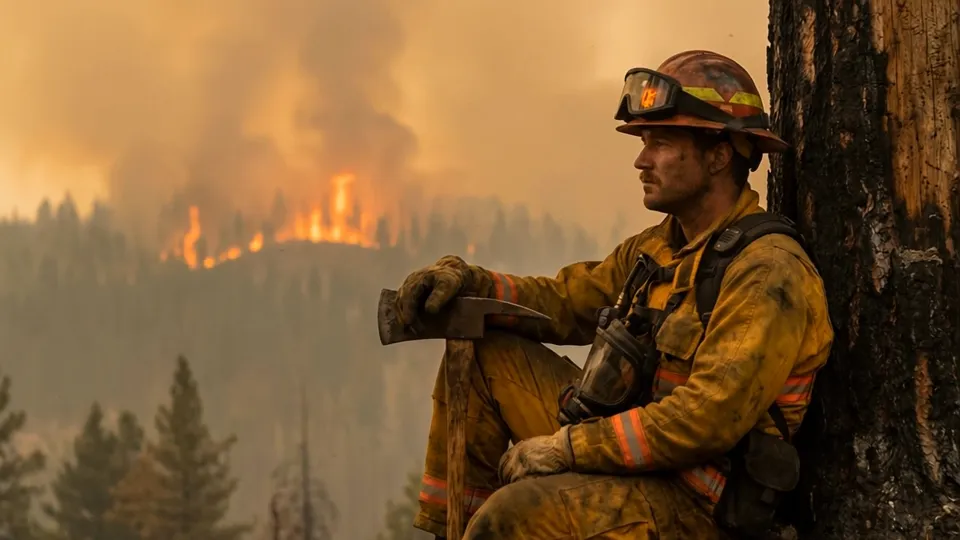
Wildland firefighter resting against a tree as a forest fire burns
10 s · 16:9 · sound · several shots
A wildland firefighter in a yellow fire shirt, harness and orange helmet with goggles sits against a scorched tree trunk, an axe resting across his knees, watching a forest fire burn on the ridge behind him through thick orange smoke. Start on a wide side shot, cut to a close-up of his gloved hand on the axe handle, then a slow push-in on his tired, soot-streaked face as he stares at the flames. The audio carries the roar and crackle of the distant fire, wind, and a radio crackling on his chest.
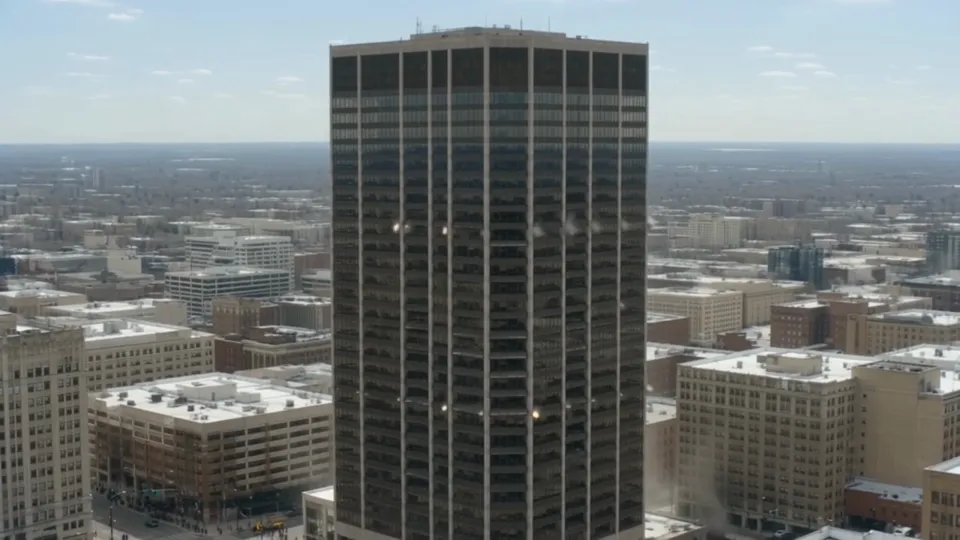
Office tower demolition and a dust cloud rolling down the avenue
10 s · 16:9 · sound · several shots
A controlled demolition of a dark glass office tower in a downtown skyline on a clear day. Aerial shot as charges flash down every floor and the tower drops straight down into its own dust cloud. Cut to street level behind orange and white barriers, a reporter microphone in the foreground, as a wall of grey dust rolls down the empty avenue toward the camera and swallows it. The audio carries a sharp chain of blasts, a deep rumble, debris hitting the street and the rushing wind of the dust cloud.
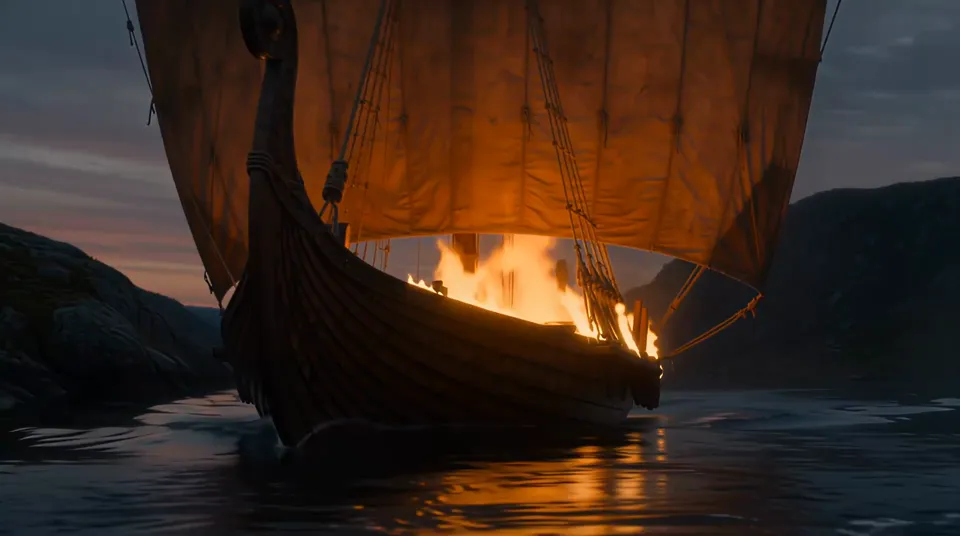
Burning Viking longship on a fjord at dusk, warriors on the shore
10 s · 16:9 · sound · several shots
At dusk on a still northern fjord, a Viking longship with a striped sail drifts from the shore as flames climb its mast and sail. Low close shot of the burning hull cutting through dark water, then a wide shot from the shore where a line of warriors with round shields and torches watch in silence while the ship burns bright and its reflection shimmers on the water. The audio carries crackling fire, water lapping against the hull, a low horn and a slow, distant drumbeat.
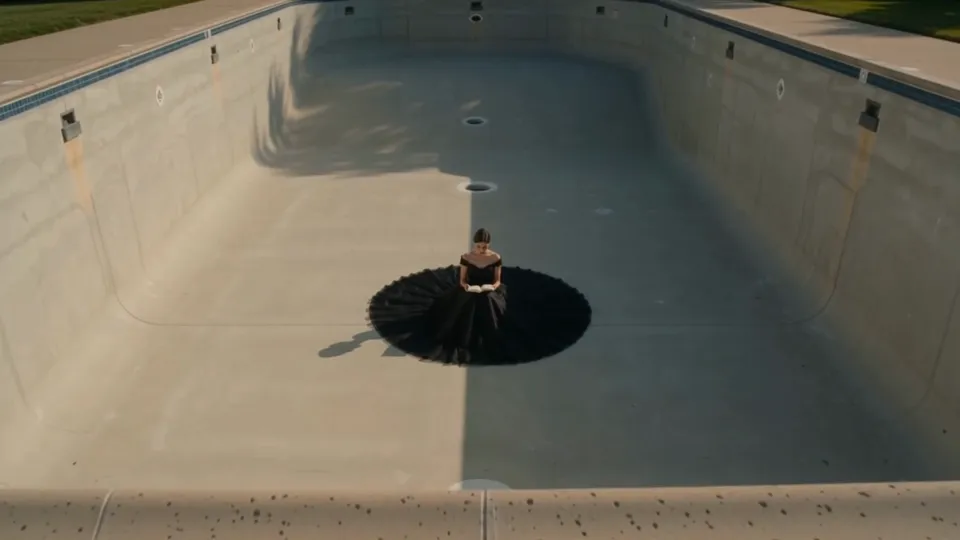
Woman in a black tulle gown reading in an empty swimming pool
10 s · 16:9 · sound · several shots
A young woman in a black off-the-shoulder gown with a huge round tulle skirt sits alone in the middle of an empty concrete swimming pool on a sunny afternoon, reading a book. Start with a high angle wide shot of the pool, cut to a close-up of her hands turning a page, then a slow overhead pull-back as her black skirt spreads like a circle on the pale concrete. The audio carries soft wind, the turn of paper, distant birds and a quiet ambient piano.
Can you use PixVerse V6 for free?
No, PixVerse V6 is not free on TryH3: it needs a completed purchase and credits. The smallest purchase, the $5.00 Trial pack (24 credits), covers one 5-second 540p V6 clip with sound (24 credits). The sign-up credits only run the free MiniMax H3 Fast model at 480p.
PixVerse's own app has a free plan: its pricing in November 2026 listed 60 credits for new accounts plus 30 a day, up to 540p and with a watermark. Clips made here carry no watermark at any resolution, and pack credits do not expire.
How much does PixVerse V6 cost per video?
PixVerse V6 costs 24 credits for a 5-second 540p clip with sound on TryH3, about $0.67 at the Studio monthly rate ($49.90 for 1,800 credits). A 10-second 1080p V6 clip with sound costs 120 credits (about $3.33), and V6 Max costs more at every resolution. The smallest purchase from a zero balance is the $5.00 Trial pack with 24 credits.
For comparison, PixVerse's own pricing in November 2026 listed a 5-second 540p V6 clip with sound at 38 of its credits, with the Standard plan at $10 a month for 1,200 credits. Turning sound off lowers the price here; every model, resolution and length is in the table below.
How does PixVerse V6 image to video work?
PixVerse V6 image to video uses one uploaded photo as the opening frame and moves it the way your prompt describes, with the camera and sound you ask for; the clip keeps the photo's shape. Add a second image as the last frame and V6 makes a transition between the two, but transitions run only 5 or 8 seconds. Up to seven reference images instead blend characters, products or places into a new scene.
For people, the usual advice is a sharp, front-facing photo and a prompt that describes only the movement rather than the face or clothes again; short clips and gentle camera moves ask less of the model. Results still vary with the photo and the model. V6 Max takes one photo only.
PixVerse V6 vs V6 Max: which one should you pick?
PixVerse V6 is the flexible, cheaper choice: text, one photo, first and last frames and up to seven reference images. PixVerse V6 Max is the higher tier that PixVerse markets for image quality and prompt following, but it takes only text or one photo and costs 30 credits instead of 24 for a 5-second 540p clip with sound. Both reach 15 seconds and 1080p.
A cheap way to work: test a prompt on V6 at 540p, then rerun the one you like on V6 Max or at 1080p. PixVerse's separate C1 model, aimed at fast action and effects, is not offered here; Seedance 2.0, Seedance 2.5 and MiniMax H3 are in the same model list if you want to compare one prompt across models.
PixVerse V6 pricing and credits
PixVerse V6 and V6 Max prices below are credits per clip, read from the live model settings. Dollar amounts use the Studio monthly rate ($49.90 for 1,800 credits); packs and other plans cost a little more or less per credit.
| Model | Sound | Resolution | 5 s | 10 s | 15 s |
|---|---|---|---|---|---|
| PixVerse V6 | On | 360p | 18 cr (~$0.50) | 36 cr (~$1.00) | 54 cr (~$1.50) |
| PixVerse V6 | On | 540p | 24 cr (~$0.67) | 48 cr (~$1.33) | 72 cr (~$2.00) |
| PixVerse V6 | On | 720p | 30 cr (~$0.83) | 60 cr (~$1.66) | 90 cr (~$2.50) |
| PixVerse V6 | On | 1080p | 60 cr (~$1.66) | 120 cr (~$3.33) | 180 cr (~$4.99) |
| PixVerse V6 | Off | 360p | 12 cr (~$0.33) | 24 cr (~$0.67) | 36 cr (~$1.00) |
| PixVerse V6 | Off | 540p | 18 cr (~$0.50) | 36 cr (~$1.00) | 54 cr (~$1.50) |
| PixVerse V6 | Off | 720p | 24 cr (~$0.67) | 48 cr (~$1.33) | 72 cr (~$2.00) |
| PixVerse V6 | Off | 1080p | 48 cr (~$1.33) | 96 cr (~$2.66) | 144 cr (~$3.99) |
| PixVerse V6 Max | On | 360p | 24 cr (~$0.67) | 48 cr (~$1.33) | 72 cr (~$2.00) |
| PixVerse V6 Max | On | 540p | 30 cr (~$0.83) | 59 cr (~$1.64) | 88 cr (~$2.44) |
| PixVerse V6 Max | On | 720p | 40 cr (~$1.11) | 80 cr (~$2.22) | 120 cr (~$3.33) |
| PixVerse V6 Max | On | 1080p | 75 cr (~$2.08) | 150 cr (~$4.16) | 225 cr (~$6.24) |
| PixVerse V6 Max | Off | 360p | 16 cr (~$0.44) | 32 cr (~$0.89) | 48 cr (~$1.33) |
| PixVerse V6 Max | Off | 540p | 24 cr (~$0.67) | 48 cr (~$1.33) | 72 cr (~$2.00) |
| PixVerse V6 Max | Off | 720p | 30 cr (~$0.83) | 59 cr (~$1.64) | 88 cr (~$2.44) |
| PixVerse V6 Max | Off | 1080p | 59 cr (~$1.64) | 118 cr (~$3.27) | 176 cr (~$4.88) |
| Free use | No. A completed purchase is required; sign-up credits do not cover PixVerse V6. |
|---|---|
| Smallest purchase | $5.00 Trial pack, 24 credits |
| Watermark | None, at every resolution |
| Length and resolution | 1–15 s; 360p, 540p, 720p or 1080p |
| Failed clip | Credits refunded |
| Phone | Works in a mobile browser; no app to install |
What PixVerse V6 can't do here
PixVerse V6 on TryH3 makes one new clip per request, so a few things stay with PixVerse's own app or a video editor:
- No extending or editing an existing clip; join several 15-second clips in an editor for longer videos.
- Clips stop at 15 seconds and 1080p; there is no 4K.
- First and last frame transitions run only 5 or 8 seconds, and V6 Max has none.
- Multi-shot lets the model choose where the cuts fall; you cannot set exact cut times.
- Readable on-screen text and logos are not guaranteed; add captions and logos afterwards.
- No API, no PixVerse effect templates and no C1 model.
PixVerse V6 FAQ
Is this the official PixVerse website?
No. TryH3 is an independent website that runs PixVerse V6 and V6 Max through a third-party model API and is not affiliated with PixVerse. The official app and website are at pixverse.ai, with their own free plan and subscriptions. Here you pay per clip in TryH3 credits, and clips carry no watermark.
When was PixVerse V6 released?
PixVerse released V6 on 30 March 2026. Compared with V5.6 it added multi-shot clips and sound generated together with the picture, with clips of 1 to 15 seconds at up to 1080p. V6 Max is the higher tier of the same generation.
Does PixVerse V6 generate audio?
Yes. PixVerse V6 can generate sound in the same pass as the picture, such as dialogue, sound effects, ambience and music, following what the prompt describes. Sound is a switch here, on by default, and it raises the price, so turn it off for silent b-roll. Lip sync on spoken lines is not guaranteed.
Is there a PixVerse V6 API on TryH3?
No. TryH3 is a web generator only. PixVerse sells its own API, and API platforms such as fal.ai and Kie also list PixVerse V6 for developers.
Can I use PixVerse V6 videos commercially?
A credit pack or subscription includes commercial use of eligible paid generations, such as ads, client work and monetized social videos. You remain responsible for any people, brands, logos or music that appear in a clip.