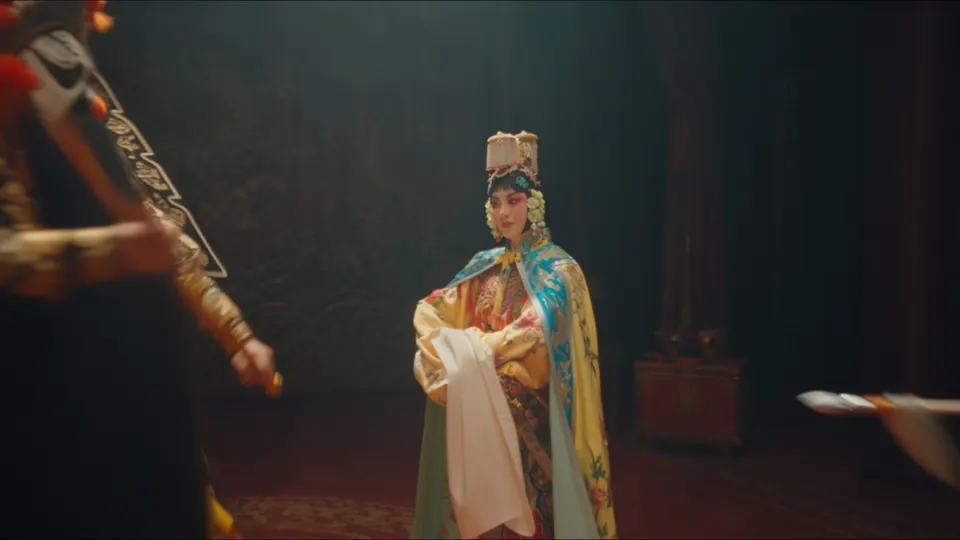
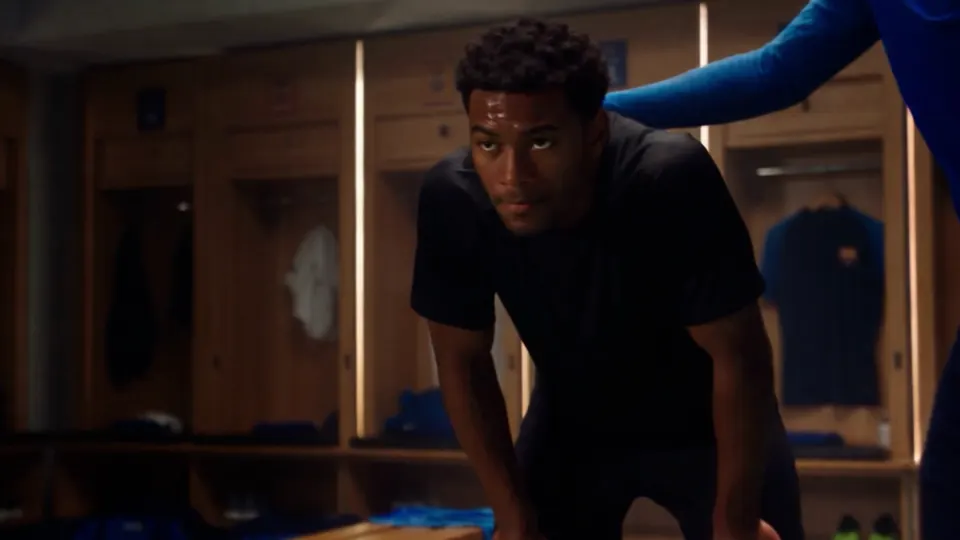
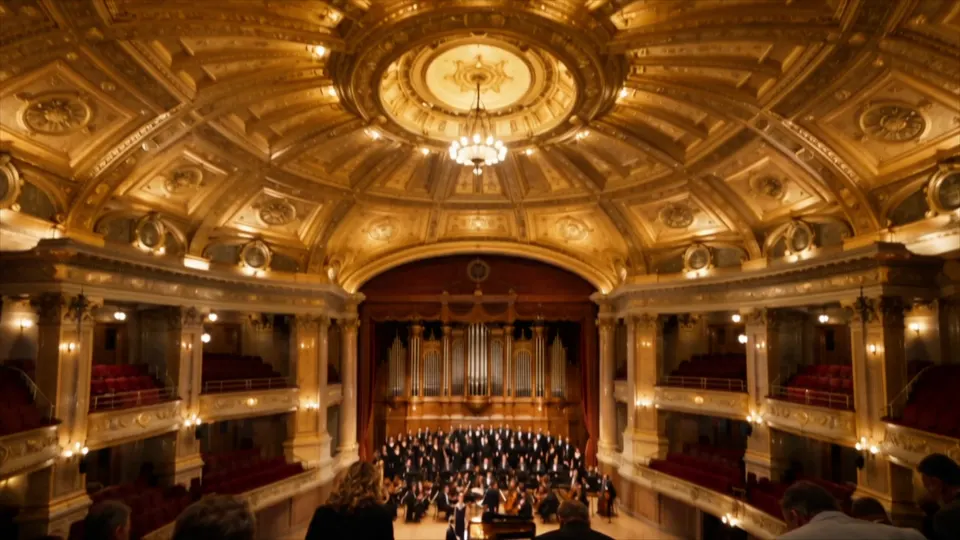
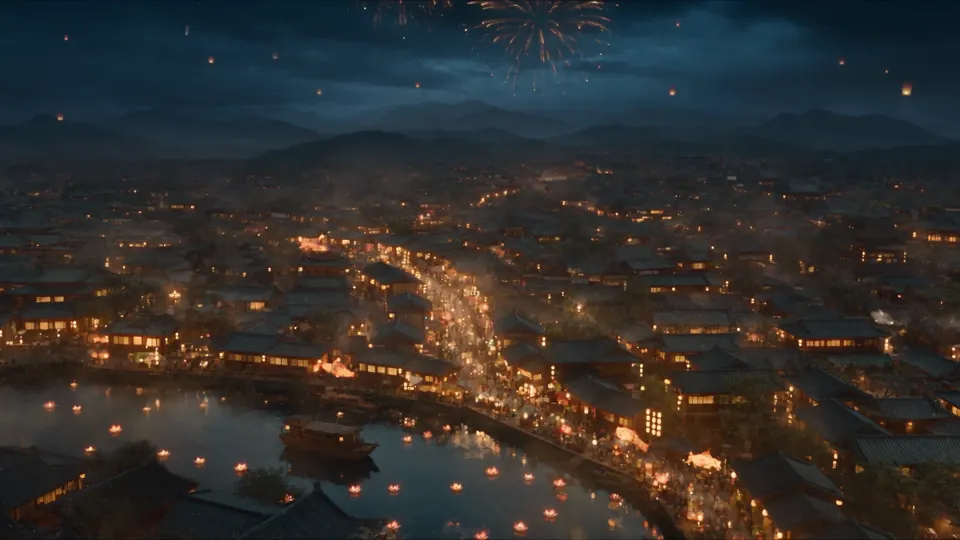
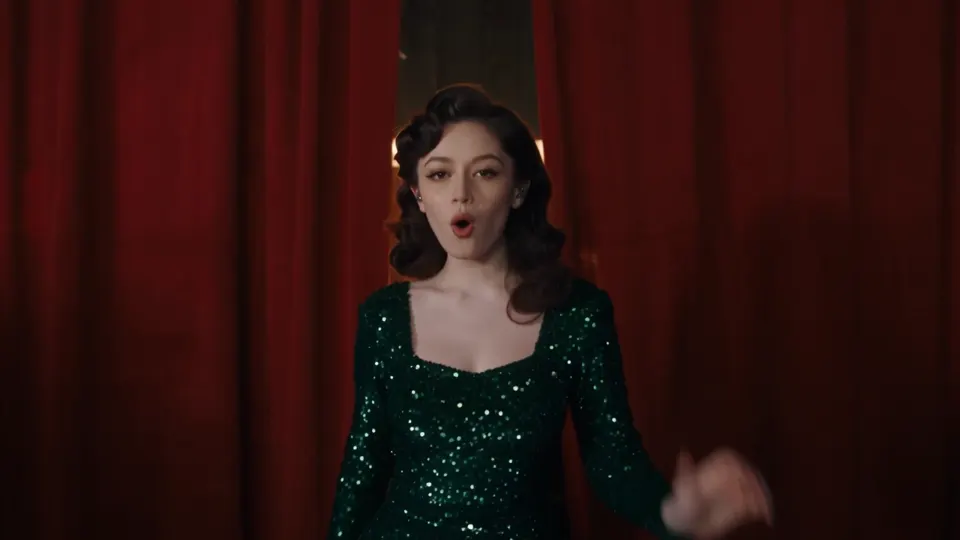
Build a scene up to 30 seconds long, with time for an entrance, an action, and a closing shot. Describe the camera path and key moments so the sequence has a clear direction.
Draft at 480p or 720p, then choose Seedance 2.5 1080p for a more detailed output. The tool shows the credit cost for each setting.
02Generated audio
Bring the picture and sound together
Describe dialogue, music, ambience, and effects alongside the action. Audio is generated with the picture and is enabled by default; you can turn it off when you plan to add your own soundtrack.
03Multimodal references
Give every reference a clear role
Use images for characters and visual style, video for movement, and audio for sound. Seedance 2.5 accepts up to 30 images, 10 videos, and 10 audio files. Refer to them in your prompt with @image1, @video1, and @audio1.
04Edit & extend
Build on a shot you already have
Bring a source clip into the reference workflow and describe what should change or continue. For Seedance 2.5 video editing, say what to keep as clearly as what to change. Edit and extend operations follow the source aspect ratio.
The model, explained
What is Seedance 2.5 on TryH3?
Seedance 2.5 is ByteDance’s video generation model. Start with a written scene, animate a still, or guide the result with image, video, and audio references. This workspace brings those inputs together with generation settings, a credit estimate, and your finished video.
Seedance 2.5 requires a completed purchase. Check the credit total before generating; failed tasks are refunded.
Your workflow
How to use the Seedance 2.5 AI video generator
1
Describe the shot
Write subject, action, camera, lighting, and sound. Add first/last frames or reference files if identity or motion must stay put.
2
Choose your length and format
Choose 4–30 seconds, an aspect ratio, and 480p, 720p, or 1080p. Review the credit estimate, then generate.
3
Watch, refine, and download
Watch the result, download your video, or revise the prompt for another take. Your completed videos stay in your creations.
Seedance 2.5 vs 2.0: choose your settings
Compare the settings available in this studio. Seedance 2.5 offers longer clips and more references, with output up to 1080p.
Feature
Seedance 2.0 on TryH3
Seedance 2.5 on TryH3
Duration
4–15 seconds
4–30 seconds; 5 seconds by default
Resolution
480p / 720p / 1080p / 4K
480p / 720p / 1080p
Reference images
9
30
Reference videos
3, about 15s total
10, 2–30s each, 30s total
Reference audio
3, 15s total
10, 30s total; audio-only reference allowed
Output
mp4
mp4 or mov
Audio
Generated with the clip
Generated with the clip (default on)
Use 480p for a quick preview, 720p for a draft, or Seedance 2.5 1080p for more detail. 4K is not available for this model.
Aspect ratios: 16:9, 9:16, 1:1, 4:3, 3:4, 21:9. First/last-frame tasks use adaptive ratio. Edit and extend also use adaptive ratio and follow the source clip.
Images guide the character, wardrobe, product, or lighting. Add up to 30 JPEG, PNG, or WebP files, each under 30MB with edges of 300–6000px.
Reference video guides the camera or performance. Add up to 10 MP4 or MOV clips, 2–30 seconds each, with 30 seconds combined and up to 200MB per file.
Audio references guide the voice, music, or ambience. Add up to 10 WAV or MP3 files, 2–30 seconds each, with 30 seconds combined.
In the prompt, name the file: keep @image1's face, follow @video1's camera, play @audio1 as the bed.
For photos with real faces, use the asset upload flow before adding them as references.
Choose first/last-frame mode for your starting and ending images, or reference mode for a mix of supporting files.
Low-contrast or tiny face crops drift by later shots. Use a sharp, front-lit still if identity has to survive 20–30 seconds.
Seedance 2.5 UGC and social clips
Seedance 2.5 UGC
Phone-style talking clip or unboxing. Input: one face still plus a 9:16 prompt. Output: 8–15 seconds with synced speech. Keep the face still in the asset library if it is a real person.
Reels and Shorts
9:16, 720p draft then 1080p master. 5–12 seconds unless the joke needs the full 30.
Product spot
One take up to 30 seconds: product still, optional hand-model clip, voice bed. 16:9 at 1080p for a landing page; 9:16 for ads.
Continue a take
If the last frame is right but the scene stops early, extend instead of rolling a new identity.
Practical answers about output, references, access, and credits.
Where can I try Seedance 2.5 online?
Use the generator at the top of this page. Sign in, write your prompt, and choose your settings. Seedance 2.5 is already selected. A completed purchase is required to generate; you do not need to set up an API key.
How long and what resolution can Seedance 2.5 videos be?
Choose 4–30 seconds, with 5 seconds as the default. Available resolutions are 480p, 720p, and 1080p. This studio does not offer 4K for Seedance 2.5.
Does Seedance 2.5 generate sound?
Yes. Audio is on by default and built in the same pass as the picture. Turn it off if you will replace the track later.
How many references can I use?
Up to 30 images, 10 videos, and 10 audio files. Videos and audio are 2–30 seconds each, 30 seconds combined. Name them in the prompt with @image1, @video1, or @audio1.
How is Seedance 2.5 different from Seedance 2.0?
Seedance 2.5 extends the maximum clip length from 15 to 30 seconds and supports more references, including audio-only references. Its output here goes up to 1080p. Seedance 2.0 is available in the other video tools if you need 4K.
Can Seedance 2.5 edit or extend an existing clip?
Use an existing clip as a reference and describe the edit or continuation. Keep the subject, setting, and details you want to preserve explicit. Edit and extend operations follow the source aspect ratio; editing also follows the source length.
Will there be a free Seedance 2.5 plan? What about watermarks and commercial use?
There is no free Seedance 2.5 tier on TryH3. Credits are billed per second at the rate shown on Generate for this duration and resolution. Paid generations on this model follow your plan. Confirm license terms on the commercial-license page before client work. Unpaid accounts are limited to the free video model, which carries a site watermark.
How should I add reference photos of real people?
Upload photos with real faces through the asset library before using them as references. Direct public image URLs are not supported for those photos.
Do Seedance 2.0 prompts work in Seedance 2.5?
Usually as a starting point. Rewrite duration and reference tags for the 30-second cap, and do not ask for 4K.
Your next scene starts here
Start with a prompt or your own references. Choose your length, format, and audio, then check the credit estimate before you generate.