Turn a prompt or a still image into a short video with Seedance 1.5 Pro. Describe the action, direct the camera and choose whether to generate sound.
4–12 seconds · Text or first/last frames · Optional audio
Seedance 1.5 Pro
16
Seedance 1.5 Pro is available after any plan or credit-pack purchase, and each generation uses credits. Free accounts can try MiniMax H3 Fast at 480p instead.
Watch before you create
Seedance 1.5 Pro video examples
Explore six Seedance 1.5 Pro demonstrations. Your output will depend on the prompt, images and settings.
Character performance
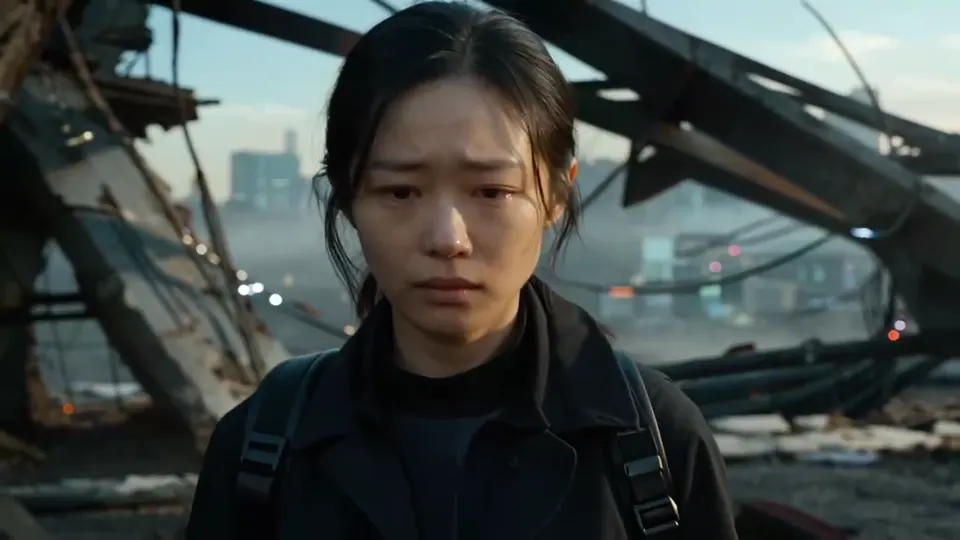
A change of expression
A close-up follows a character’s changing emotion in a ruined city.
Animated storytelling
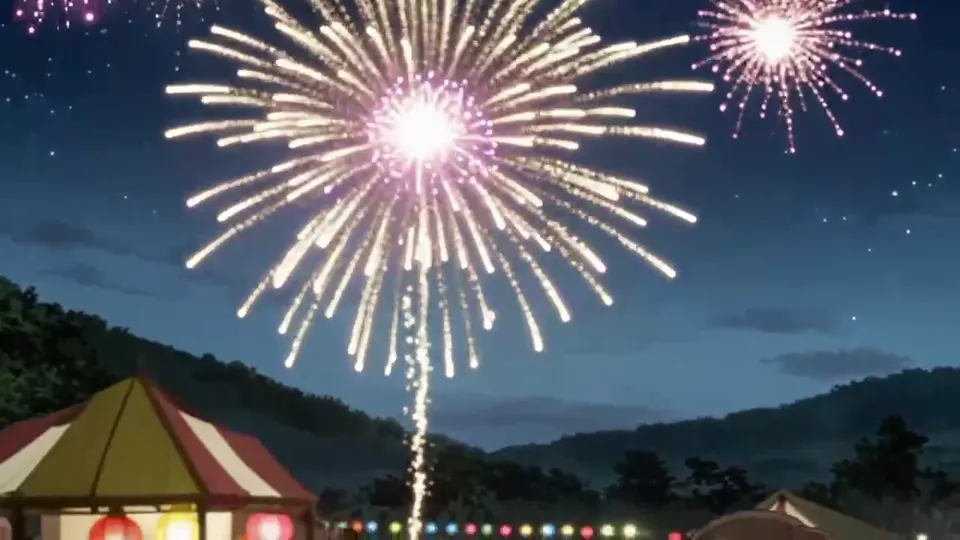
Dialogue under fireworks
An animated scene pairs Japanese dialogue with fireworks and crowd sound.
Image to video
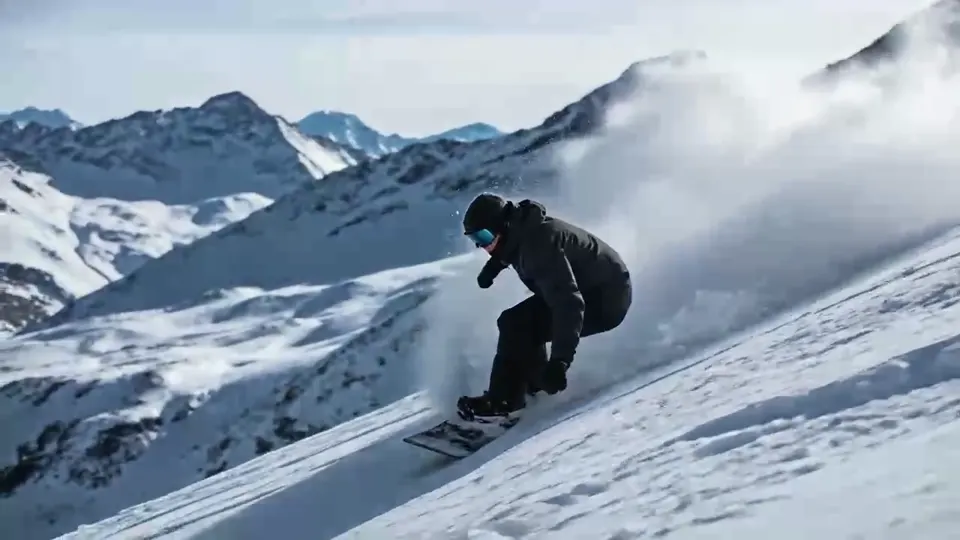
Follow the turn
A skier moves through snow while the camera follows the descent.
Generated dialogue
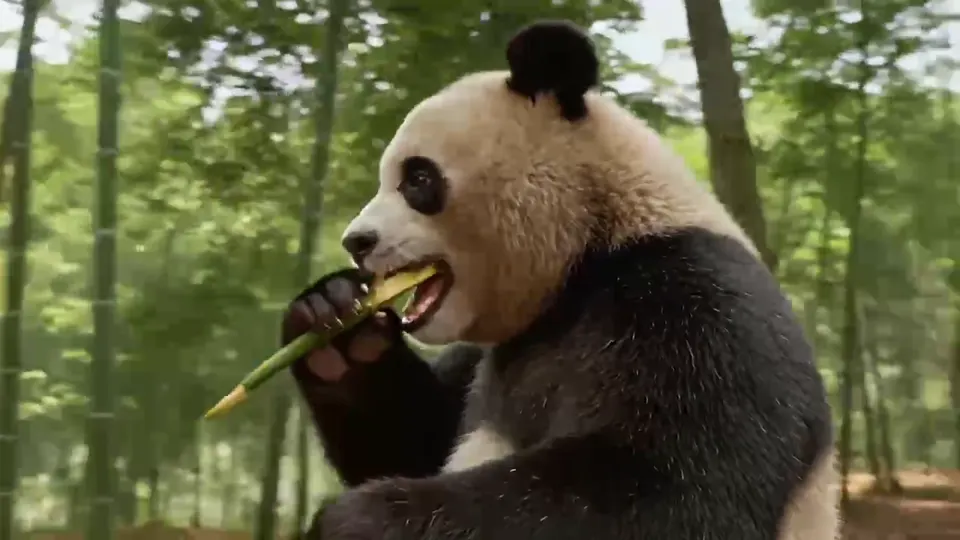
A character with a voice
A panda delivers a comic line in Sichuanese in this language demo.
Product concept
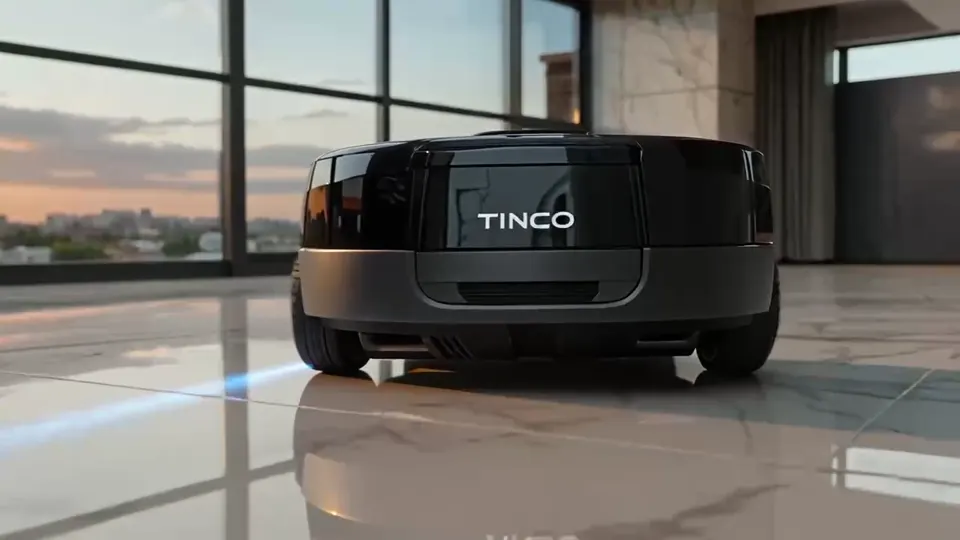
A product in motion
A low camera tracks a floor-cleaning device across a sunlit room.
Stylized animation
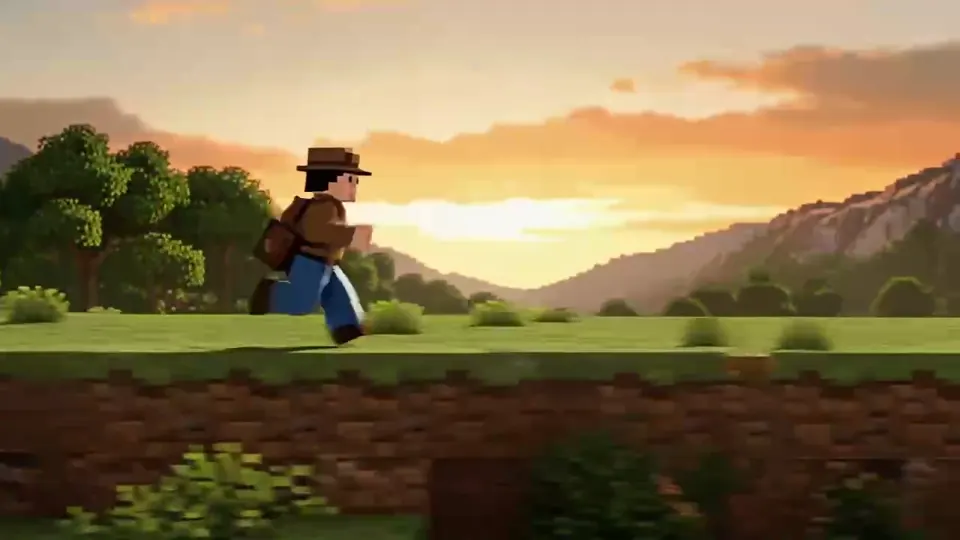
A world in pixel art
A running game character is accompanied by a retro soundtrack.
Give your scene a starting point and a sound
Use this Seedance AI video generator for a specific 1.5 Pro shot: a written scene, an image to animate, or a moment built around sound.
Text to video
Start with an action you can describe
Write who is in the scene, what changes and where the camera moves. A single action gives you a clear result to judge. Add lighting and visual style after the main movement is defined.
Upload a first frame, a last frame, or both, then describe the movement between them. Use JPG or PNG files up to 30 MB each. Choose a matching aspect ratio and keep the subject recognizable across the two images.
Enable audio for dialogue, ambience or effects. Keep spoken lines short and specify the sound that matters most. Review pronunciation and timing in the result; turn audio off when you plan to add your own soundtrack.
Start in Text to Video for a written idea. Select First / Last Frame to animate an image: add an opening frame, an ending frame, or both, and describe the movement.
02
Set the shot and check the cost
Choose 4–12 seconds, an aspect ratio and a resolution. Set generated audio on or off. Use 480p for an initial test and review the estimated credit cost before submitting.
03
Generate, review and download
Sign in with enough available credits and generate the clip. Preview motion and sound, then download the completed video. Change one instruction at a time when you refine a shot.
Seedance 1.5 Pro settings on this page
These are the options supported by this workspace. Longer clips and higher resolutions change the credit estimate. The displayed quote is the cost for your selected settings.
Setting
Available on this page
Duration
4–12 seconds, in 1-second steps
Resolution
480p, 720p or 1080p
Aspect ratio
16:9, 9:16, 1:1, 4:3, 3:4 or 21:9
Generated audio
On or off; describe speech, ambience or sound effects in the prompt
Prompt and images
Up to 4,000 characters; up to 2 JPG or PNG frames, 30 MB each
Workspace model
Seedance 1.5 Pro
Start with a short 480p clip to check the action. Choose 9:16 for a vertical video or 16:9 for a landscape scene. Review faces, lettering and motion before including a result in your final edit.
Can I try Seedance 1.5 Pro free?
Seedance 1.5 Pro requires a plan or credit-pack purchase. Free accounts can still test ideas with MiniMax H3 Fast at 480p, using eligible free credits. Free access does not include unlimited generations.
Use available free credits on MiniMax H3 Fast
Sign in and check your balance. New-account credits depend on eligibility and the current offer. Free accounts can spend them on MiniMax H3 Fast at 480p.
Draft the shot first
Use a short MiniMax H3 Fast test to check the movement and prompt before spending credits on a longer Seedance 1.5 Pro clip.
Unlock Seedance 1.5 Pro
Purchase a plan or credit pack to unlock Seedance 1.5 Pro at 480p, 720p and 1080p. Generation still uses credits, and purchased access removes the site watermark.
The estimate updates with your settings. Check it before generating, and visit the pricing page when you need more credits or higher-resolution access.
Seedance 1.5 Pro prompts to try
Write the subject, action, setting, camera movement and audio intent. These are original starting prompts for this workspace; edit them for your scene.
A small product reveal
A cobalt-blue perfume bottle stands on a pale stone shelf. A soft curtain moves in the breeze behind it. The camera slowly slides from left to right, keeping the bottle in focus. Morning side light, realistic glass reflections. Gentle room ambience, no dialogue or on-screen text.
A woman opens the door of a quiet bookshop at dusk and smiles toward someone just outside the frame. Medium close-up, a slow push-in, warm light from the shelves. She says softly in English, "I saved your favorite book." A door bell rings once; no music or captions.
Close-up of a spoon stirring ice in a clear glass of lemonade on a garden table. A fixed camera holds the glass in focus. Sunlight catches the moving ice and small droplets. Gentle clinks, quiet birds in the distance, no speech, no music or text.
Seedance 1.5 Pro is a ByteDance model for generating video with sound from text or images. Often shortened to Seedance 1.5, it is available here as a separate model. This site is an independent service.
Is Seedance 1.5 Pro free to use?
Seedance 1.5 Pro requires a plan or credit-pack purchase, and each video uses credits. Free accounts can try MiniMax H3 Fast at 480p with eligible free credits. Signup offers depend on eligibility and current availability, so a fixed number of free videos is not guaranteed.
How much does Seedance 1.5 Pro cost here?
Check the credit estimate in the generator before you submit. It changes with duration and resolution. Your available balance must cover the estimate, including when you use free credits. The pricing page lists plans and credit packs; those are separate from a provider’s API pricing.
How long can a Seedance 1.5 Pro video be?
This workspace supports 4–12 seconds in one-second steps. Keep the action short enough for the duration you choose. To make a longer sequence, generate individual shots and combine them in a video editor.
How is Seedance 1.5 Pro different from Seedance 2.0 here?
This page supports text and first/last-frame inputs, with optional generated audio and clips up to 12 seconds. The Seedance 2.0 page also supports image, video and audio references, clips up to 15 seconds and a 4K option. Its generation requires purchased model access and credits.
Does Seedance 1.5 Pro generate audio?
Yes. Enable generated audio and describe the dialogue, ambience or effects you want. The model supports speech in multiple languages, but you should review pronunciation and timing. This page generates sound from your prompt; it does not accept uploaded audio references.
Can I use images with Seedance 1.5 Pro?
Yes. Select First / Last Frame and add an opening image, an ending image, or both. Each frame must be a JPG or PNG up to 30 MB. A text prompt is also required. Text mode uses only your prompt; reference videos and audio uploads are not supported on this page.
How do I write a useful Seedance 1.5 Pro prompt?
Describe one subject, one main action and a setting. Add a camera direction, then specify the sound or a short line of dialogue if audio is enabled. For image input, describe what should move. Avoid packing several locations or long conversations into one short clip.
Try your next scene with Seedance 1.5 Pro
Start with text or an image, choose a short shot and review the credit estimate. Your workspace is ready above.