How reference to video works
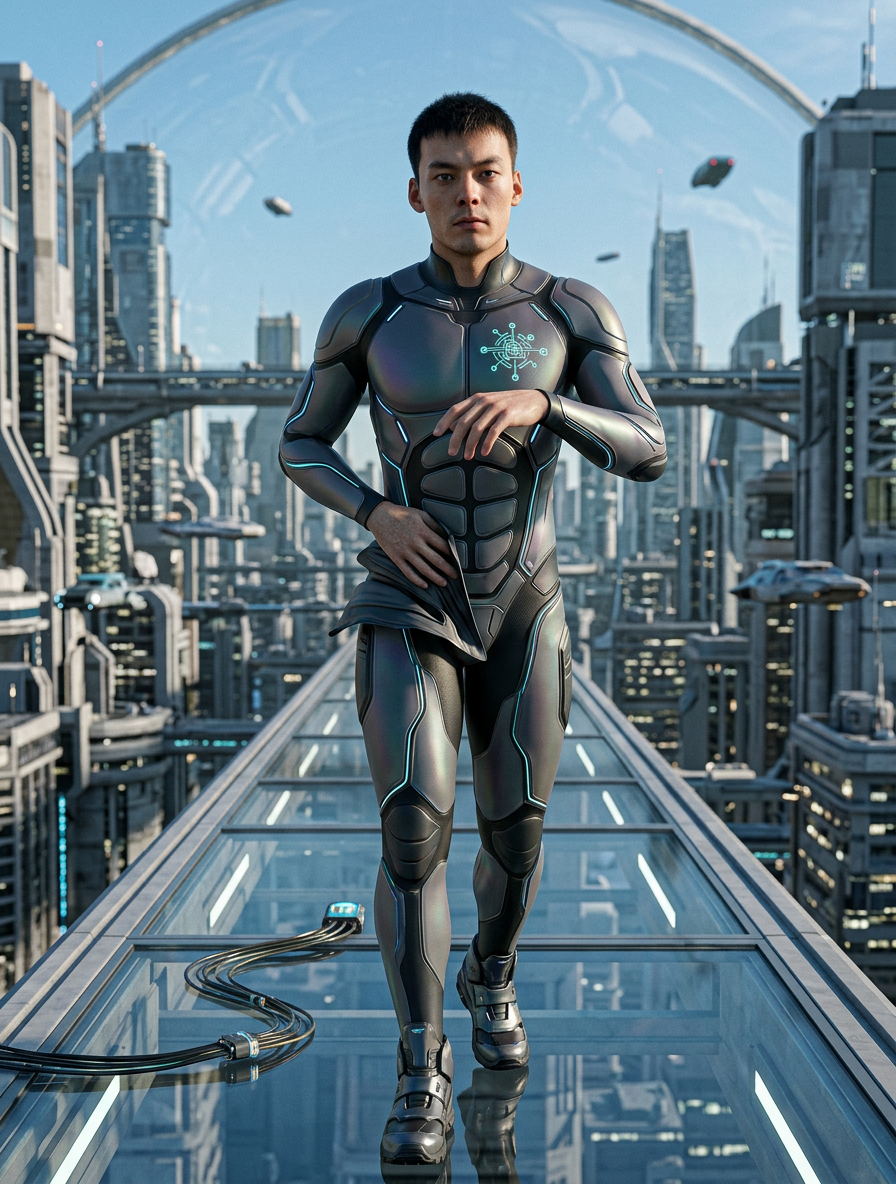
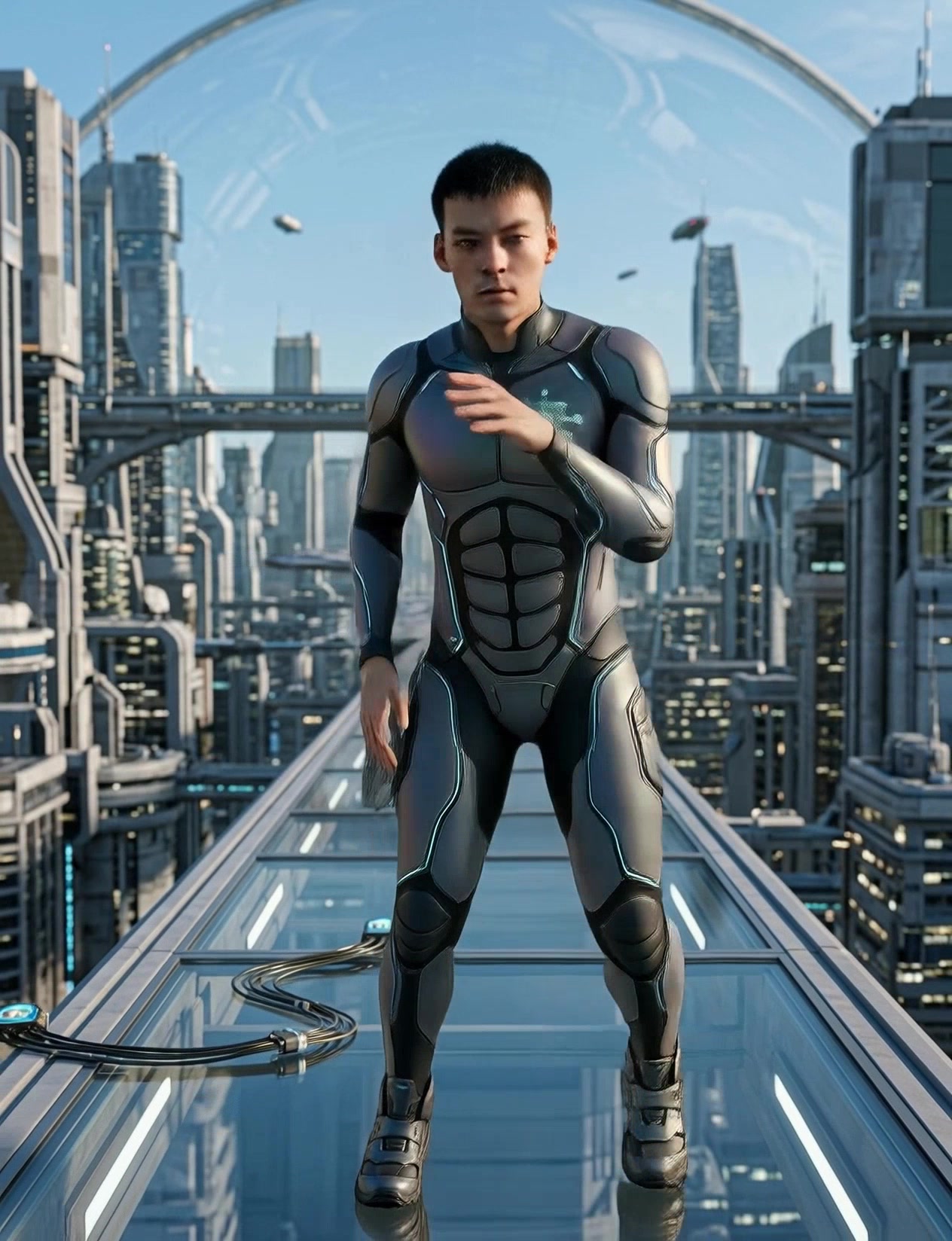
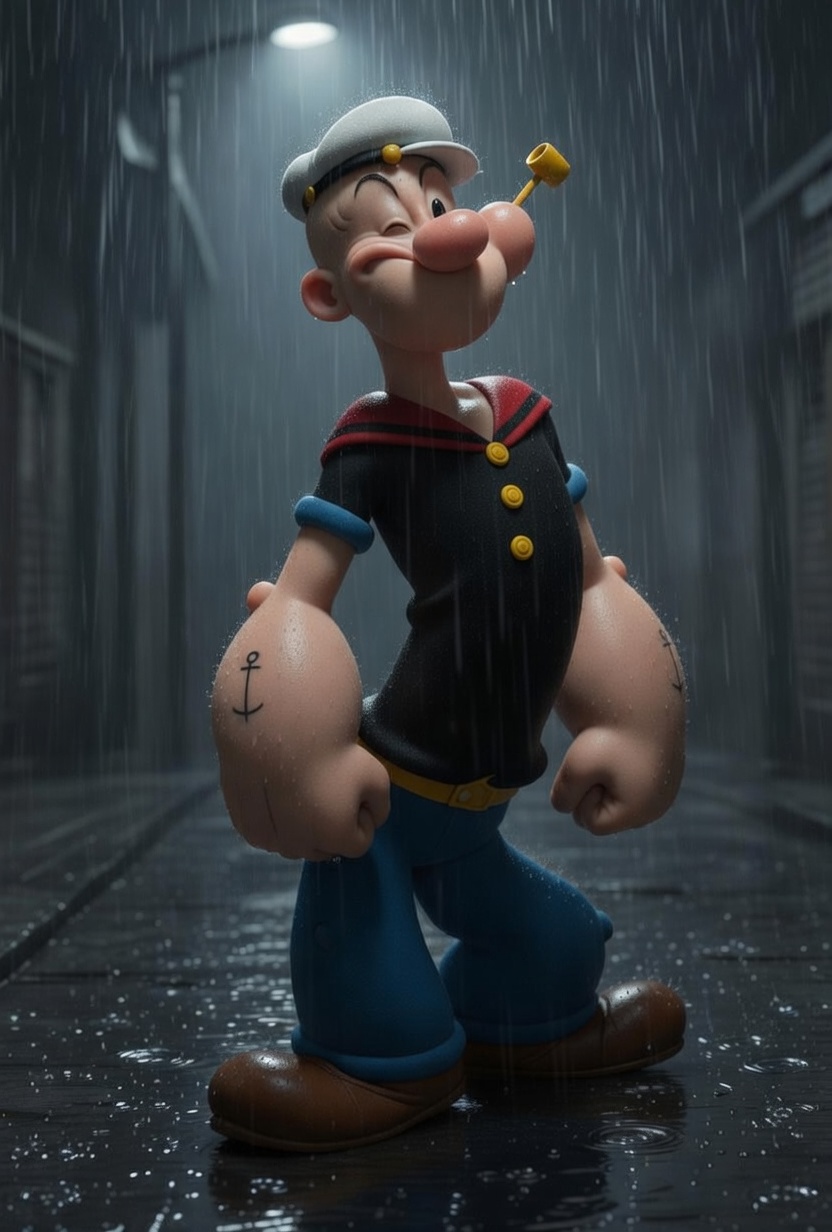
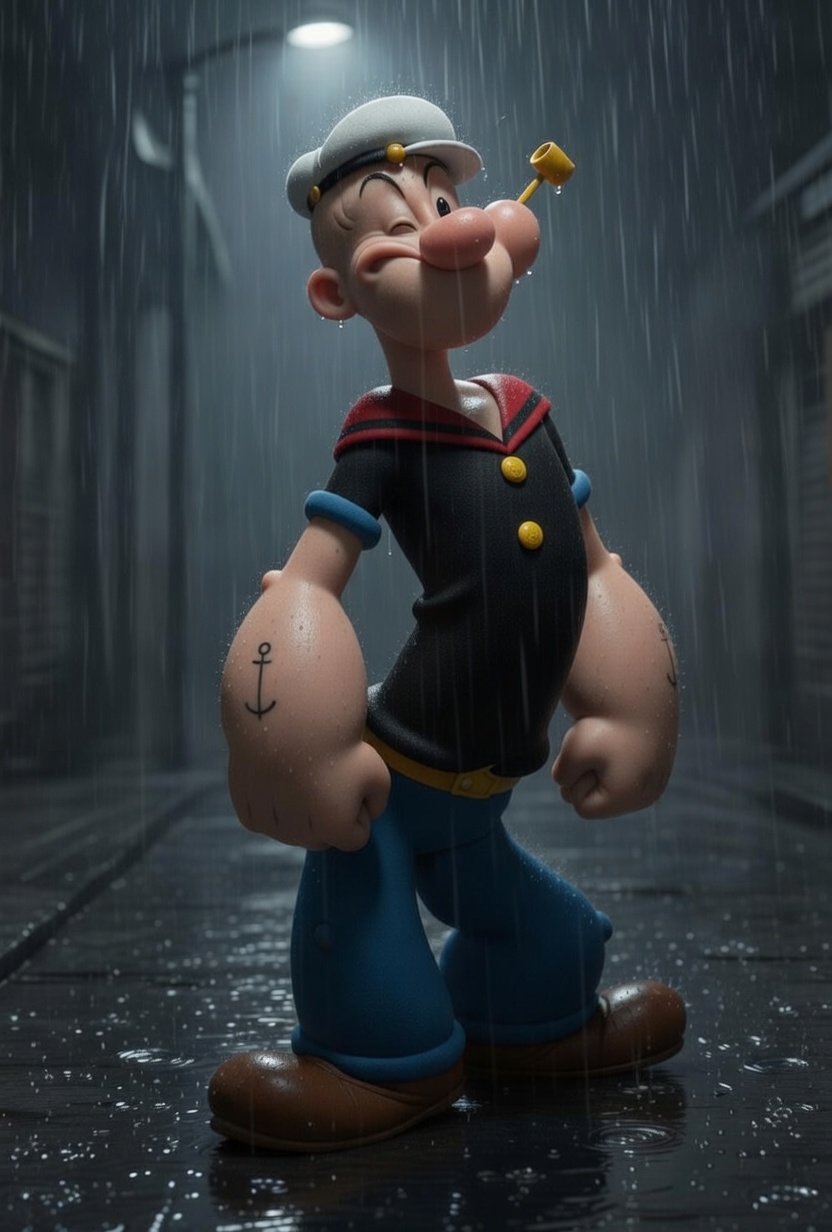
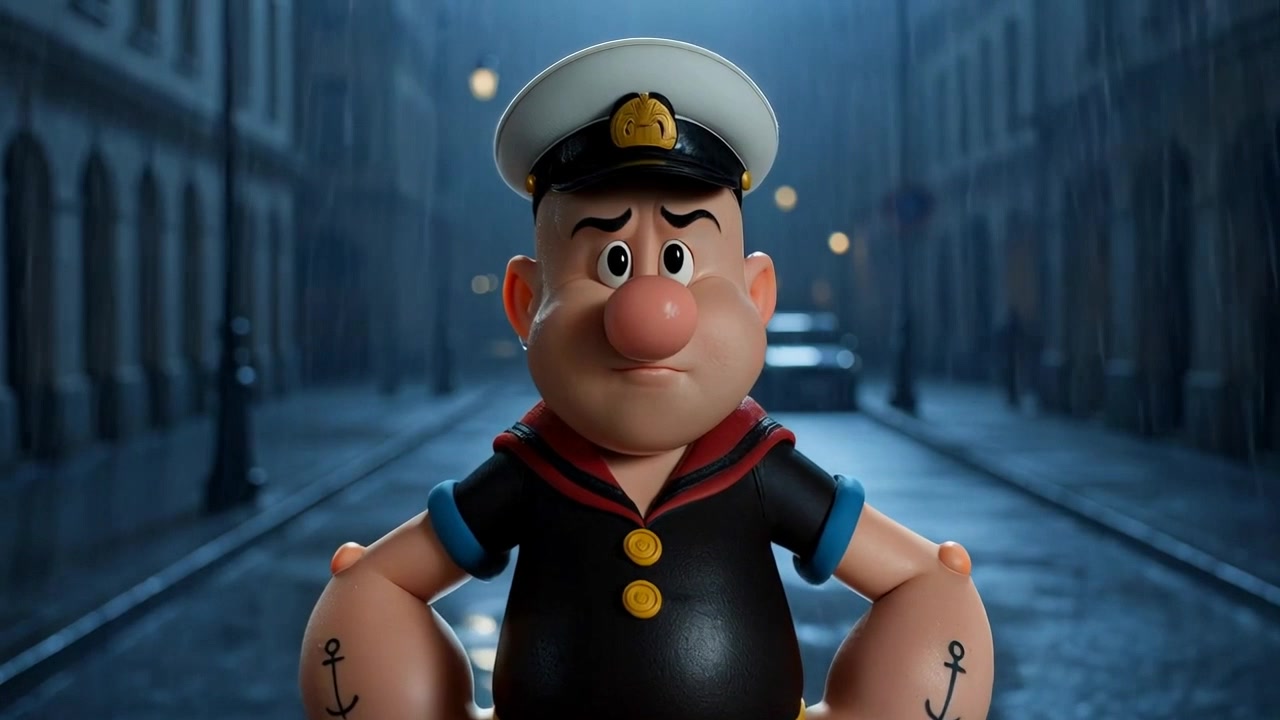
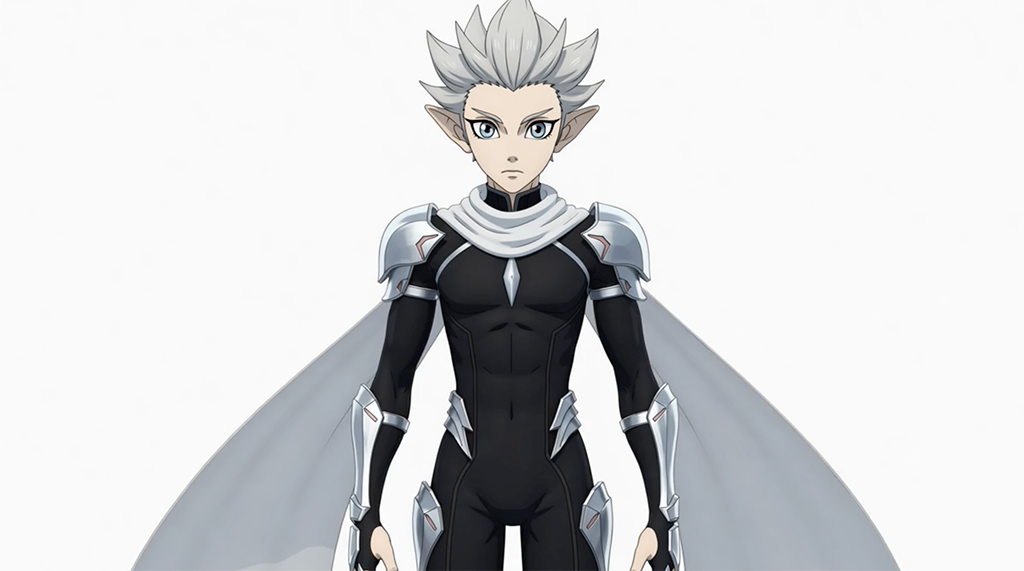
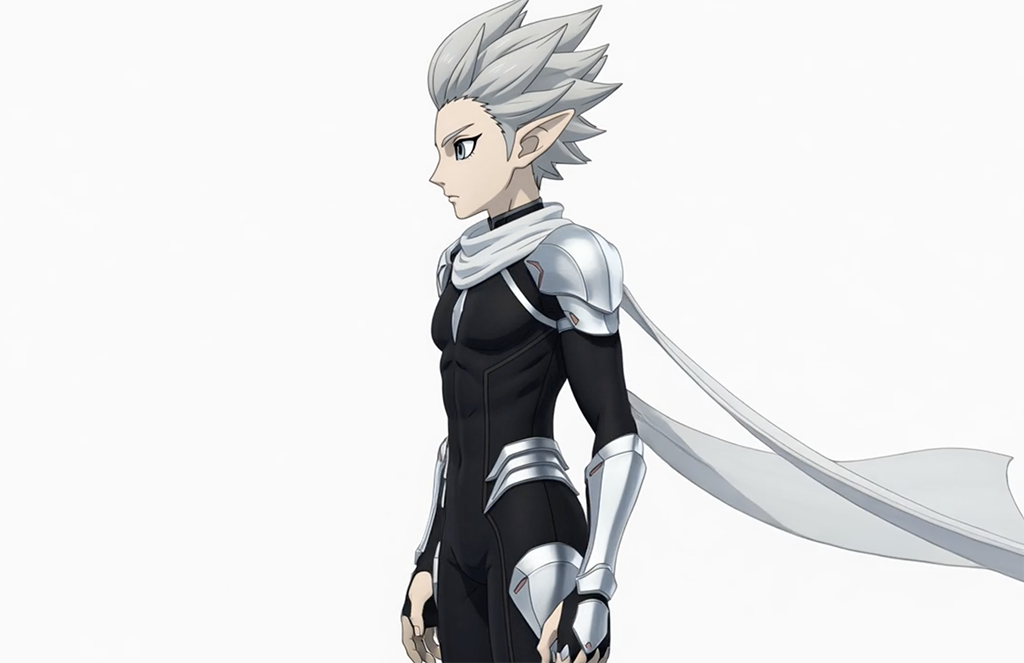
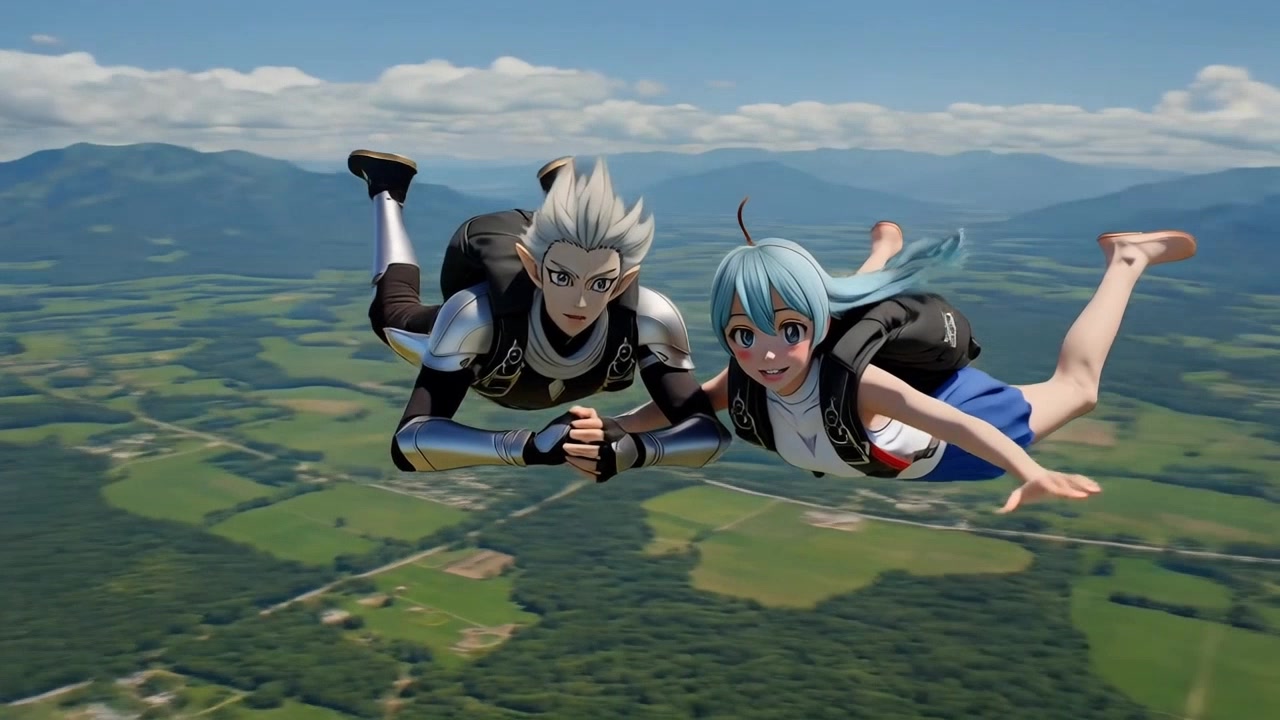
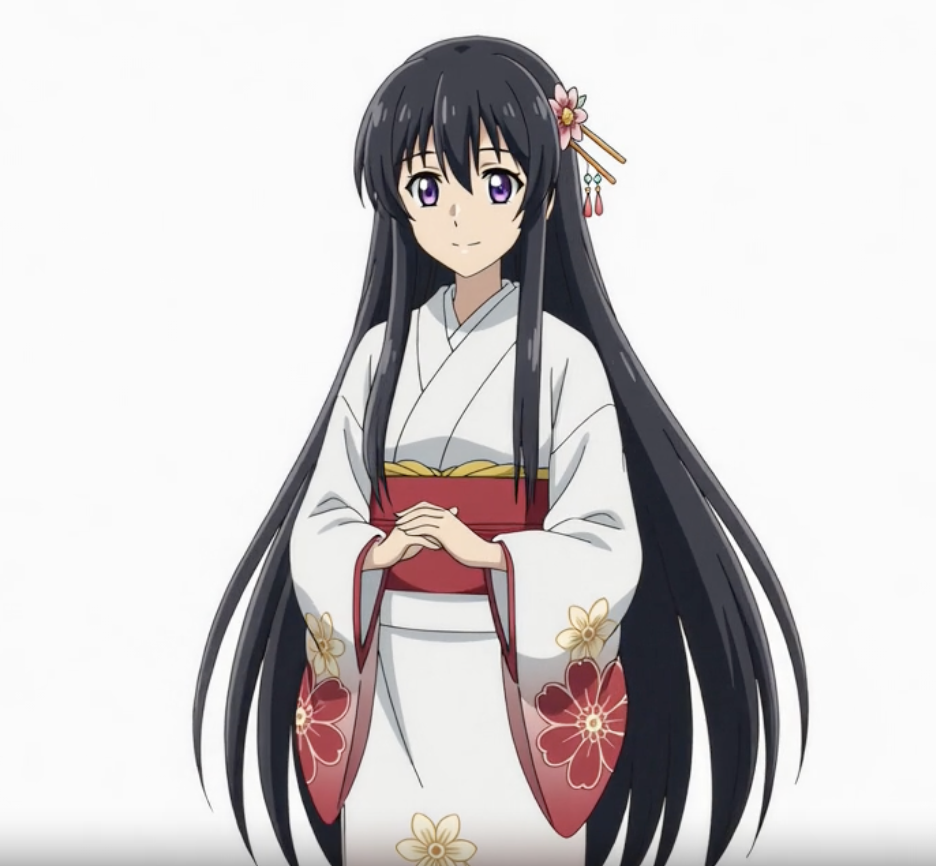
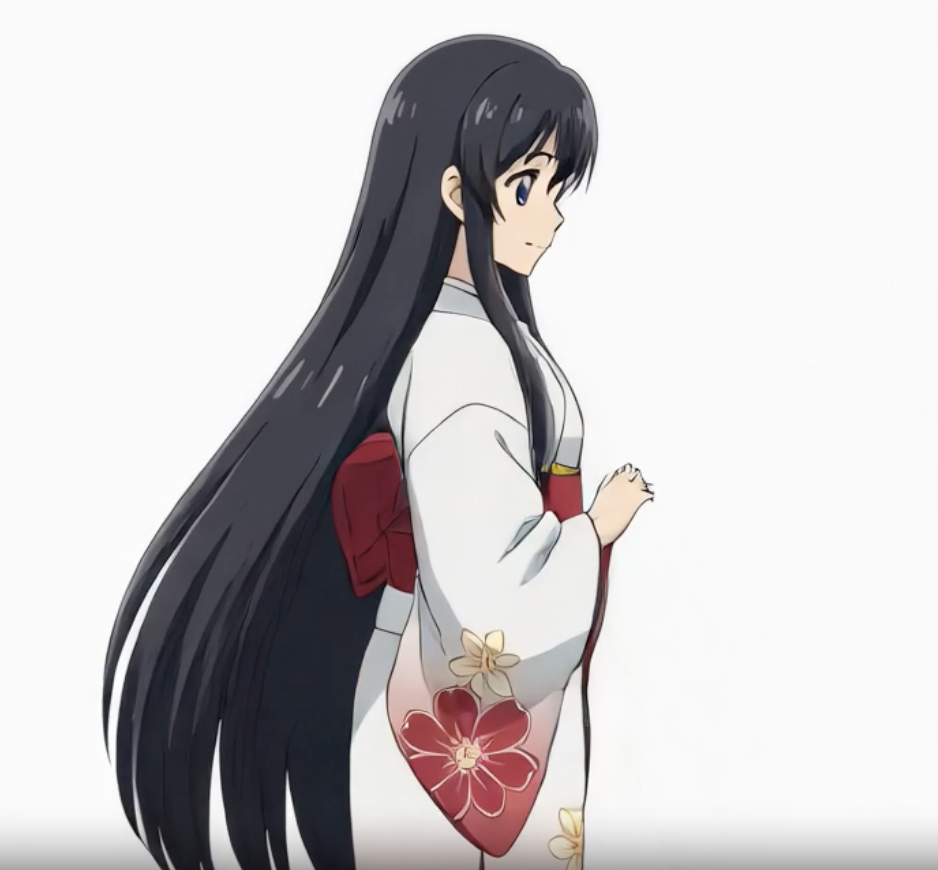
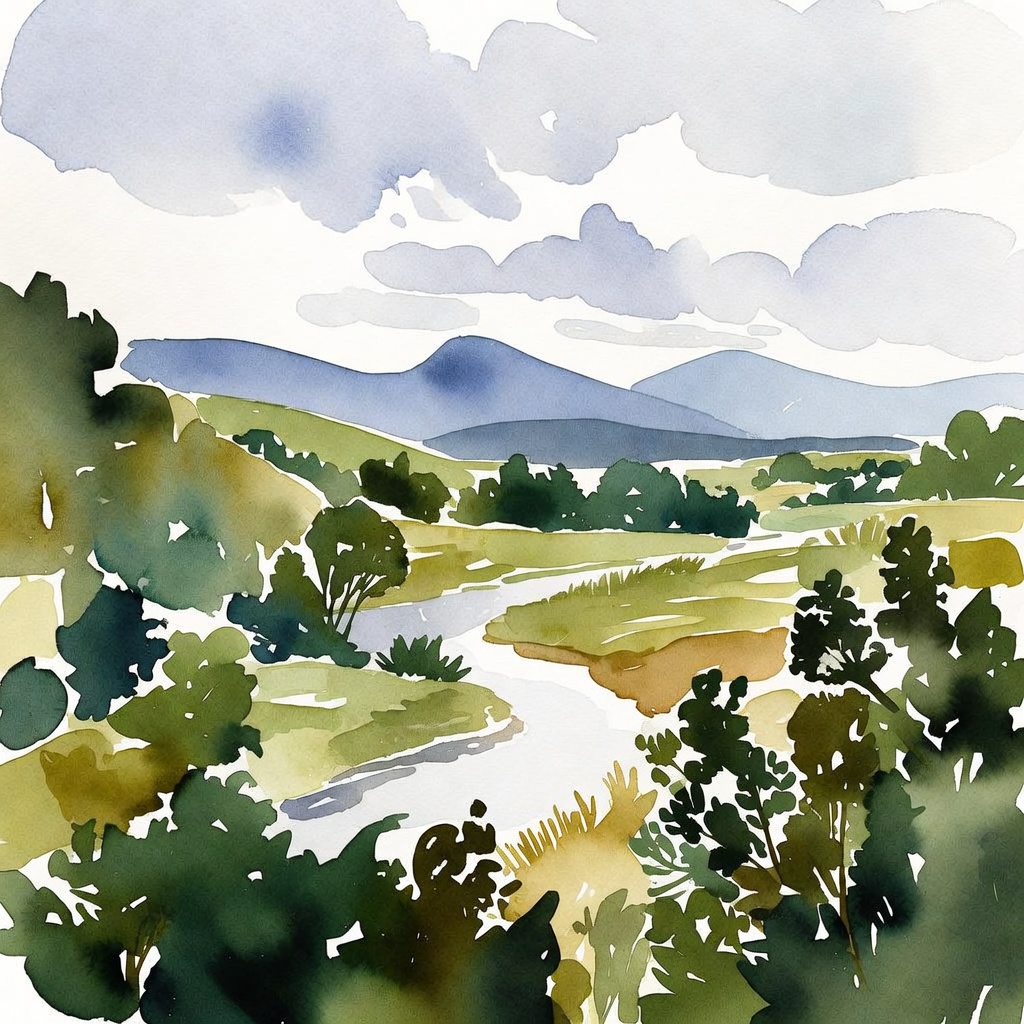
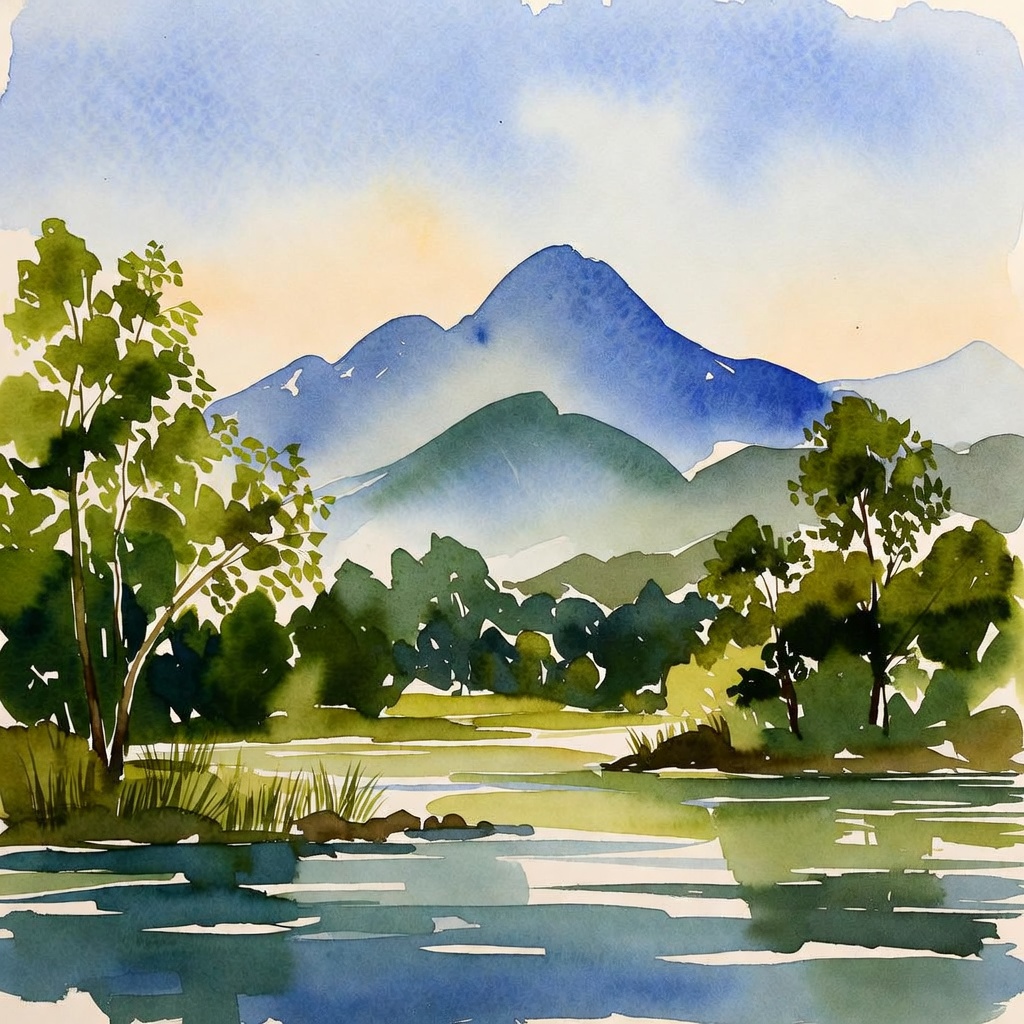
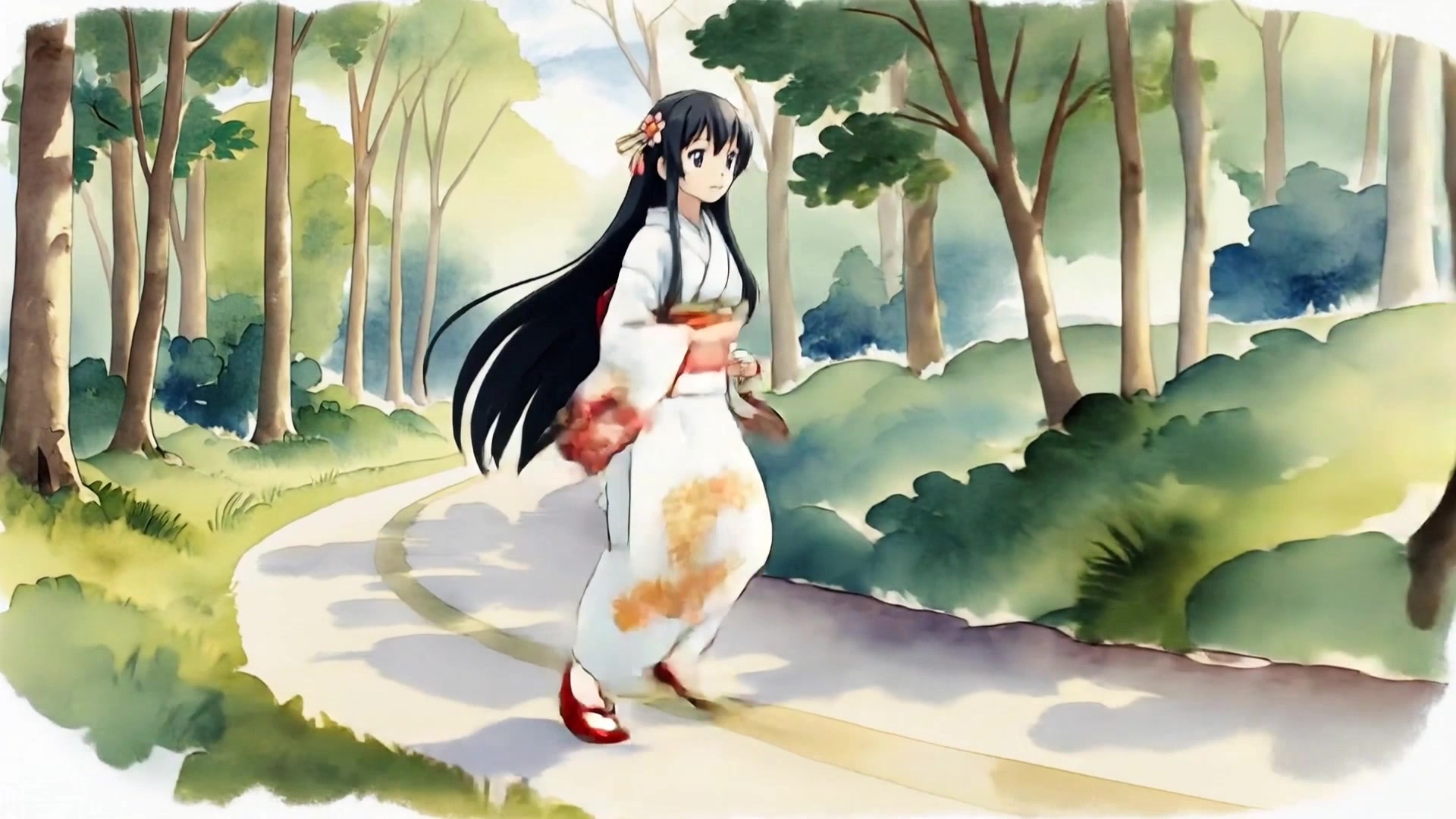
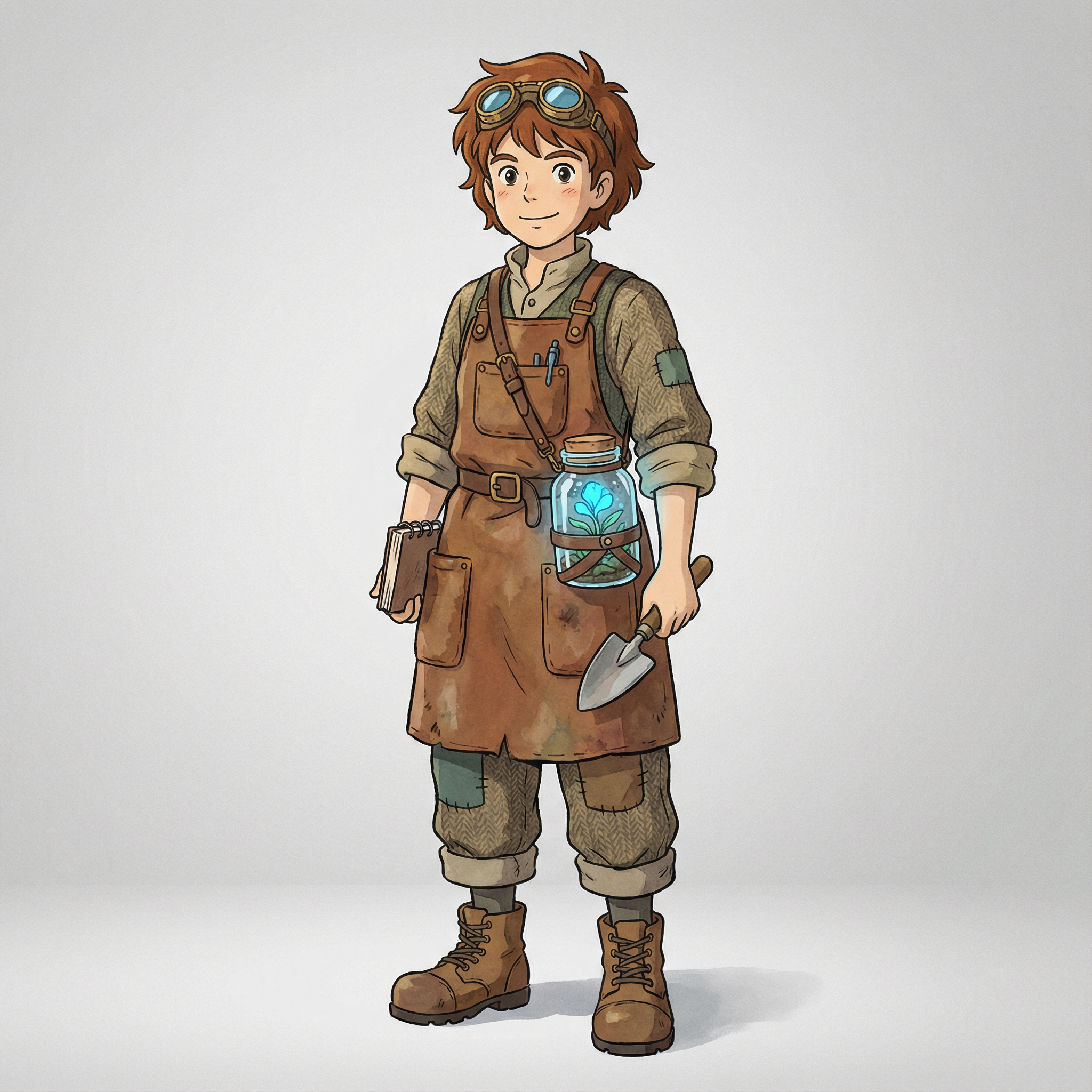
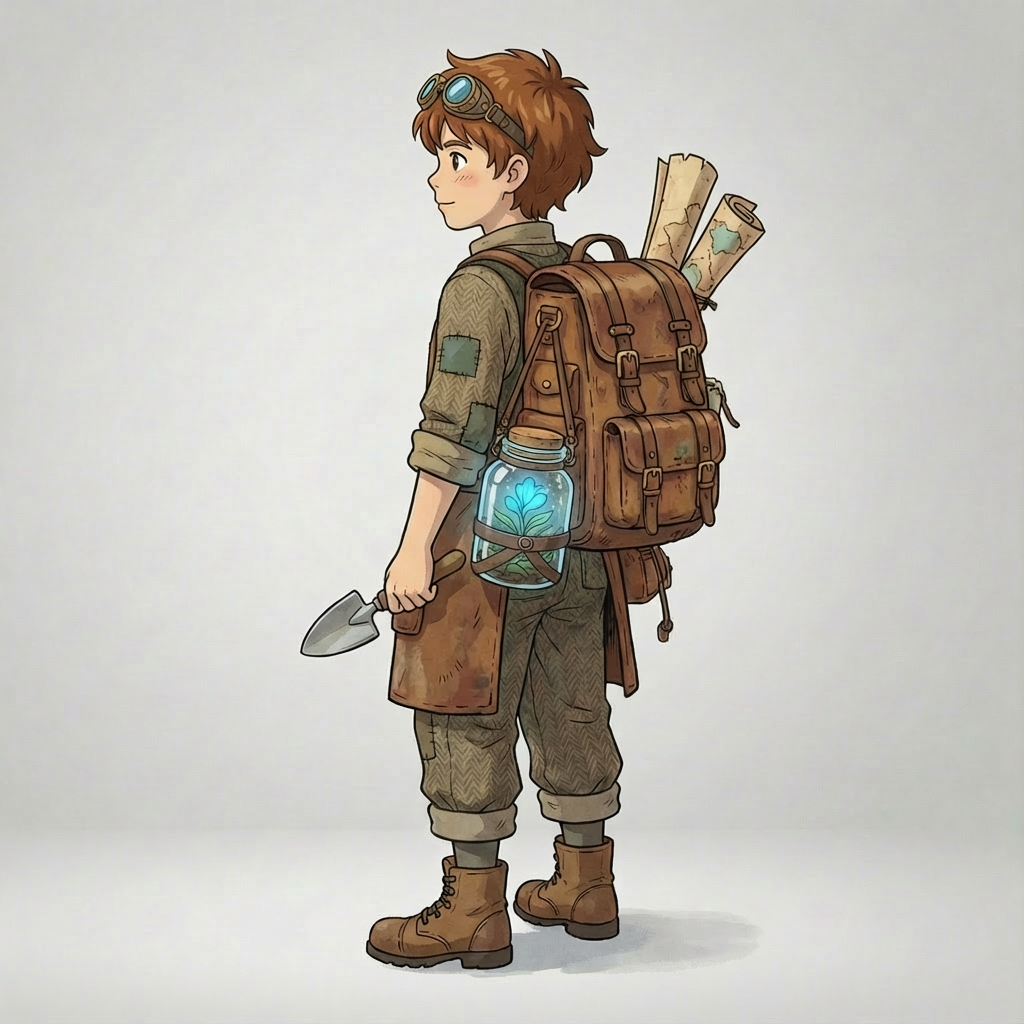
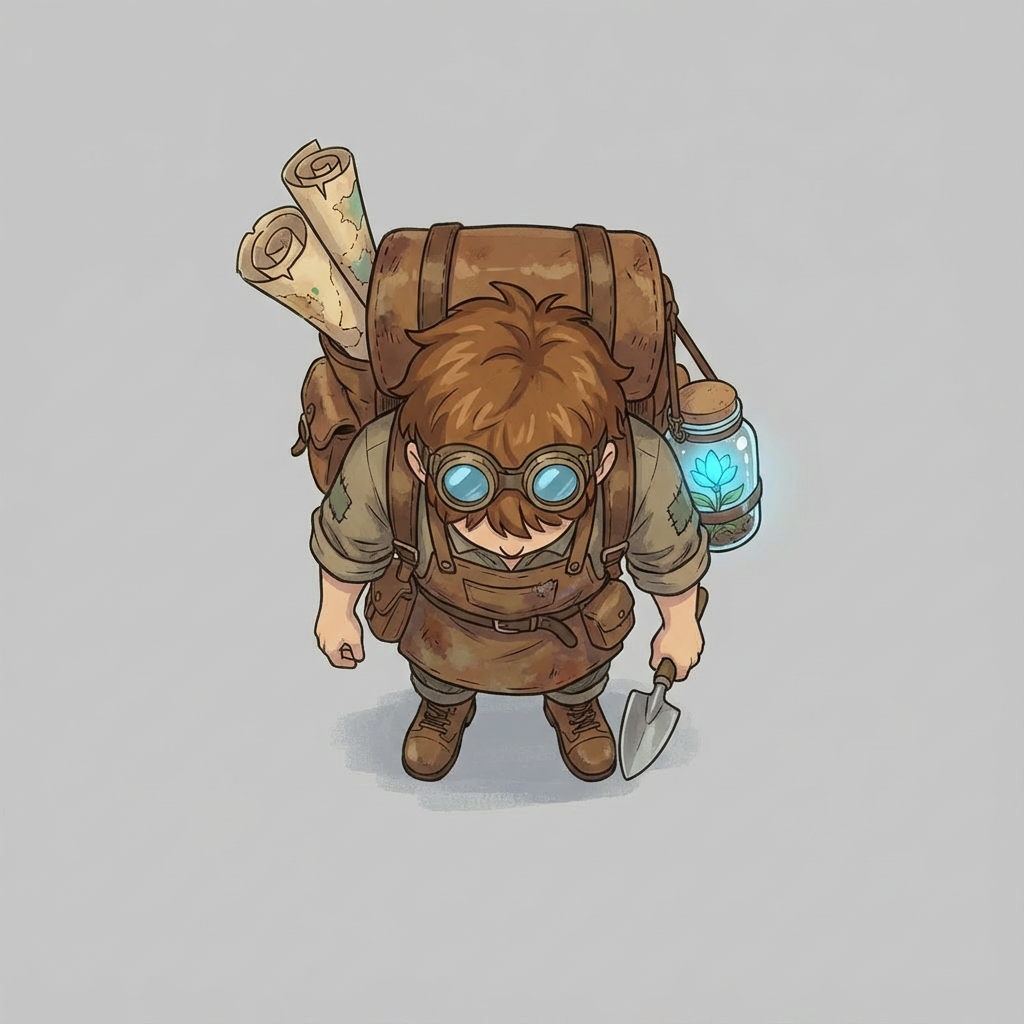
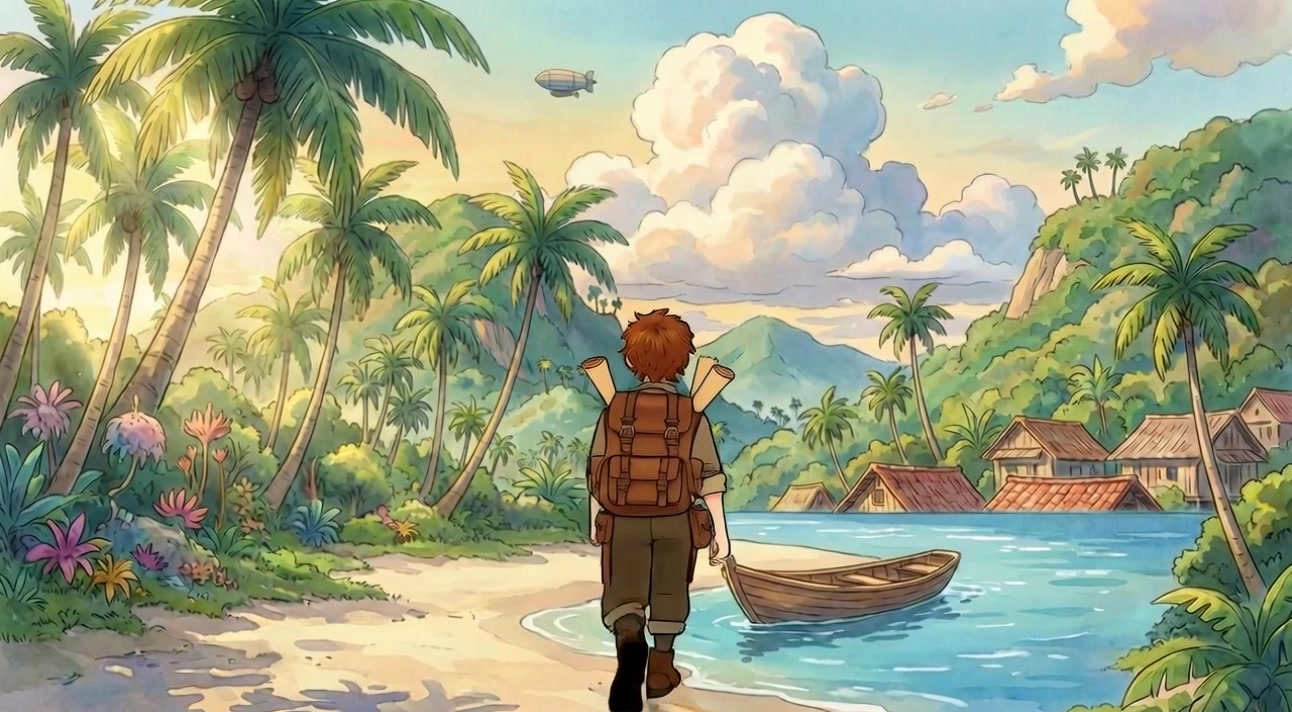
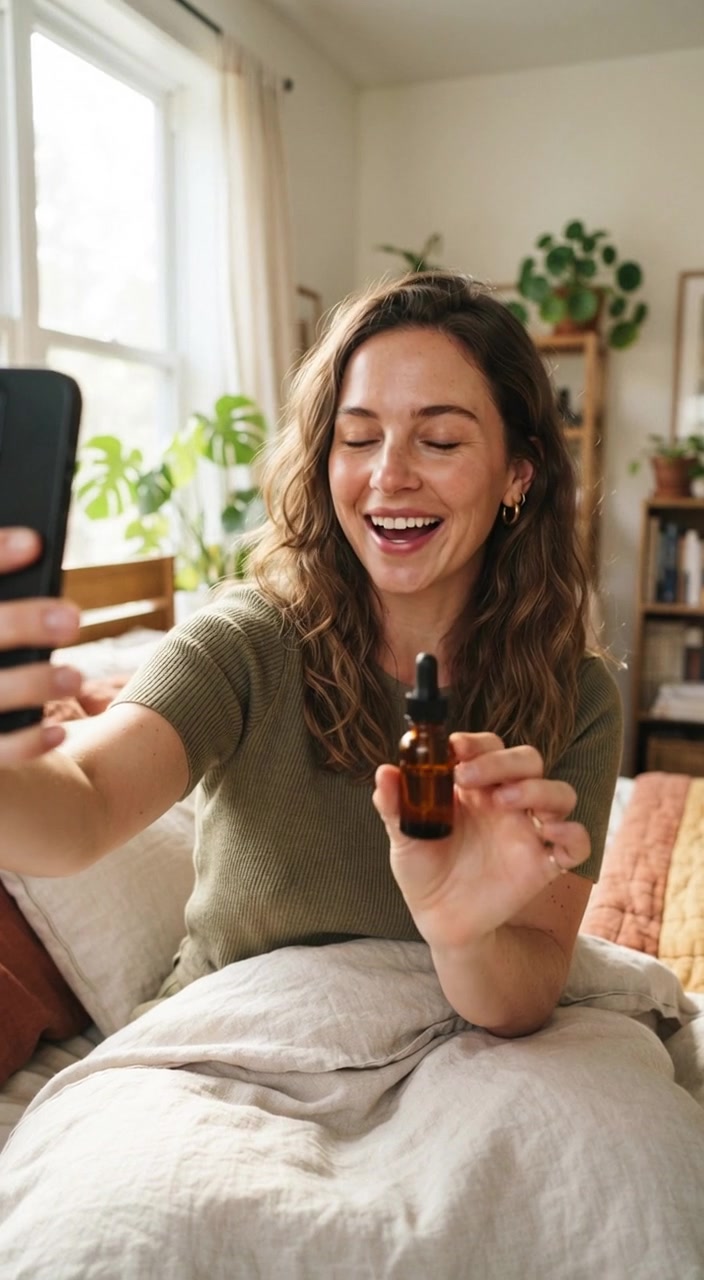
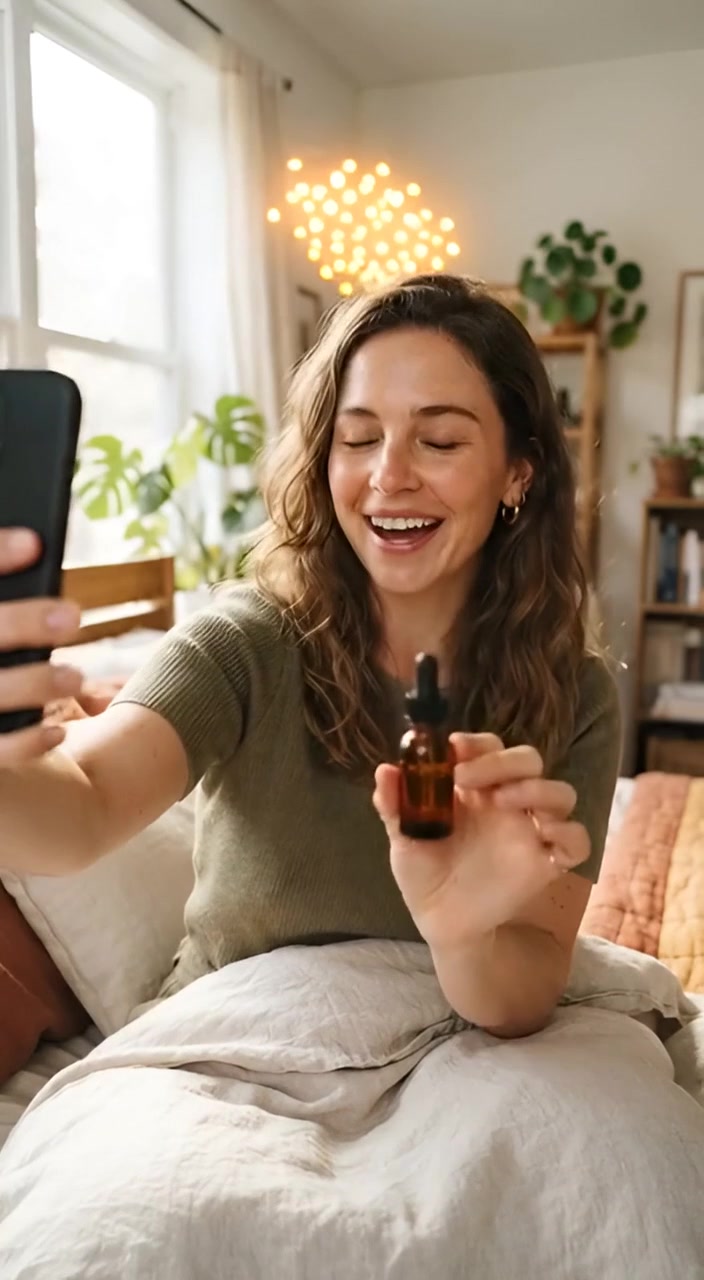
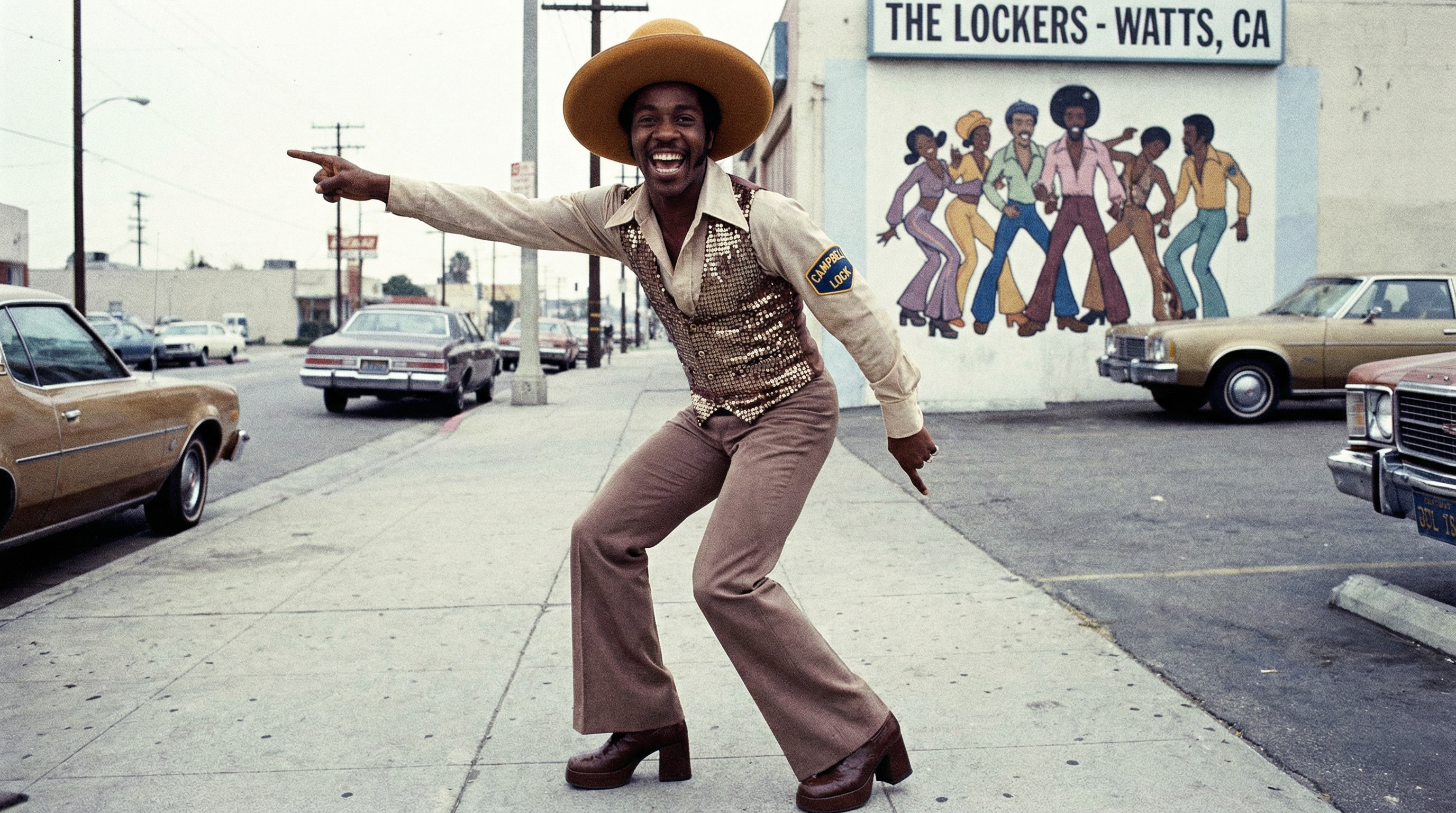
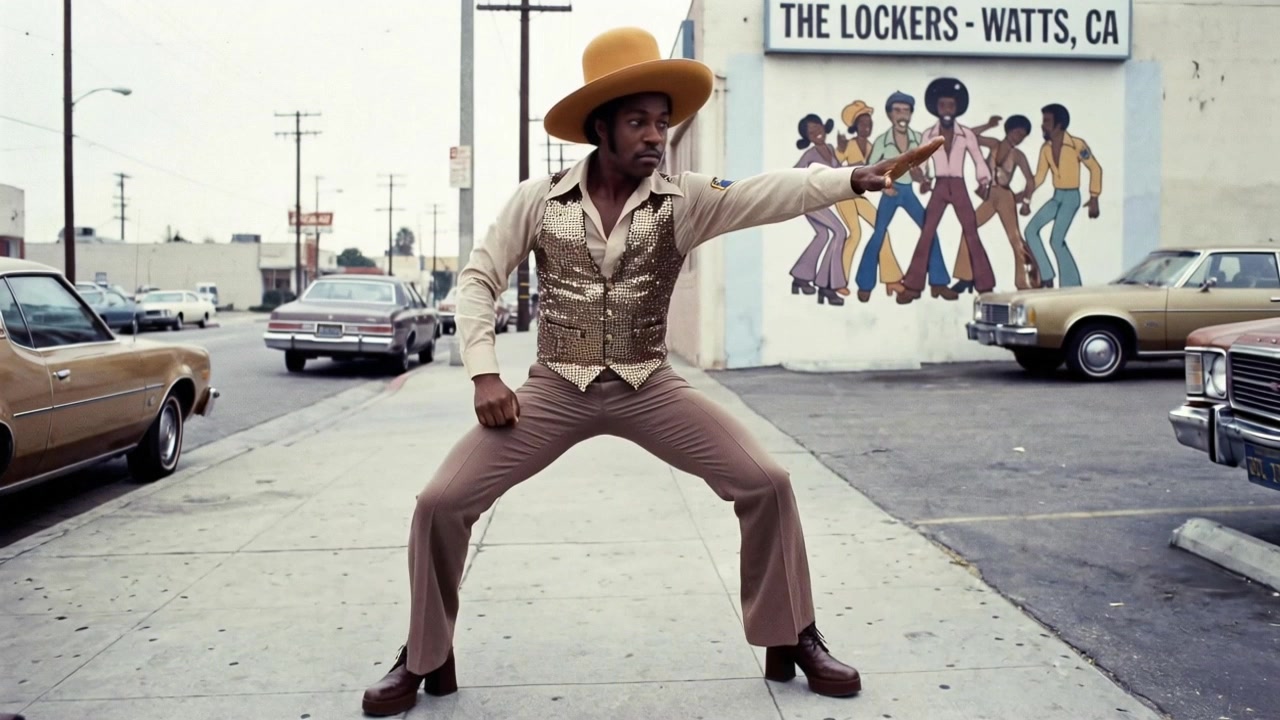
Reference to video combines a written prompt with media that shows what you want to carry into a new shot. Choose a model in the generator, upload the references it supports, then describe the subject, action and camera movement. The examples above pair input references with an output clip and a reusable prompt. Use one as a starting point, then check the selected model and settings before generating.
What each reference type can guide
- Image reference: identity and style
- Use a clear image to guide a character's appearance, clothing, a product or a visual style. State which details should stay consistent and which parts of the scene should change. A reference guides the result; it does not guarantee an identical face in every frame.
- Video reference: motion and camera
- On models that accept video references, add a short clip to guide movement, pacing or camera direction. Tell the model whether to follow the action, the framing or both. Check the displayed duration and file limits before uploading.
- Audio reference: sound direction
- Audio input is available on supported models. Describe how the sound should relate to the scene, and check whether the model requires an image or video alongside it. Accepting an audio reference does not guarantee exact beat or lip synchronization.
Combining references without confusing the model
- Give each reference a clear job, such as the subject's appearance or the camera movement. Avoid conflicting examples for the same detail.
- Use the prompt to explain what to keep and what to change. For several images, refer to their upload order so the intended subject is clear.
- Crop image references around the detail you want to preserve, and remove distracting background elements when possible.
- For multi-shot character consistency, reuse the same image reference across every generation rather than re-describing the character in words.
A worked example
After adding a clear portrait as the image reference, try a prompt that separates the character details from the new setting:
The referenced character walks through a rain-soaked night market, slow tracking shot from the side, neon signage reflected in wet pavement, same face and jacket as the reference, ambient rain and distant vendor calls.
The character and jacket are the details to preserve; the market, lighting and tracking shot are the new direction. Review the output before reusing the setup for another shot, and adjust one instruction at a time.
Frequently asked questions
- Which reference types can I upload?
- This tool offers image, video and audio references across its model selection. Each model supports its own combination, file counts, sizes and durations. Select the model first and follow the upload hints shown in the form; not every model accepts all three types.
- How do I keep the same character across multiple videos?
- Reuse the same image reference in every generation rather than describing the character in words each time. A tight, well-lit portrait crop works better than a full scene.
- Can I use several references at once?
- Yes, when the selected model supports the combination and file count. Assign each reference a distinct role. Adding media can change the credit cost, so review the updated total before generating. Template outputs are examples, not a promise that another model will reproduce them exactly.
 Output