Choose one clear photo
Upload a photo you have permission to animate. Keep one adult’s face and body visible, and confirm their consent.
PHOTO TO DANCE
Give one photo a playful new move. Upload a clear photo of one consenting adult, generate a twerk dance video, and preview the result.
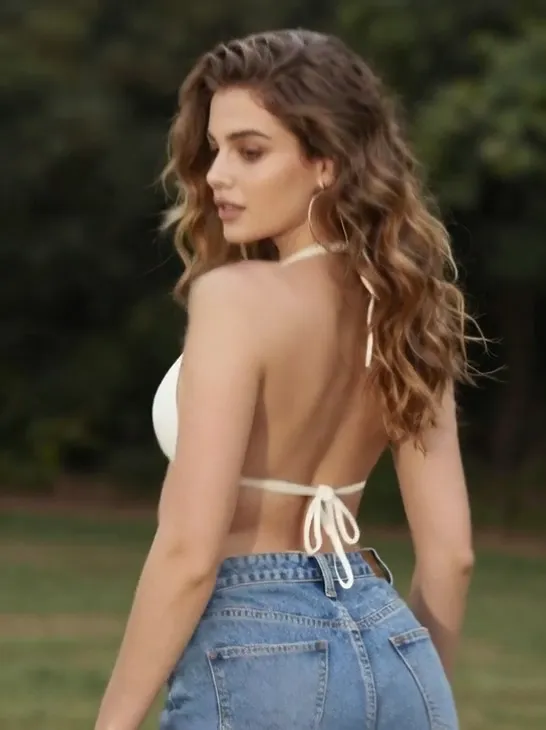
Preview an example. Your own video will appear here after generation.
Your uploads are never added to a public gallery.
Explore three dance clips for movement inspiration. Group choreography is not supported by the single-photo generator.
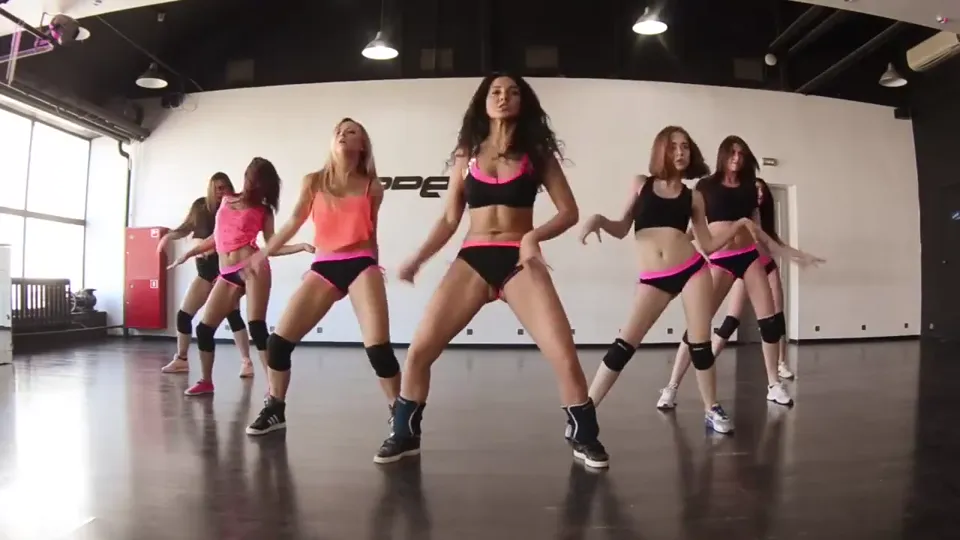
A short studio performance with a clear view of the dancers and their movement.
Silent excerpt · shortened and transcoded; cover taken from the video.
“Hot twerk choreo” by TwerkFamily (Wikimedia Commons), CC BY 3.0
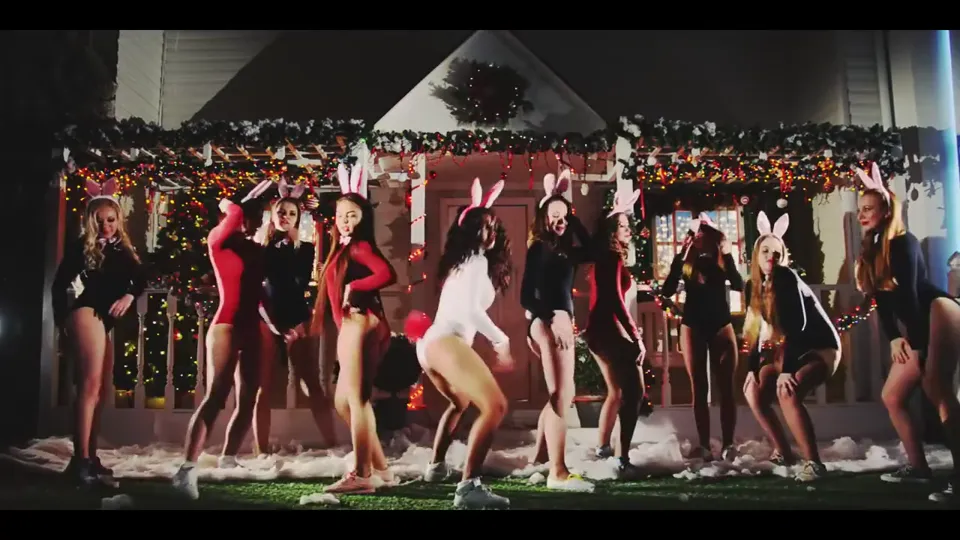
A group performance showing dance movement in a decorated setting.
Silent excerpt · shortened and transcoded; cover taken from the video.
“Christmas twerk” by TwerkFamily (Wikimedia Commons), CC BY 3.0
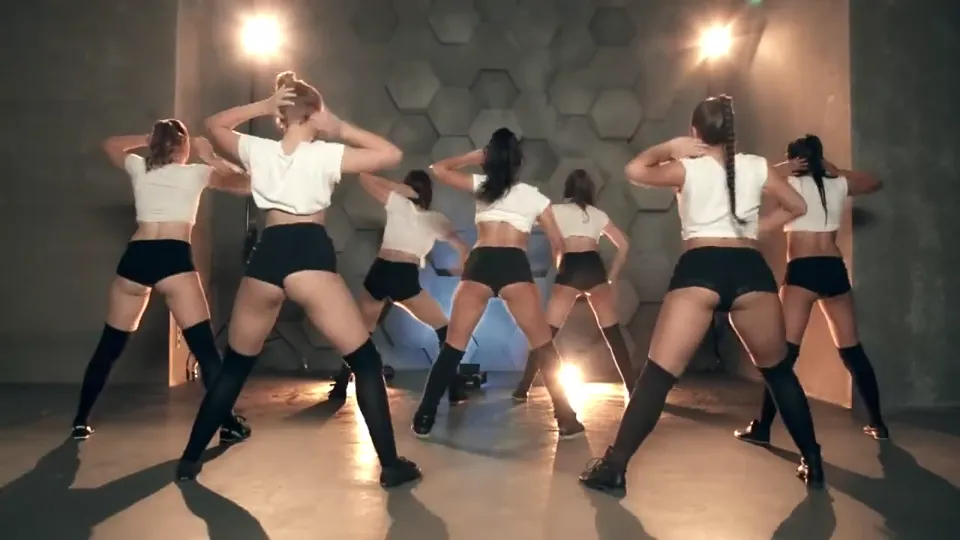
A coordinated routine with a fixed camera and an open performance space.
Silent excerpt · shortened and transcoded; cover taken from the video.
“Bbe twerk challenge accepted” by TwerkFamily (Wikimedia Commons), CC BY 3.0
Upload a photo you have permission to animate. Keep one adult’s face and body visible, and confirm their consent.
The AI twerk generator uses your photo directly. Check the credit amount, then start one generation. There is no prompt to write.
Return to the same task while it processes. Once the video is saved, preview it and download the MP4 from your result.
A clearer starting image gives the AI twerk image to video generator more visual information to work with. The effect can still change details or produce imperfect motion.
One photo. One video.
This AI twerking video generator runs online in your browser. Start with a photo, review a single credit quote, and keep the result in your account history. The dedicated effect controls the dance; there are no custom motion, length or resolution settings.
Output length and dimensions are shown after generation, based on the actual video. Motion quality varies with the input. No specific speed or success rate is promised.
No. The one-click effect uses only your photo. There are no prompt, seed, intensity or duration settings in this version.
Use a clear photo of one consenting adult in complete clothing, with an unobstructed face and body. JPG, PNG and WebP are accepted up to 10 MB and 4 megapixels. Photos are validated and converted to JPEG before generation.
This version is designed for one adult. Crop or replace group photos before generating. Confirm that you have permission to use the photo and animate the person. Age and consent confirmations do not guarantee that an image will pass the provider’s content review.
Generation uses account credits. The exact number is displayed before you start, and your signed-in balance appears beside it. This page does not offer unlimited free generation.
The effect is documented to include music. Listen to your actual result in the player; audio quality has not yet been verified in our own sample tests. A paid plan does not establish a commercial license for the included music. Confirm its rights before commercial use. This page does not currently offer a separate muted export.
A confirmed provider failure or content rejection returns the reserved credits once. If submission is uncertain, we check the original task and keep its credits reserved until it is resolved. If the video exists but saving fails, we retry the transfer without another generation charge.
Photos and results are not listed in public galleries. Files are stored under hard-to-guess, unlisted links; anyone who obtains a direct file link can access them. On-site previews, downloads and history require the owner’s account. The generation provider receives a signed link to your photo. Files and task records are retained for history; contact support to request removal. The provider has its own retention policy.
We show the actual duration and dimensions once your result is saved. There is no duration selector or promised completion time. Queue, generation and saving are shown as separate stages, and you can return to the same task after refreshing.