DRAKE BURNING BRIDGES AI VIDEO · ONE PHOTO
Drake Burning Bridges AI Video Generator
Upload one photo of yourself, a friend or a pet and step into the chandelier-lit party from Drake's "Burning Bridges" video: silver cup in your left hand, pointing at the lens, the collar grab and both "Where she at?" hand-over-eyes moments, with the song. 1 photo · up to 20 s · 9:16 or 16:9 · Seedance or MiniMax H3 · song included.
Full 20 s at 480p: 203 credits on Seedance 2.5 · From 16 credits (Seedance 2.0 Mini, 10 s, 480p) · $5 Trial pack = 24 credits · Free accounts get a moving watermark; any purchase unlocks watermark-free downloads · Failed videos are refunded
Your photo · person or pet
One person or pet, face sharp and forward, upper body visible
Photo: 300–6000 px wide and high, up to 30 MB. Use a clear, well-lit photo of one person or pet; whatever they wear (chains, glasses, a hat) comes along.
480p · 9:16 · MP4 · Burning Bridges song included
This video costs 203 credits. Charged when you start, refunded automatically if it fails.
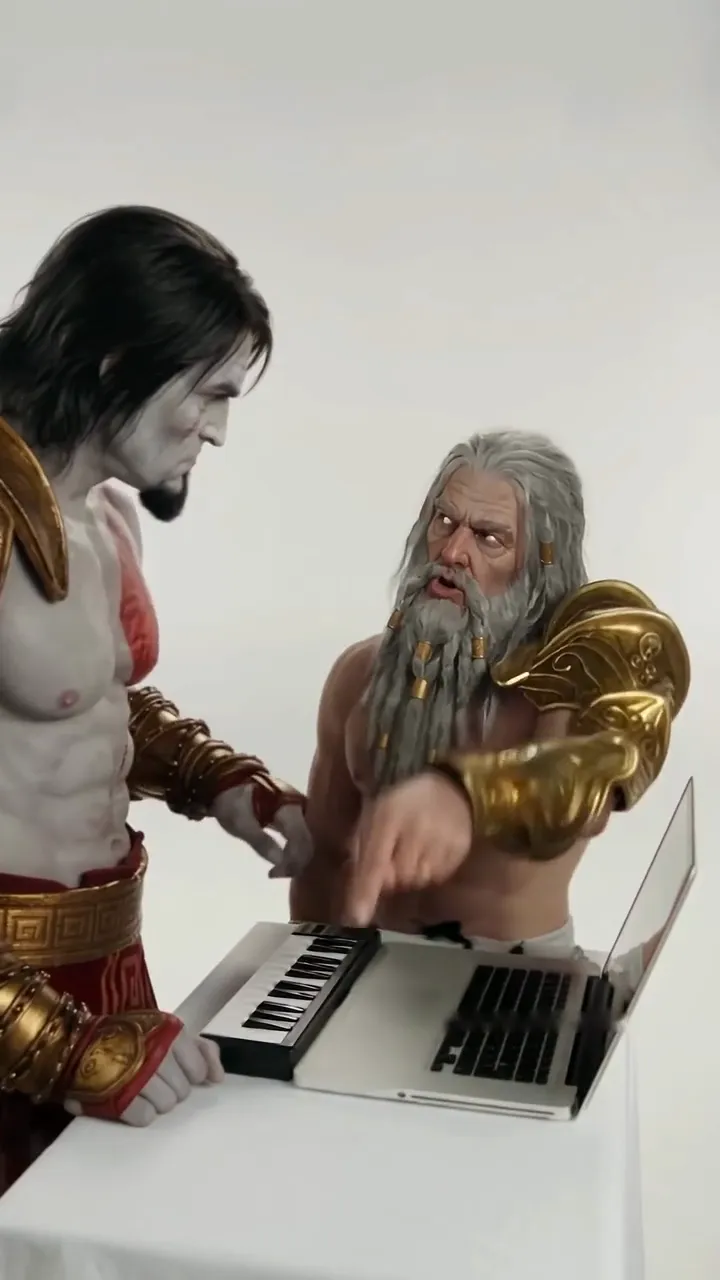
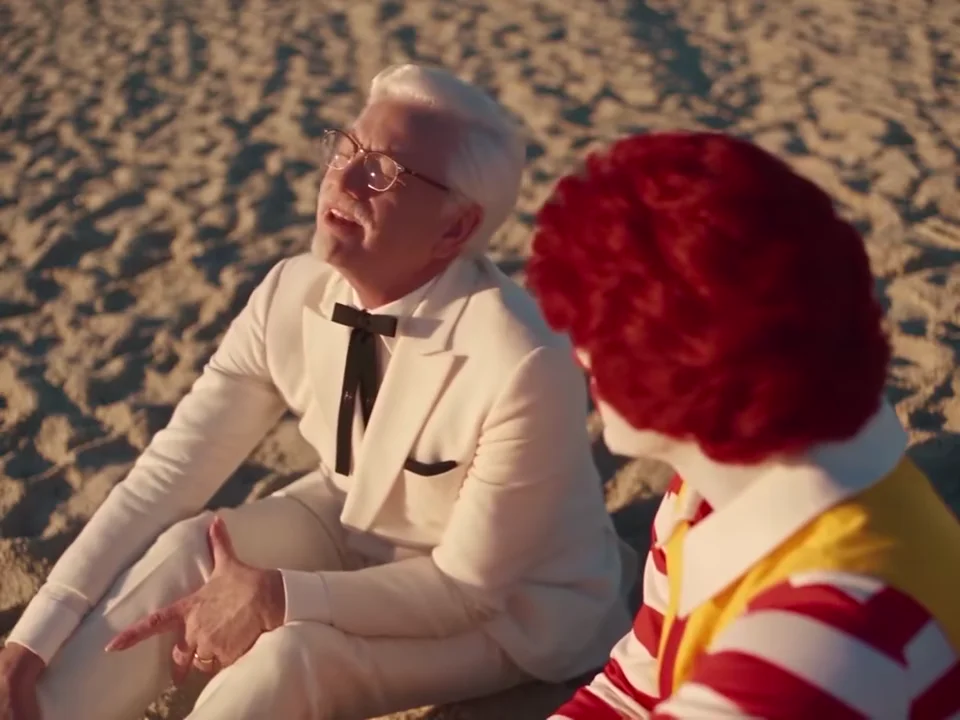
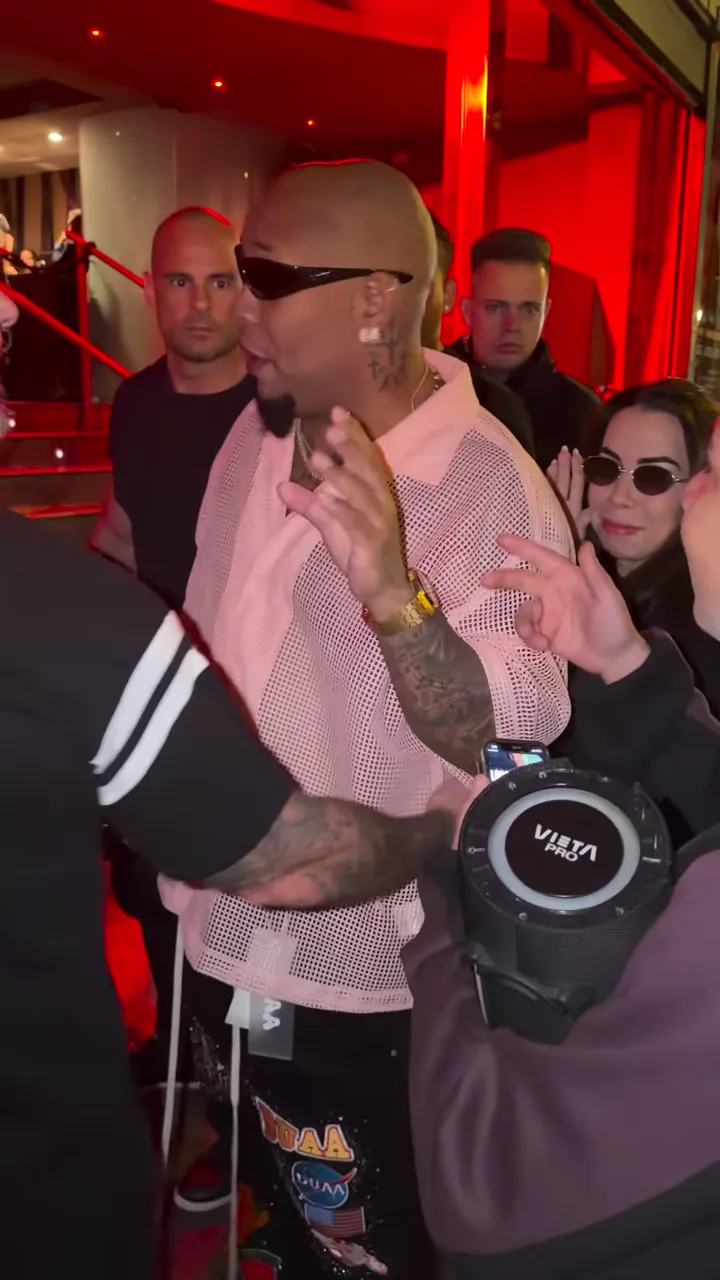
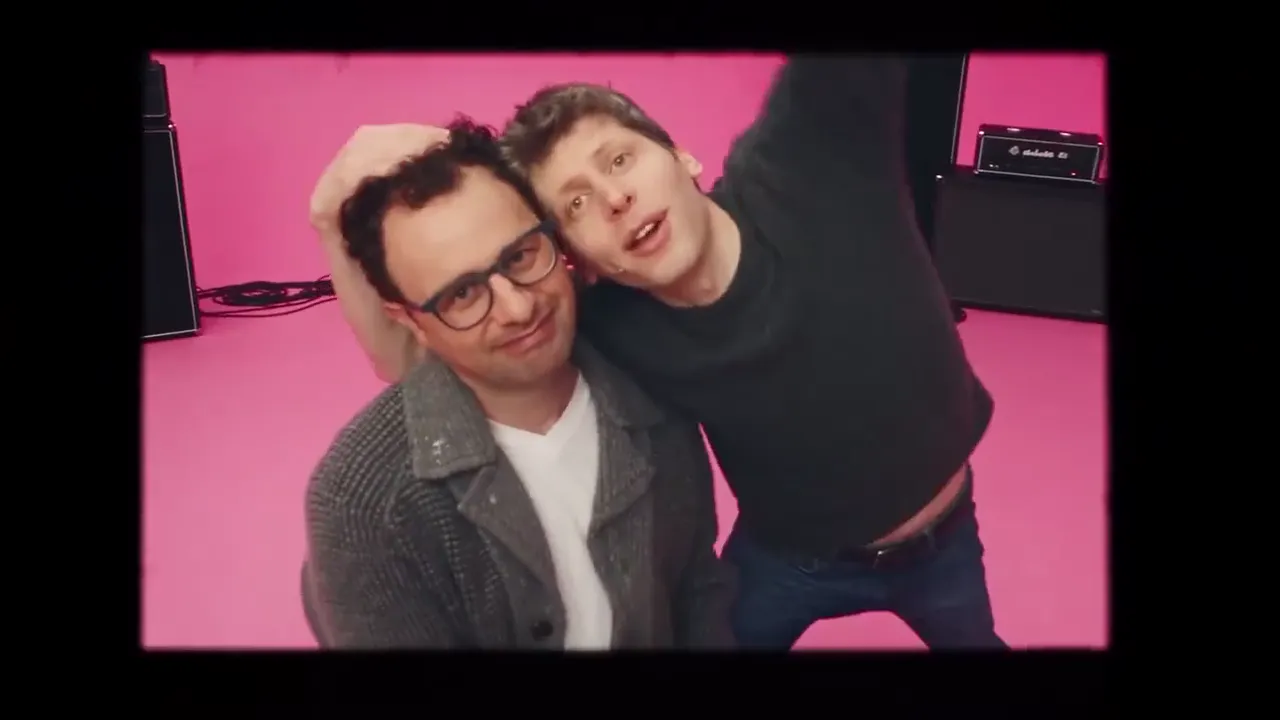
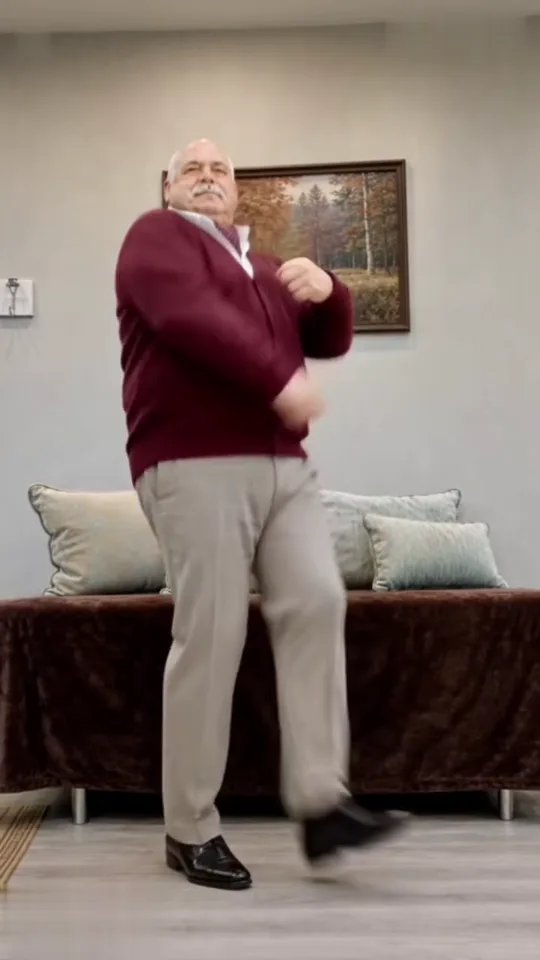
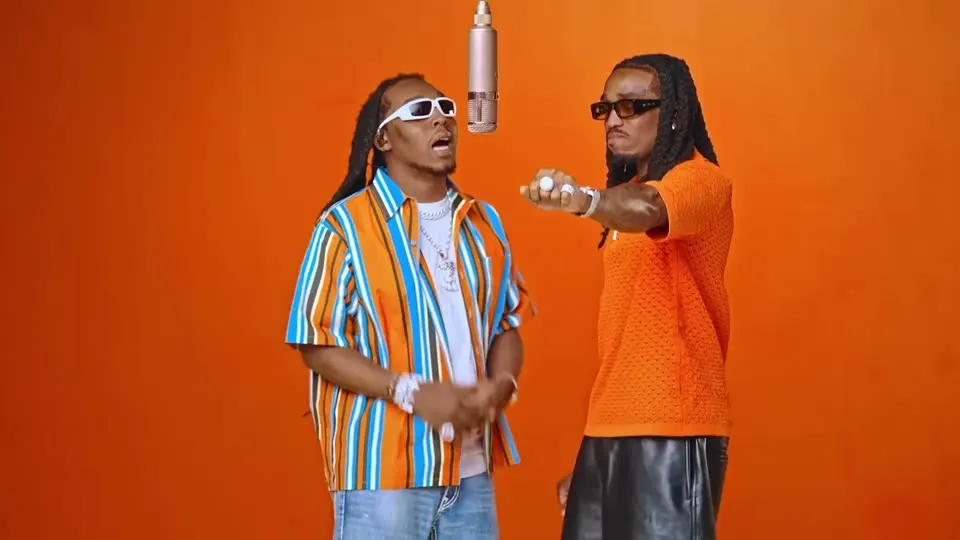
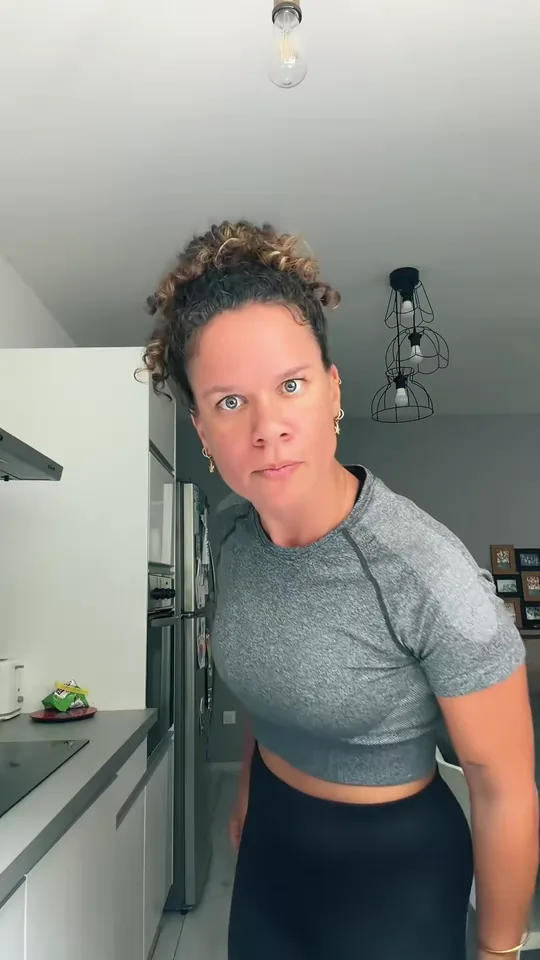
Burning Bridges AI video example
A one-photo Burning Bridges example: the full 20-second routine with the song. Your result will vary.
How to make the Burning Bridges AI video from one photo
Upload one clear photo of yourself, a friend or a pet, keep Seedance 2.5 and 20 seconds for the whole routine (or pick Seedance 2.0 or MiniMax H3 for a 10 or 15 second ending), choose vertical 9:16 or 16:9 and press Generate. TryH3 first makes a still of your subject at the chandelier party, then recreates the party scene from Drake's official "Burning Bridges" video (2:40–3:00): the silver cup in the left hand, pointing at the lens, the collar grab and both "Where she at?" hand-over-eyes moments. You get an MP4 with the song. No prompt is needed. The full 20 seconds costs 203 credits at 480p, 450 at 720p and 794 at 1080p.
Burning Bridges AI video at a glance
| Inputs | 1 photo of one person or pet. JPG, PNG or WebP, 300–6000 px per side, up to 30 MB |
|---|---|
| Pets | Supported: the pet stands upright, holds the cup in a paw and keeps its own face and fur. Results vary more than with people |
| Motion source | The party routine from 2:40–3:00 of Drake's official "Burning Bridges" video, built in: moves, cuts and handheld camera, with the song |
| Key moves | Silver cup in the left hand, cup pushed at the lens, pointing around the room, the collar grab, and "Where she at?" twice (a flat hand over the eyes at about 15 s and 17.5 s of the 20 s cut) |
| Prompt | None. The scene, the routine and the timing are built in |
| Models | Seedance 2.5 (default, the only one that makes 20 s), Seedance 2.0 Mini, Fast and Pro, and MiniMax H3 (10 or 15 s) |
| Length | 20 seconds (the whole routine) on Seedance 2.5; 10 or 15 seconds (the ending with both "Where she at?" moments) on every model |
| Output | MP4, vertical 9:16 (default: 480 × 854, 720 × 1280 or 1080 × 1920) or 16:9 (854 × 480, 1280 × 720 or 1920 × 1080). 480p on the Seedance models, 720p on every model, 1080p on Seedance 2.0 Pro and 2.5 |
| Audio | Yes: the song from that point of the official video is laid under your MP4. The model itself generates no sound |
| Cost | From 16 credits (Mini, 10 s, 480p). Full 20 s on Seedance 2.5: 203 credits at 480p, 450 at 720p, 794 at 1080p. Each price includes the 5-credit still |
| $5 Trial pack | 24 credits, one-time: one 10- or 15-second 480p Seedance 2.0 Mini video |
| Watermark | A moving tryh3.com mark on videos made before your first purchase; any purchase unlocks watermark-free downloads, including saved copies of earlier videos |
| If it fails | Credits are charged when you start and refunded automatically, including when the still fails or Seedance 2.5's photo review rejects a picture |
| Device | Any phone or desktop browser. No app to install |
How to Make the Burning Bridges AI Video in 3 Steps
The do-it-yourself route means rebuilding the routine shot by shot, writing a second-by-second move list, finding a video model that can follow it and laying the song back on. This page does all of that from one upload.
- 01
Upload one photo of you or your pet
Use one clear, well-lit photo with the face sharp and forward and the upper body visible. One person or one pet per photo; what they wear in the photo comes along.
- 02
Choose the model, length and frame
Seedance 2.5 is selected by default and makes the whole 20-second routine. Seedance 2.0 Mini, Fast and Pro, and MiniMax H3 make the 10 or 15 second ending with both "Where she at?" moments for less. Pick 9:16 for TikTok and Reels or 16:9, and 480p, 720p or 1080p.
- 03
Generate, check the face and download
Press Generate. TryH3 makes a still of your subject at the party, then the video, then lays the song under it — usually a few minutes. Play it with sound, check the face after each hand-over-eyes moment and download the MP4.
What the Burning Bridges Template Recreates
A text prompt alone usually turns this trend into generic party dancing. This template drives the video with the real scene's motion and a timed move list, so the moments people recognise land where the song puts them.
- The room. A packed, wood-panelled private dining room under crystal chandeliers, the crowd raising drinks around you — the setting of the official video.
- The cup. A silver metal cup in your left hand the whole way through; your right hand does the pointing, waving and covering.
- The routine. Cup pushed at the lens, arms out pointing around the room, the collar grab, leaning into the crowd, the finger flick at the camera.
- "Where she at?" twice. A flat hand across the eyes at about 15 and 17.5 seconds of the 20-second cut, right on the lyric, with the mouth still moving.
- The camera. One handheld party take with the original cuts and timing, then the song laid back under it.
What comes from your photo
- Face and hair. Your subject's own face, hairstyle and glasses — or a pet's own face, fur and markings.
- Clothes and jewellery. Chains, watches, hats and outfits from the photo come with you; nothing from Drake's look is copied.
Burning Bridges AI Video Models and Prices
Credits per video, the same for every account. Each price includes the 5-credit still. Seedance 2.5 is the only model that makes the full 20 seconds; the Seedance 2.0 models and MiniMax H3 make the last 10 or 15 seconds, which hold both "Where she at?" moments.
| Model | Resolution | 10s | 15s | 20s | Notes |
|---|---|---|---|---|---|
| Seedance 2.5 | 480p | 104 | 154 | 203 | Default. The whole 20 s routine in one generation; your photo and the still pass the model provider's review first |
| 720p | 228 | 339 | 450 | ||
| 1080p | 400 | 597 | 794 | ||
| Seedance 2.0 Mini | 480p | 16 | 22 | — | Lowest price; 480p and 720p. A $5 Trial pack covers one 480p video |
| 720p | 29 | 41 | — | ||
| Seedance 2.0 Fast | 480p | 46 | 66 | — | Mid price; 480p and 720p |
| 720p | 93 | 137 | — | ||
| MiniMax H3 | 720p | 103 | 152 | — | 720p only; the 10 or 15 second ending |
| Seedance 2.0 Pro | 480p | 74 | 108 | — | Full Seedance 2.0; up to 1080p |
| 720p | 153 | 226 | — | ||
| 1080p | 375 | 560 | — |
Price check: the full 20 seconds at 480p is 203 credits. At the Creator pack rate ($49.90 for 1,280 credits) that is about $7.91; a 10-second 480p Mini test is 16 credits, about $0.62.
Does the Burning Bridges AI Video Include the Drake Song?
Yes. Your MP4 includes the audio of the official video at that point — the verse into both "Where she at?" lines — laid back under your video in time with the cuts. The video model itself renders silently; the song is added afterwards.
Mouth movement follows the song's rhythm, so lip sync is close rather than word-perfect. The music belongs to its rights holders: TikTok or Instagram may match the track when you post, and you can always swap in the official sound in the app.
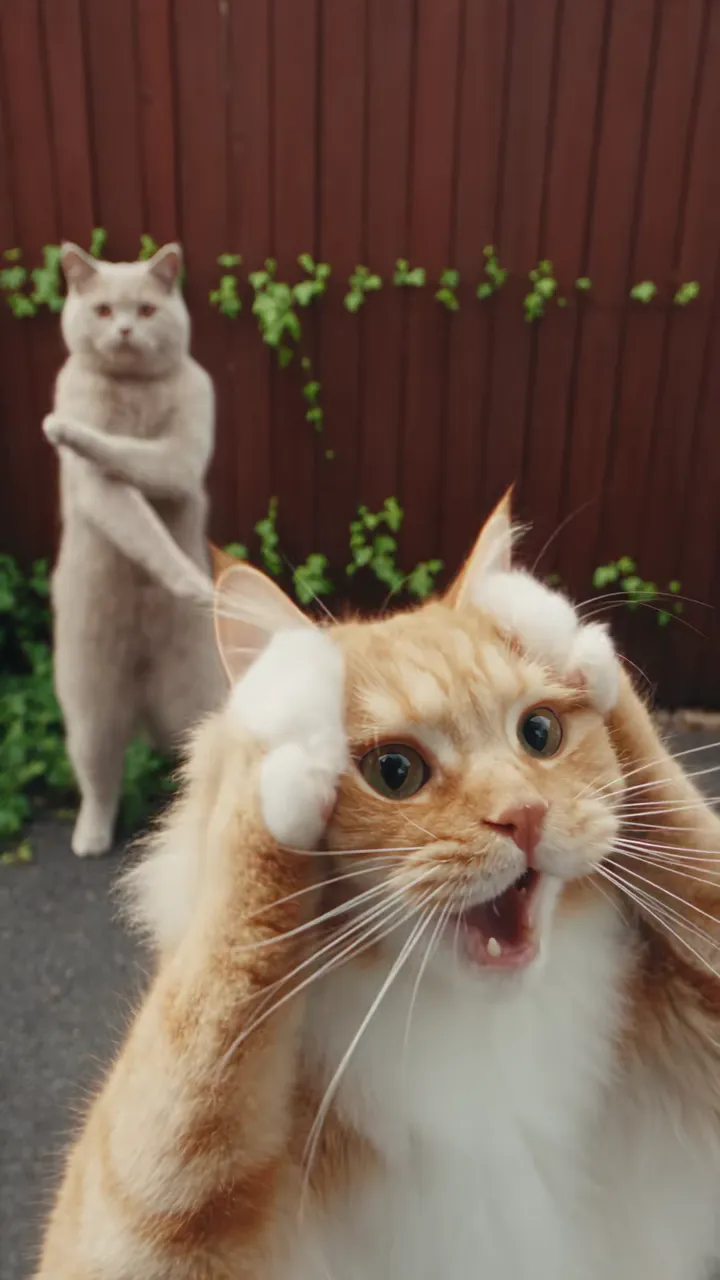
Make Your Dog or Cat Do the Burning Bridges Trend
Upload one clear photo of your pet with its face visible. The template asks for the pet to stand upright in the middle of the party like a person, hold the silver cup in its left paw, point and wave with the other paw and cover its eyes on "Where she at?" — with its own face, fur and markings, never human lips or hands.
Pets are less predictable than people: the model may drop the cup, turn the pose or soften the markings. Start with a 10-second 480p Seedance 2.0 Mini video (16 credits); failed generations are refunded automatically.
Photo Tips for Keeping Your Face Through Both "Where She At?" Moments
Exact likeness is not guaranteed — the face can drift for a moment when the hand comes off the eyes or after a fast camera move — but these habits keep a Burning Bridges AI video closest to the photo.
- One subject per photo. Crop group shots to the person or pet you mean; two faces can blend.
- Face sharp and forward. Front or three-quarter views with visible eyes work best; skip sunglasses and hands near the face.
- Show the upper body. A waist-up photo carries your clothes and jewellery into the party.
- Bright, even light. The party is dark and warm; a well-lit photo keeps detail after the colour grade.
- Test short first. Try a 10-second 480p Mini video, then make the full 20 seconds on Seedance 2.5 once the face looks right.
Burning Bridges AI Tools Compared
Published facts from each tool's own page, read on October 7, 2026. Prices and limits change; check the page before you buy.
| Point | TryH3 (this page) | Starrd | Flowlio | Higgsfield Genjutsu |
|---|---|---|---|---|
| Input | 1 photo, person or pet | 1 photo, person or pet | 1 photo, person, dog or cat | Your own 4–30 s clip plus images; no Burning Bridges preset |
| Length | 10, 15 or 20 s | 20 s | 20 s | Follows your clip |
| Frame | 9:16 or 16:9 | 9:16 | 9:16 | Follows your clip |
| Resolution | 480p, 720p, 1080p | 480p | 480p, 720p, 1080p | Up to 1080p |
| Model | Seedance 2.5 (20 s) or Seedance 2.0 Mini, Fast, Pro, MiniMax H3 | Seedance (2.0 on the template page, 2.5 in its guide) | Seedance 2.5 | Genjutsu |
| Song | Included | Included | Included | Your clip's audio |
| Price | From 16 credits; 20 s: 203 (480p), 450 (720p), 794 (1080p) | 150 credits, about $7.50 | 480p 500 credits (trend sale), 720p 1,500, 1080p 2,500 | 15 s: $2.00 (480p), $5.20 (720p), $7.20 (1080p) |
Higgsfield Genjutsu, where the trend started in September 2026, is a general motion-transfer tool: you find and trim the clip yourself and write the swap. The template pages above are one-photo shortcuts; TryH3 is the one that shows every price before you generate and offers 16:9 as well as vertical.
Is the Burning Bridges AI Video Generator Free?
Short answer: signing up and previewing the template are free; each video costs credits, shown before you generate, and videos made before a purchase carry a watermark.
Free
- Creating an account, uploading a photo and playing the examples
- Generating on any account with enough credits — no plan or subscription required
- No prompt, editing app or video tools needed
Paid
- Each video costs credits, shown next to the Generate button.
- The $5 Trial pack (24 credits, one-time) covers one 10- or 15-second 480p Seedance 2.0 Mini Burning Bridges video.
- A Burning Bridges AI video costs 16 to 794 credits, depending on the model, resolution and length.
- Videos made before your first purchase carry a moving tryh3.com watermark. After any credit pack, new videos have none, and saved watermark-free copies of earlier videos unlock too.
- Credits are charged when you start and refunded automatically if the still or the video fails, or a photo is rejected by the model provider's review.
What Is the Burning Bridges AI Trend?
"Burning Bridges" is a Drake song from his album Iceman, released on May 15, 2026 by OVO Sound and Republic Records and widely read as a shot at A$AP Rocky. It entered the Billboard Hot 100 on May 30, 2026 and peaked at No. 13. Its video, directed and shot by Theo Skudra, is one handheld party at Sotto Sotto in Toronto's Yorkville, where Drake works the room with a silver cup.
The line everyone copies is "Where she at?" — a flat hand over the eyes, scanning the room. It went global at the 2026 World Cup: on July 3 in Toronto, after Cristiano Ronaldo's penalty against Croatia, Drake did it in the stands on the big screen, and Ronaldo did it back days later.
The AI trend started in September 2026, after Higgsfield launched its Genjutsu motion-transfer tool: people put themselves, friends, cartoon characters and pets into the party scene. Template sites then turned it into one-photo generators like this one.
Not to be confused with "BURNIN' BRIDGES Ai Music", an AI-generated country music act whose songs also show up when you search "burning bridges ai". This page is about the Drake video trend.
TryH3 is an independent tool, not affiliated with or endorsed by Drake, OVO Sound, Republic Records, Universal Music Group, Theo Skudra, Higgsfield or TikTok. The template follows the timing of the official video and uses its audio, for parody and personal posts; use photos of yourself, your pets or people who agreed to appear.
Burning Bridges AI Video FAQ
Which website can make the Drake Burning Bridges AI video from one photo?
This page does. Upload one photo of a person or pet, keep Seedance 2.5 for the full 20 seconds or pick Seedance 2.0 or MiniMax H3 for 10 or 15 seconds, choose 9:16 or 16:9 and 480p to 1080p, and download an MP4 with the song. Every price is shown before you generate, from 16 credits.
What is the Burning Bridges AI trend?
People use AI to drop themselves, friends or pets into the chandelier-lit party from Drake's "Burning Bridges" video (2026), copying his silver-cup swagger and the "Where she at?" hand-over-eyes gesture that went viral at the 2026 World Cup. It took off in September 2026 with Higgsfield's Genjutsu tool.
How do I make a Burning Bridges AI video with one photo?
Upload one clear photo, keep Seedance 2.5 and 20 seconds (or choose a cheaper model for 10 or 15 seconds), pick the frame and resolution and press Generate. TryH3 makes a still of your subject at the party, generates the video from the scene's motion and adds the song — usually within a few minutes.
Does it include the silver cup and both "Where she at?" moves?
Yes, it is built to. The video follows the real scene's timing with a timed move list: the silver cup in the left hand, pointing at the lens, the collar grab and two flat-hand-over-the-eyes "Where she at?" moments at about 15 and 17.5 seconds of the 20-second cut. AI output can still miss or soften a move; failed generations are refunded.
Does the Burning Bridges AI video include the Drake song?
Yes. The audio from that point of the official video is laid under your MP4 after generation. The music belongs to its rights holders; TikTok or Instagram may match it when you post, and you can swap in the official sound in the app.
Can I make my dog or cat do the Burning Bridges trend?
Yes. Upload a clear photo of your pet: the template asks for it to stand upright, hold the cup in a paw and cover its eyes on "Where she at?" with its own face and fur. Pets vary more than people, so start with a 10-second 480p Mini video (16 credits).
How long is the video, and is it vertical?
Up to 20 seconds, the whole routine, on Seedance 2.5; 10 or 15 seconds (the ending with both "Where she at?" moments) on every model. Vertical 9:16 is the default — 480 × 854, 720 × 1280 or 1080 × 1920 — and 16:9 is available too.
Which AI model does the Burning Bridges template use?
Seedance 2.5 by default; it is the only one that makes the full 20 seconds, and your photo and the still pass the model provider's review first. Seedance 2.0 Mini, Fast and Pro, and MiniMax H3 make 10 or 15 seconds for less. The still is made with Nano Banana Pro, with GPT Image 2 as a fallback.
How much does a Burning Bridges AI video cost? Is it free?
Signing up is free; videos cost credits. From 16 credits (Mini, 10 s, 480p). The full 20 seconds on Seedance 2.5 costs 203 credits at 480p, 450 at 720p and 794 at 1080p, each including the 5-credit still. The $5 Trial pack (24 credits) covers one 10- or 15-second 480p Mini video.
Can I download it without a watermark?
Yes, after any purchase. Videos made before your first purchase carry a moving tryh3.com watermark; once you buy a credit pack, downloads are watermark-free, including saved watermark-free copies of earlier videos.
Why does my face change when the hand covers my eyes?
When most of the face is hidden, the model has to rebuild it as the hand moves away, so it can drift for a moment. TryH3 sends both your original photo and the party still as references to pull it back, but exact likeness is not guaranteed. A sharp, front-facing, well-lit photo helps most.
Do I need to write a prompt?
No. The scene, the move list and the timing are built in; you only upload a photo and choose the settings.
What happens if a generation fails or my photo is rejected?
Your credits are refunded automatically — whether the still, the video or Seedance 2.5's photo review fails. Try a clearer photo of one subject, or choose a Seedance 2.0 model.
Is this the same as Burnin' Bridges AI music?
No. "BURNIN' BRIDGES Ai Music" is a separate AI-generated music act. This page makes videos of the Drake "Burning Bridges" party trend.
Is TryH3 affiliated with Drake or the video's creators?
No. TryH3 is an independent tool, not affiliated with or endorsed by Drake, OVO Sound, Republic Records, Universal Music Group, Theo Skudra or Higgsfield. Use photos you have the right to use and label parody posts as such.
Take Over the Burning Bridges Party
One photo, the chandelier room and the song. Seedance 2.5 for the full 20 seconds or Seedance 2.0 from 16 credits — refunded automatically if a generation fails.
Upload a photo