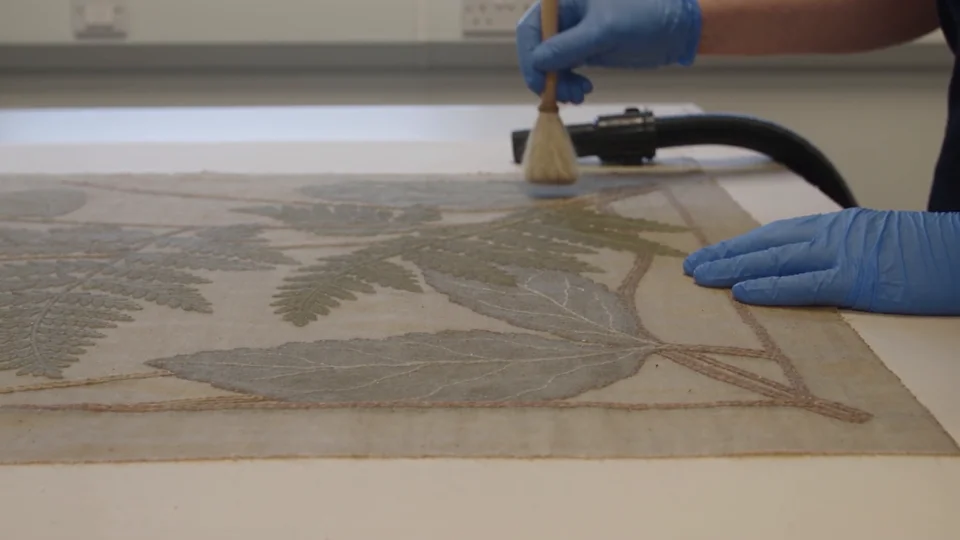
Botanical print restoration
Blue-gloved hands brush an antique botanical print in a steady close-up.
Seedance 2.5 Flash on TryH3 generates videos from text or a photo through APIMart; TryH3 is independent of ByteDance.
Start with one clear scene
Choose a text starting point, or upload your own photo. Results vary with the prompt and input.
TryH3 is independent of ByteDance and provides Seedance 2.5 Flash through APIMart for creators making short video drafts. Choose 4–10 seconds at 480p or 720p from text or one photo; the minimum is 35 credits, about $0.97 at the regular Studio monthly rate. Flash requires a purchase, signup credits cannot unlock it, and eligible downloads have no site watermark.
· Independent tool; not the official ByteDance website.
Start with one photo if you want to animate an existing scene, or choose From text to describe a new one. Set the duration and resolution before generating; sound is included. The quote updates with your settings; a new attempt costs another generation. You can prepare the form before signing in, then sign in and purchase enough credits to submit it.
Upload one JPG, PNG or WebP photo, or switch to From text. Give the model one main action and a camera direction.
Pick 4–10 seconds and 480p or 720p. Photo mode follows the image shape; text mode offers a ratio control. Generated sound is included with every attempt.
Sign in and use purchased model access to generate. Watch the result, download it, or change the prompt for a separately charged attempt.
Seedance 2.5 Flash examples illustrate a close-up action, a vertical water scene and a change in season and lighting. Use a text starting point to describe a similar scene, or animate a photo of your own. A new run is generated independently: the wording is a starting point and does not promise an exact copy of the example.
Blue-gloved hands brush an antique botanical print in a steady close-up.
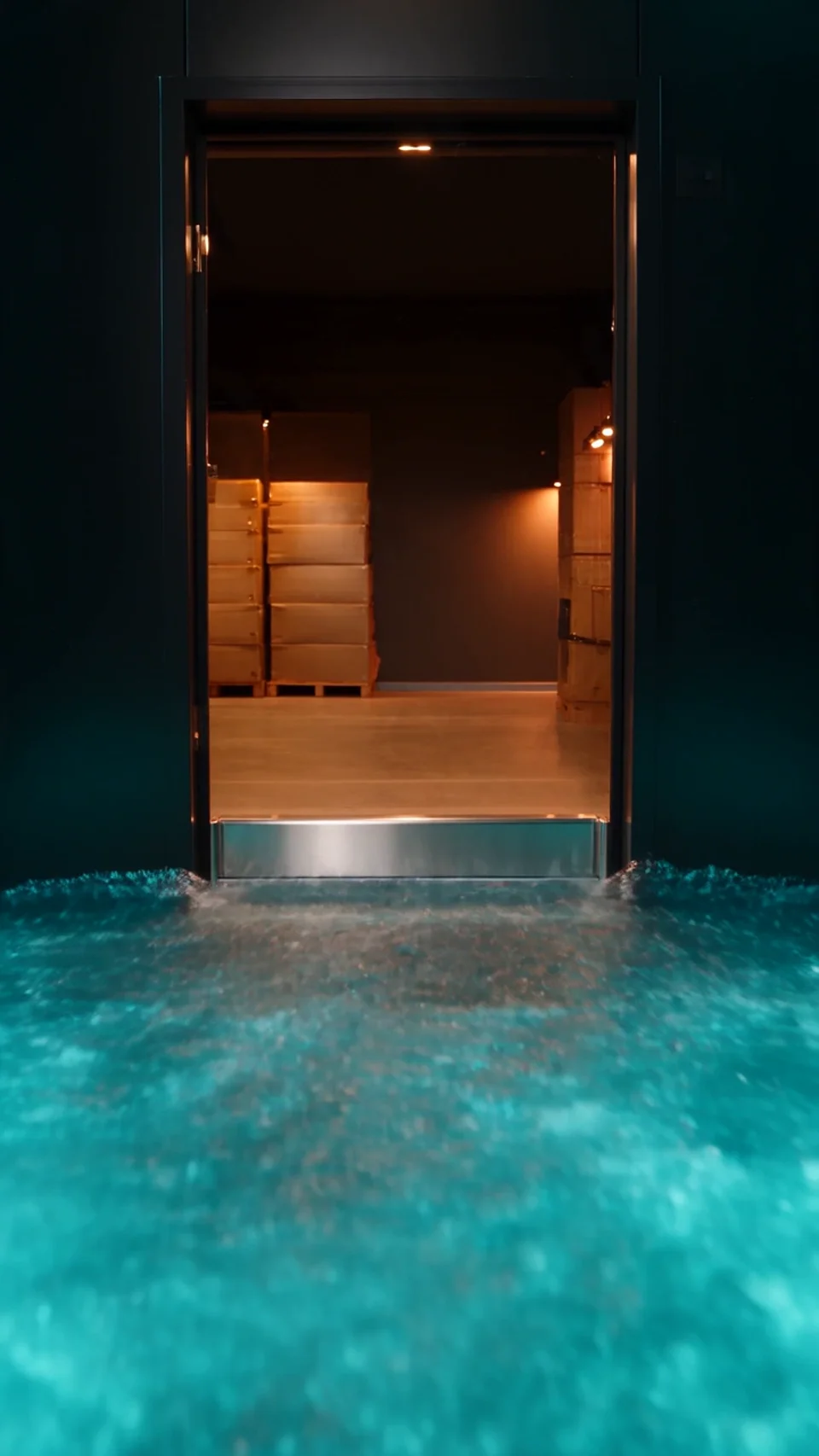
Turquoise water rushes through an open elevator in a vertical shot.
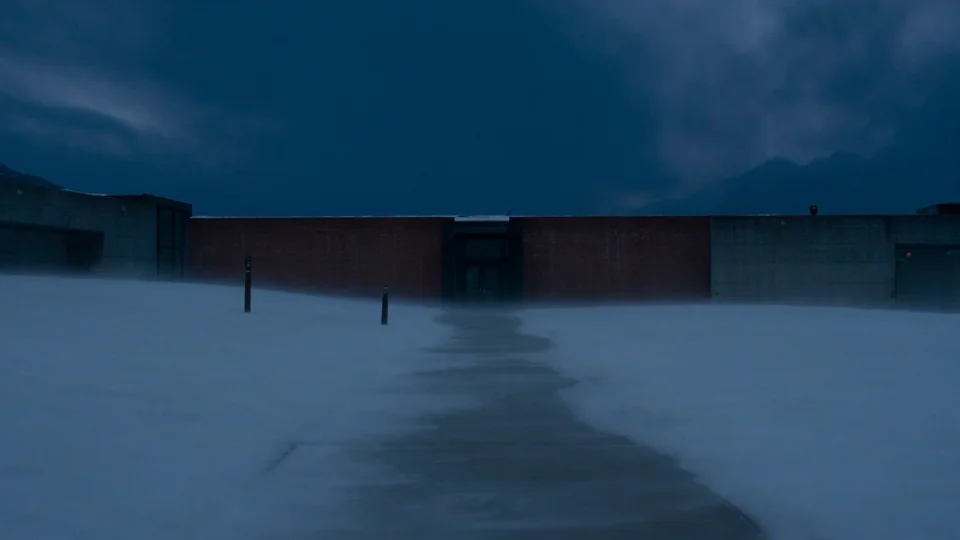
A mountain courtyard changes from snowy night to green grass in morning light.
Seedance 2.5 Flash on TryH3 does not require your own API key. The browser form sends your scene and chosen settings through our generation service, then shows the finished video in your account. This page is for individual browser jobs; it does not provide a public Flash API, batch endpoint or an API key for your own app.
Seedance 2.5 Flash on TryH3 needs no APK or desktop installation. Open the tool in your phone or computer browser, choose a photo from your device or write a prompt, and use the same duration and resolution controls. Sign in to submit and return to your results. Download behavior depends on your browser; save the finished video before sharing it to another app.
Seedance 2.5 Flash on TryH3 starts at 35 credits for four seconds at 480p, about $0.97 using the regular Studio monthly rate. From zero, the smallest sufficient pack is $9.90 for 180 credits. These dollar equivalents use $49.90 for 1,800 credits; they are not individual video purchases. Generated sound is included in the quote.
| Length | Resolution | Credits per attempt | Approx. Studio value |
|---|---|---|---|
| 4s | 480p | 35 | $0.97 |
| 4s | 720p | 77 | $2.13 |
| 5s | 480p | 44 | $1.22 |
| 5s | 720p | 95 | $2.63 |
| 6s | 480p | 52 | $1.44 |
| 6s | 720p | 114 | $3.16 |
| 7s | 480p | 60 | $1.66 |
| 7s | 720p | 133 | $3.69 |
| 8s | 480p | 69 | $1.91 |
| 8s | 720p | 151 | $4.19 |
| 9s | 480p | 77 | $2.13 |
| 9s | 720p | 170 | $4.71 |
| 10s | 480p | 86 | $2.38 |
| 10s | 720p | 189 | $5.24 |
| Access / export | A completed plan or credit-pack purchase unlocks Flash. Signup and check-in credits do not unlock the model. Eligible downloads have no site watermark. |
|---|---|
| Free preview | Watch the examples and prepare a prompt for free. No free Flash generation or free result export is included. |
Seedance 2.5 Flash here generates a new 4–10 second video from text or one starting photo. It does not edit an uploaded video, copy a dance, extend a clip, accept reference audio, join several images or output native 1080p or 4K. The underlying model has broader capabilities, but those are outside this form. There is no guaranteed completion time or guaranteed likeness.
The prompt asks for the scene and sound you describe; faces, product details, text, motion and audio can vary. Use only images and requests you have permission to use, and inspect the result before publishing. A rejected or failed provider job follows the credit-refund rules shown in your account.
Seedance 2.5 Flash uses the form above: one starting photo or a text prompt, a short take and a generated soundtrack. Read the input limits before uploading. For longer takes, more inputs or a different model, check the related tools and their own settings.
Use one JPG, PNG or WebP under 20 MB. The provider documents image dimensions of 300–6000 pixels and an aspect ratio between 0.4 and 2.5. This upload also has a 16-megapixel limit. Use a clear image you have permission to upload; a photo that cannot pass the image check is not sent for video generation.
Yes. TryH3 requests generated sound with every Flash video; there is no silent-generation setting. You can describe ambience or dialogue in the prompt, but specific words, music and timing are not guaranteed. Sound is included in the displayed credit quote.
Exact reproduction is not guaranteed. Your image supplies the starting frame, and your prompt describes the requested motion, but later frames can change details. Review the output before using it for a client or product listing.
This Flash form offers short 480p and 720p takes. The regular Seedance 2.5 page offers a broader duration and reference workflow, including 1080p. These are separate model choices with separate quotes; there is no automatic upgrade that preserves exactly the same result.
Choose a tool by the input and output you need. The regular Seedance 2.5 page covers its own longer duration and reference options; Image to Video offers other model choices. Each tool shows its own available settings and credit cost, so check the quote before starting a new job.