TryH3’s Christmas pajama dance AI uses two adult portraits to create a 14-second MP4 with the kitchen template’s soundtrack. Preview the 9:16 dance for free, then generate at 480p, 720p or 1080p, starting at 209 credits (about $5.79 at the regular Studio monthly rate). Eligible signup credits (5) fall short of one video. Accounts without a purchase get a TryH3 watermark.
How to make a Deck the Halls dance video
Add one clear photo of each adult dancer, choose their outfits and select a resolution. TryH3 uses a fixed kitchen dance clip to guide both dancers’ positions and timing, and puts the template soundtrack on the 14-second MP4 before you download it.
- Add two photosPut the dancer who starts front-right in Photo 1. Add the dancer who moves up from back-left in Photo 2.
- Pick the outfits and resolutionChoose matching red plaid pajamas or describe the two outfits under Custom. An optional outfit photo can guide the colors and fabric.
- Generate and downloadConfirm both dancers gave permission, sign in and generate. Review the faces and timing in the finished video before you save it.
Christmas pajama dance examples
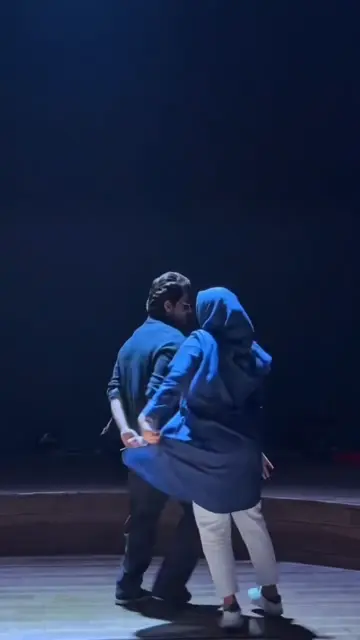
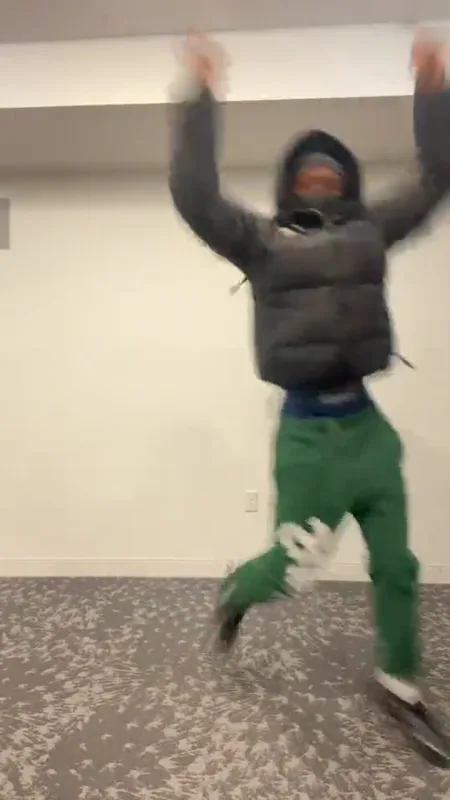
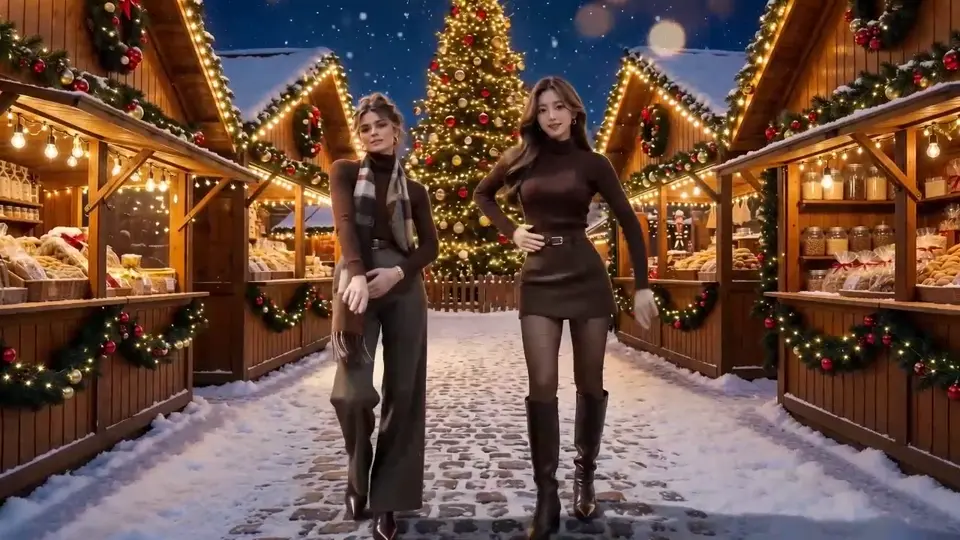
Watch three 14-second examples of the same kitchen duet, each with the dance soundtrack. Look for the wide, fixed camera, the two dancers stepping into line, the knee lifts and the turn. The outfits and the exact moment they line up vary across the clips.
Red plaid pajama duet
A 14-second kitchen duet in matching red plaid pajamas, with a longer lead-in before the two dancers line up.
Pink and green plaid duet
Two dancers in pink and green checks keep their spacing through the knee lifts and turn in this 14-second clip.
Red-top kitchen duet
A 14-second duet with a red top and plaid trousers, showing the same side steps, turn and overhead finish.
Who dances first in the Deck the Halls dance video?
In TryH3’s Deck the Halls dance video, Photo 1 is the adult closest to the camera on the right when the clip opens. Photo 2 is the adult farther back on the left who steps forward to join them. If you mixed up the photos, use Swap before generating. Choose evenly lit portraits with visible eyes and hair to give the model a clearer face to follow through the turn.
What is the Deck the Halls dance trend?
The Christmas pajama dance is a two-person holiday routine set to a bouncy remix of the carol. In the kitchen version, the front dancer starts with a straight face, the second dancer closes the gap from the back, and both follow the same knee lifts, arm swings and turn before finishing with raised fists. TryH3 uses that 14-second kitchen cut to guide the framing and timing.
For a snowy outdoor duet with a different routine, use Christmas Dance AI.
What song is in the Deck the Halls dance video?
TryH3 adds the kitchen template’s 14-second “Deck the Halls” remix excerpt to the completed video. It’s the beat heard in the examples, with the carol melody over a club rhythm. The fixed shot and choreography follow the template recording, so the audio is already in the MP4 when you save it.
Pricing and credits for a 14-second kitchen duet
Watching the examples is free. The 480p video costs 209 credits, about $5.79 at regular Studio monthly pricing ($49.90 for 1,800 credits), and the same rate applies to both outfit options. From a zero balance, the smallest one-time pack that covers one 480p video costs $14.90 for 300 credits.
| Free previews | Watch all 14 seconds of each example. Creating your own downloadable MP4 takes credits. |
|---|---|
| Signup credits | Eligible signup credits (5) fall short of one video. |
| Smallest credit pack for one 480p video | $14.90 buys 300 credits, enough for one 14-second 480p video from a zero balance. |
| Trial pack | The $5.00 Trial pack includes 24 credits. One 480p video takes 209 credits. |
| Watermark | Accounts without a purchase download with a moving TryH3 watermark. A credit pack or subscription purchase unlocks unmarked exports. |
| Model | Resolution | Credits | Studio equivalent | One-run pack from $0 |
|---|---|---|---|---|
| Seedance 2.5 | 480p | 209 | $5.79 | $14.90 |
| Seedance 2.5 | 720p | 469 | $13.00 | $29.90 |
| Seedance 2.5 | 1080p | 1,156 | $32.05 | $49.90 |
Dollar estimates use the regular Studio monthly credit rate. Checkout charges the price of the pack or subscription you choose.
View credit packsWhat the kitchen template can’t guarantee
Two distinct adult portraits with permission work best for the preset’s two human dancers. The reference contains real dancers, and features from their faces can still appear in the result. Hands, clothing and beat timing may also vary. Custom changes the outfit instructions while the kitchen, camera, routine and soundtrack stay fixed.
Credits return automatically if the model rejects the request or fails to deliver usable video. If the model delivers a clip and the soundtrack export still fails after retries, the generated clip is retained for support recovery. Contact support with your task ID in that case.
Deck the Halls dance FAQ
Can I make the video on my phone?
Yes. Open this page in your phone browser, pick two photos from your camera roll and sign in to generate. Download the MP4 from Recent Videos in the same browser.
Can I start with a photo that shows both dancers?
Crop it into two separate portraits if each crop clearly shows one adult’s face and shoulders. Use a different pair of photos if the crops are blurry or one face is partly hidden.
How can I replay the Deck the Halls dance steps?
Play one of the examples and drag the progress bar back to the turn or the finish to see it again. You can watch the entire dance before uploading any photos.
Can I post the dance video with its music?
The MP4 includes the template recording. Check the platform’s music permissions before posting, especially for monetized or brand content. If your use needs different music, mute the clip in your editor and add a track you have permission to use.