First and Last Frame AI Video Generator — Set the Start and End Frame
First and last frame AI video by TryH3 asks the model to open on your start frame, close on your end frame and generate the motion in between.
JPG, PNG or WebP · up to 10 MB each · cropped to the frame below.
Every model here takes a start and an end frame; results vary.
One video · 13 credits. Each new attempt is charged separately.
First and last frame examples
Each clip starts on one image and lands on another. Your result depends on your own frames and model.
Transformation: a closed pink bud swells and its petals part until the flower is fully open; stem, leaves and background stay put · 5 s · 16:9 · sound.
TryH3 is for creators, online shops and editors who already know where a shot should begin and end. Upload the two keyframes, choose how the middle moves, and download an MP4 with generated sound at 480p to 1080p, depending on the model. The 5-credit signup allowance is below one clip. A 5-second 480p clip costs 13 credits (about $0.36) and 10 seconds costs 25; paid accounts download without the site watermark.
How the first and last frame AI video generator works
The first and last frame AI video generator needs exactly two images: the frame the clip opens on and the frame it ends on. The model draws the frames in between, so the motion is generated rather than a crossfade; how closely it matches both images varies by model and pair. For stylised morph or butterfly transitions between two clips, the AI video transition generator is the better fit.
- Upload the first frame, then the last frame. Check the cropped previews; both use the 16:9 or 9:16 frame you pick.
- Choose Transform, Product reveal, Scene change or Camera move, or pick Custom and describe the in-between action yourself.
- Pick a Seedance model, 5 or 10 seconds and a resolution; the button shows the exact credits before you start.
- Confirm you may use the images, generate, and download the MP4 from this page or from Creations.
Start and end frame examples
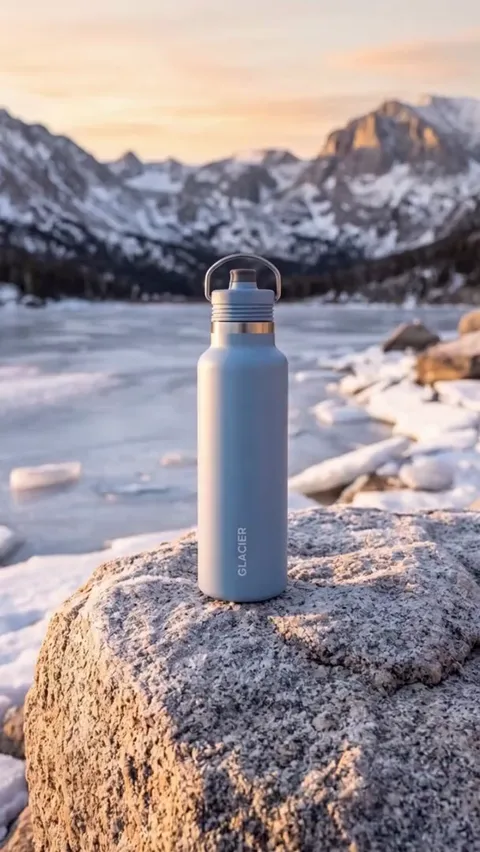
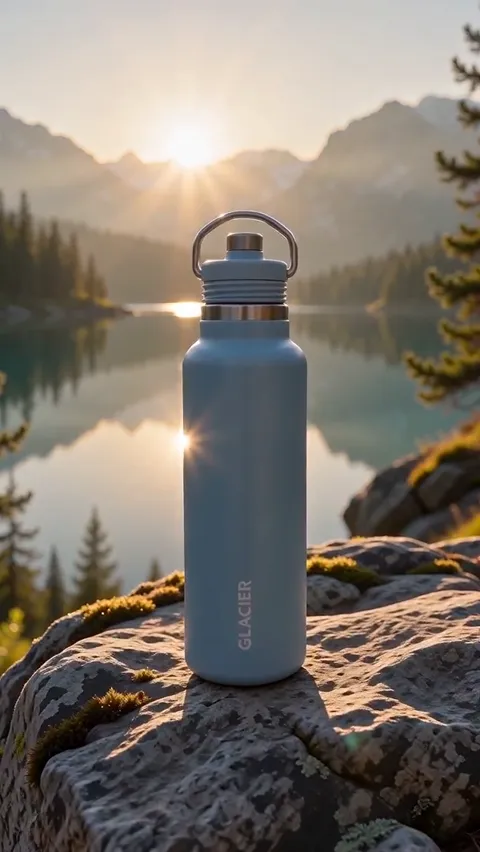
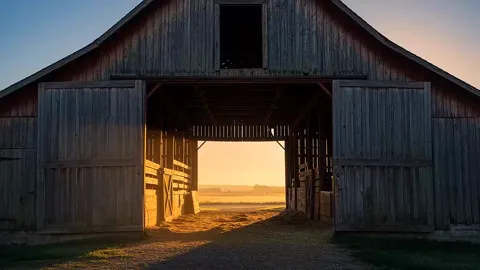
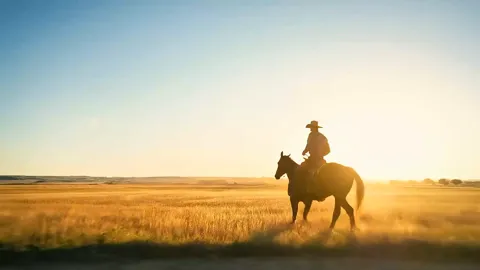
Each example shows the start frame, the end frame and the clip that connects them, covering a transformation, a product reveal, a scene change, a camera move and a small story beat. Durations and sound are listed under each clip. Your video is generated from your own two images, not from these files.
Bud to open peony
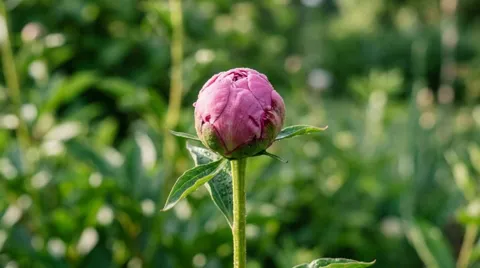 First frame
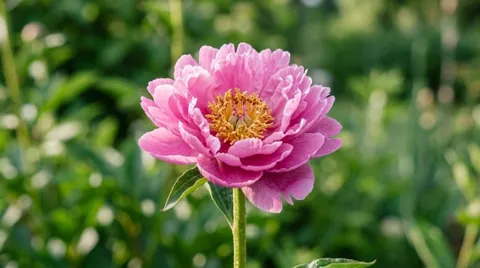 Last frame
Bottle frosts over
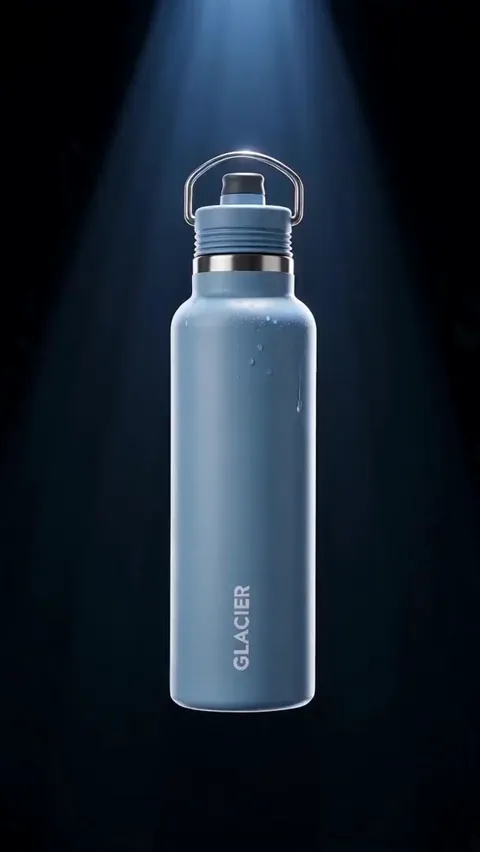 First frame
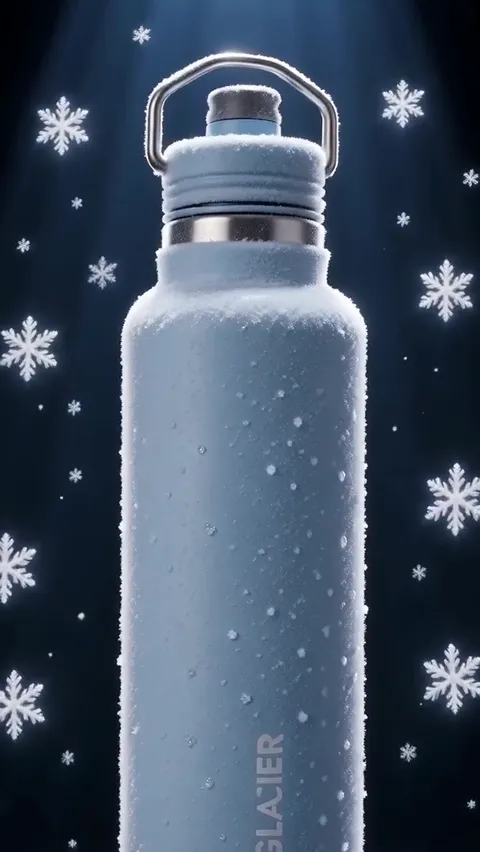 Last frame
Frozen lake to summer morning
 First frame
 Last frame
Barn doorway to prairie rider
 First frame
 Last frame
Treadmill to victory pose
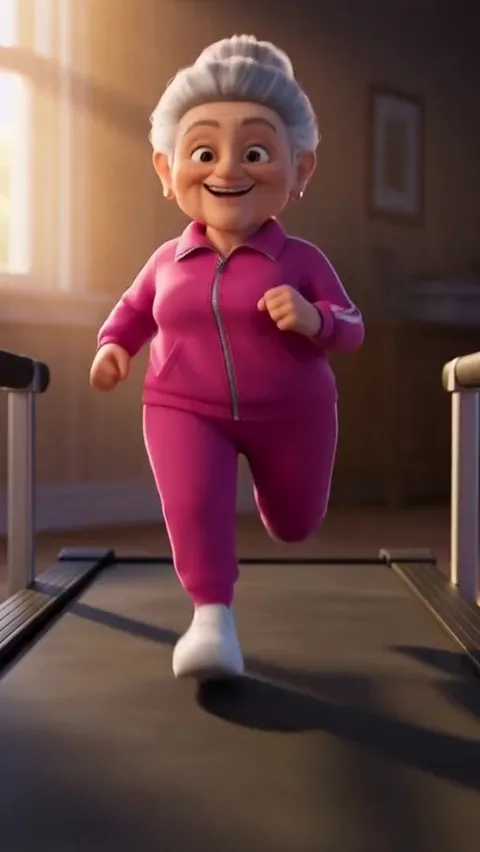 First frame
 Last frame
Is the first and last frame AI video generator free on TryH3?
No. TryH3 charges credits for every first and last frame AI video: The 5-credit signup allowance is below one clip. Looking at the examples and preparing your two frames costs nothing. A 5-second 480p clip is 13 credits (about $0.36 on Studio monthly) and 10 seconds is 25 (about $0.69). Starting from zero, the smallest purchase is $5.00 for 24 credits; paid accounts download without the site watermark.
Image to video AI with first and last frame vs one image
Image to video AI with a first and last frame sets both ends of the shot, so the model is asked to arrive at your closing image; one-image animation only sets the opening and lets the model decide where the clip ends. Use two frames when the ending matters, such as a product angle, an after state or a scene you planned. Use one image when you only want movement.
| What you need | One image (image to video) | First and last frame |
|---|---|---|
| Ending | Chosen by the model from your prompt | Your uploaded last frame, as the target the model aims for |
| Best for | Bringing a single photo to life | Reveals, before-and-after, transformations, planned shots |
| Images to prepare | One | Two, in the same frame shape |
How to prepare start and end frame AI video pairs
A start and end frame AI video tends to look smoothest when the two images could plausibly be one camera a few seconds apart: same subject, similar lens and lighting, and the subject roughly in the same place. When the frames differ a lot, the middle is more likely to morph or warp. These checks are worth doing before you spend credits.
- Keep the same person or product in both frames, photographed or generated from the same angle family.
- Match the horizon, crop and subject position; let only the thing you want to change differ.
- Change one thing at a time, such as the season, the pose or the camera distance, not all three.
- Describe the route in Custom: what moves first, which way the camera travels and how fast.
Pricing and credits per clip
TryH3 charges by model, length and resolution, and the end frame costs nothing extra: the same quote fills this table and the button. Dollar figures use the Studio monthly credit and are not separate checkout prices. The cheapest clip is 13 credits; the smallest purchase is $5.00 for 24 credits. Each new attempt is charged again.
| Model | Resolution | Length | Credits | Studio monthly equivalent |
|---|---|---|---|---|
| Seedance 2.0 Mini | 480p | 5 s | 13 | $0.36 |
| Seedance 2.0 Mini | 480p | 10 s | 25 | $0.69 |
| Seedance 2.0 Mini | 720p | 5 s | 27 | $0.75 |
| Seedance 2.0 Mini | 720p | 10 s | 52 | $1.44 |
| Seedance 2.0 Fast | 480p | 5 s | 27 | $0.75 |
| Seedance 2.0 Fast | 480p | 10 s | 53 | $1.47 |
| Seedance 2.0 Fast | 720p | 5 s | 57 | $1.58 |
| Seedance 2.0 Fast | 720p | 10 s | 112 | $3.10 |
| Seedance 2.0 Pro | 480p | 5 s | 44 | $1.22 |
| Seedance 2.0 Pro | 480p | 10 s | 87 | $2.41 |
| Seedance 2.0 Pro | 720p | 5 s | 93 | $2.58 |
| Seedance 2.0 Pro | 720p | 10 s | 185 | $5.13 |
| Seedance 2.0 Pro | 1080p | 5 s | 230 | $6.38 |
| Seedance 2.0 Pro | 1080p | 10 s | 458 | $12.70 |
| Seedance 2.5 | 480p | 5 s | 64 | $1.77 |
| Seedance 2.5 | 480p | 10 s | 126 | $3.49 |
| Seedance 2.5 | 720p | 5 s | 141 | $3.91 |
| Seedance 2.5 | 720p | 10 s | 280 | $7.76 |
| Seedance 2.5 | 1080p | 5 s | 346 | $9.59 |
| Seedance 2.5 | 1080p | 10 s | 691 | $19.16 |
| Seedance 1.5 Pro | 480p | 5 s | 15 | $0.42 |
| Seedance 1.5 Pro | 480p | 10 s | 28 | $0.78 |
| Seedance 1.5 Pro | 720p | 5 s | 30 | $0.83 |
| Seedance 1.5 Pro | 720p | 10 s | 58 | $1.61 |
| Seedance 1.5 Pro | 1080p | 5 s | 71 | $1.97 |
| Seedance 1.5 Pro | 1080p | 10 s | 141 | $3.91 |
Studio monthly: $49.90 for 1800 credits. Existing subscription and pack prices are unchanged.
| Item | What you get |
|---|---|
| Examples and frame preparation | Free; nothing is generated until you submit. |
| Current signup allowance | The 5-credit signup allowance is below one clip. |
| Downloads | Paid accounts: no site watermark. Free accounts: site watermark. |
| Smallest purchase | $5.00 for 24 credits |
| Failed generation | Provider failures before a usable result refund the credits. If paid output exists but finishing fails, contact support to recover it. |
What this keyframe video tool cannot do
The first and last frame AI video generator asks the model to start on your first image, end on your last one and connect them with believable motion. Results vary by model and by how well the two images match, and some requests fall outside what this page does.
- Faces, small text, logos and straight edges may drift in the middle of the clip; results vary by model and by how different the two frames are.
- It makes one 5- or 10-second shot from two images; it does not chain several keyframes, extend a video or edit a timeline.
- Sound is newly generated ambience and effects, not your music or voice-over.
First frame last frame AI FAQ
First frame last frame AI on TryH3 takes two images from your phone or computer, works in any modern browser and starts at 13 credits for a 5-second 480p clip; paid accounts download without the site watermark. The short answers below cover file types, phones, commercial use and single-image uploads, which the sections above do not.
Which image files work?
JPG, PNG or WebP, up to 10 MB each and 300 to 6000 pixels per side. Both images are centre-cropped to the 16:9 or 9:16 frame you pick, so check the previews before you generate. Convert HEIC phone photos to JPG first.
Can I make it on my phone without an app?
Yes. The page works in a mobile browser: pick both images from your camera roll, sign in and download the MP4. The video is made on our servers, so there is nothing to install.
Can I use the clips commercially?
Yes, on paid accounts: their clips download without the site watermark and can go into your own posts and ads, provided you own or have permission for both images and anything shown in them, such as people, logos or artwork.
Can I upload only one image?
No, this page needs both a first and a last frame. If you only have one photo and want the model to decide the ending, use the image to video generator instead.