Graffiti Generator — Turn Photos Into Street Art
Graffiti generator by TryH3 reimagines your photo as spray-painted street art or a black-and-white stencil; subject likeness can vary.
Your photo
Upload one well-lit portrait, pet or object photo. JPG, PNG or WebP, up to 10 MB; 300–6000 pixels per edge and a 0.4–2.5 aspect ratio.
1 image · 6 credits · no site watermark · confirmed failures are refunded; unconfirmed requests keep credits reserved
Street-art ideas
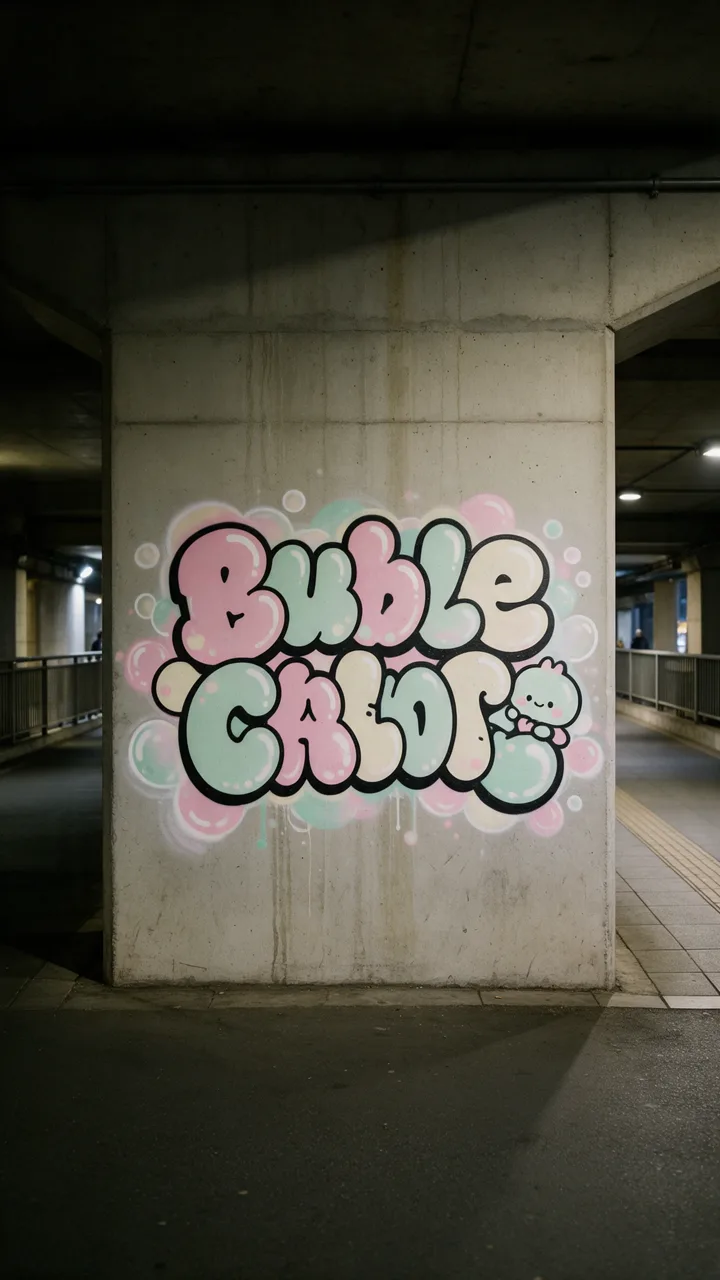
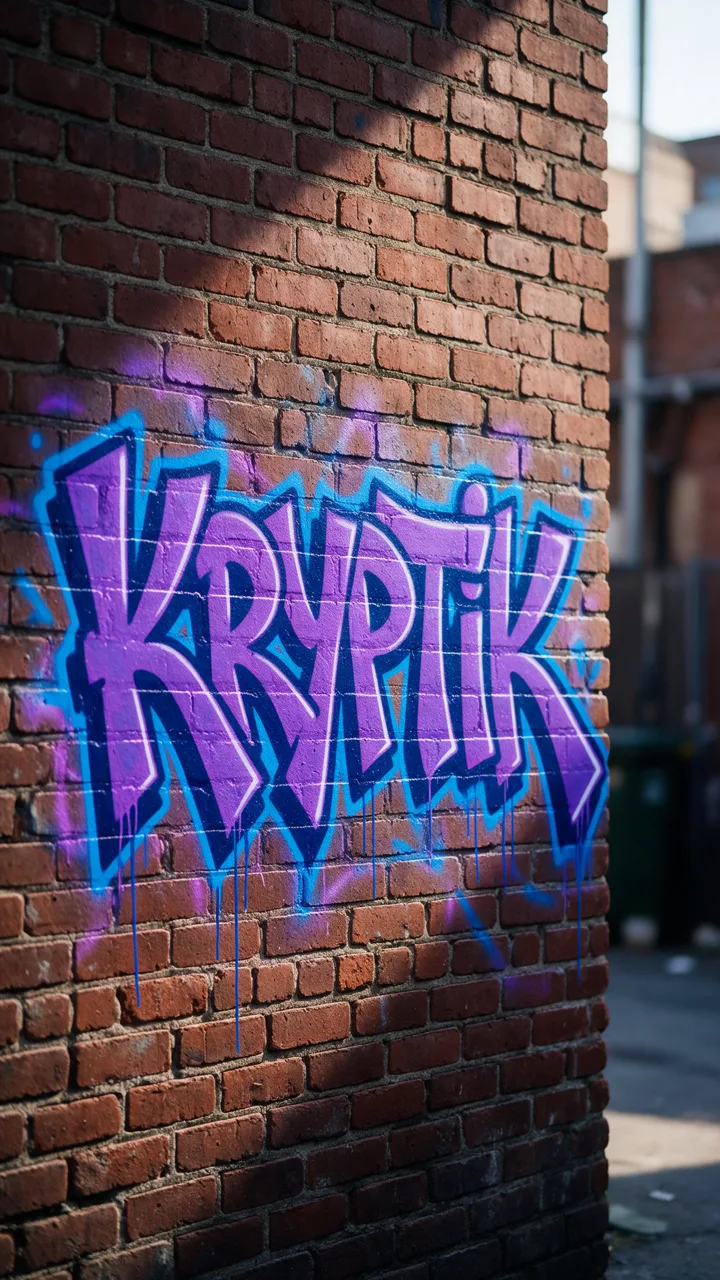
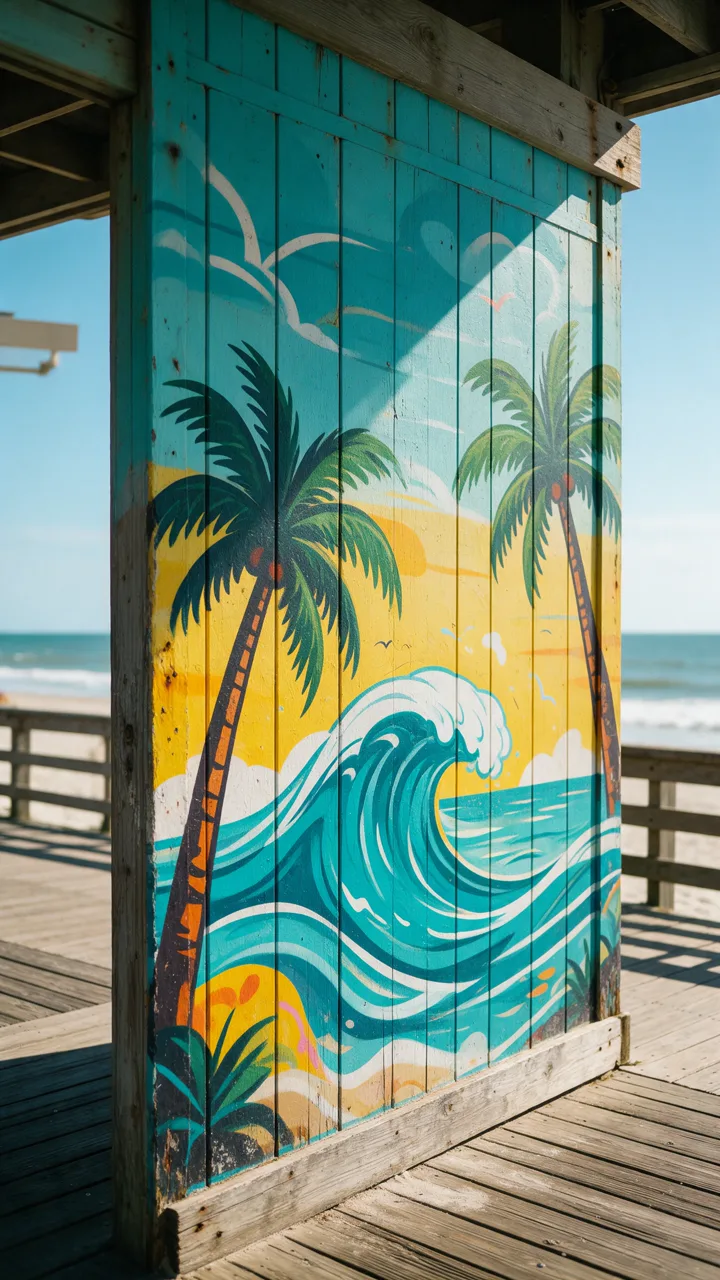
Graffiti generator by TryH3 is a photo-to-image tool for people planning street-art portraits, mural ideas or wallpapers. Upload one image and choose spray paint, stencil or your own direction; the prompt requests the same main subject, but details can change. Each 1K or 2K picture costs 6 credits, with no added site watermark; the 5-credit signup gift does not cover one picture.
How the photo-to-graffiti generator works
Start with a clear photo or your own sketch, then choose the finish you want to explore. This graffiti art generator sends the uploaded subject and your chosen direction to an image model; it does not apply a fixed font or place a sticker over the original. Review the downloaded picture before using it in a design.
- Upload one photo
Use JPG, PNG or WebP, up to 10 MB, with each edge between 300 and 6000 pixels. A clear subject is easier to describe than a busy collage.
- Choose a street-art finish
Spray paint requests color, overspray and wall texture. Stencil requests bold black-and-white shapes. Custom requires your direction and can use an optional style photo.
- Generate and download
Choose 1K or 2K and a square, portrait or landscape frame. Sign in, confirm image permission and spend 6 credits for one picture. Download the completed image from the result panel.
Graffiti wall style ideas
These wall compositions illustrate street-art directions: large lettering, contrasting color and paint texture. Use them to decide what to describe in a custom brief. They are style previews, not a prediction of how a particular uploaded photo will look; the image model can change faces, lettering and small details.
Can a graffiti generator turn my photo into street art?
Yes. This page takes one photo or sketch as its subject reference, then requests a spray-painted or stencil interpretation. The aim is to change the rendering into street art while retaining a recognizable subject, rather than replace the picture with unrelated lettering. Exact resemblance, clothing details and the original background are not guaranteed. A custom style image guides the finish; it is optional.
Is this graffiti generator free online?
Browsing the style ideas is free, but generating a new graffiti picture costs 6 credits. The current 5-credit signup gift is below that amount. The smallest one-time purchase is $5.00 for 24 credits, enough for 4 pictures at this page’s current rate. Downloads have no additional fee and no added site watermark. Signing in alone does not make generation free; check your available balance before submitting.
Can this graffiti generator export SVG or a font?
This graffiti generator produces a raster picture, not an SVG, editable alphabet or downloadable font. Choose 1K or 2K for a digital image, and inspect the actual dimensions before printing. If you need paths for a cutting machine, editable letter shapes or a font you can install, a vector lettering editor is a better fit. This page does not trace vectors or guarantee a transparent background.
Graffiti generator pricing and credits
Each request generates one picture. Both available resolutions use the same credit charge, and changing the aspect ratio does not add a fee. Dollar equivalents below use Studio monthly at $49.90 for 1800 credits; they describe how prepaid credits work, not a separate per-image cash purchase. The smallest purchase is the $5.00 one-time pack, and you can compare all plans on the pricing page.
| Model | Resolution | Pictures | Credits | Studio monthly equivalent |
|---|---|---|---|---|
| Nano Banana Pro | 1K | 1 | 6 | $0.17 |
| Nano Banana Pro | 2K | 1 | 6 | $0.17 |
| Access | Cost and download |
|---|---|
| View style ideas | Free; no sign-in needed |
| Generate one picture | 6 credits; sign-in and image permission required |
| Signup allowance | the 5-credit signup gift does not cover one picture |
| Smallest one-time pack | $5.00 / 24 credits; 4 pictures at this rate |
| Download completed picture | Included; no added site watermark |
What this graffiti creator cannot do
This is a still-image concept tool. It does not paint a real wall, produce a video, supply editable letters or guarantee an exact copy of a face. Complex lettering, fingers, logos and fine lines may be redrawn. A finished image that you dislike is not an automatic free redo; a new generation uses credits. If a task fails, its reserved credits return through the task system.
Use your own photos or images you have permission to edit. Review composition, spelling and actual pixel size before printing or sharing. A black-and-white image is not automatically a cut-ready stencil.
Graffiti generator FAQ
Can I make black-and-white graffiti?
Choose Stencil for a prompt requesting high-contrast black-and-white street art. It is an image style, not a layered stencil-cutting file, and small details may change.
Can I use graffiti art as a phone wallpaper?
Choose the portrait 4:5 frame for a vertical composition, or use square and landscape for other screens. You may need to crop the downloaded picture to your device; there is no fixed phone-wallpaper size.
Do I need a graffiti generator app?
No app download is needed. Upload, choose settings and download in a supported phone or desktop browser. Sign-in and sufficient credits are required to generate.
Can I sell the design on a shirt or use it as a logo?
Only use inputs and content you have permission to use. Generation does not grant rights to other people’s photos, characters, trademarks or artwork, and a result is not guaranteed unique or suitable for trademark registration.