LTX 2.5 AI Video Generator

Turn a scene, a still image or your own audio into a video. Choose Fast or Pro, check the credits, and give your next idea a first cut.

Text · Image · Audio to video

Loading the original prompt and inputs…

The published example has a 12.98-second track. This template uses its first 10 seconds to fit the current Pro limit.

117

LTX 2.5 requires a purchased plan or credit pack and sufficient credits. Template previews are available before you generate.

Watch it. Make it your own.

LTX video examples you can actually use

Explore eight LTX 2.5 examples. Each template brings its prompt, model and available input media into the generator. Edit the setup before you spend credits.

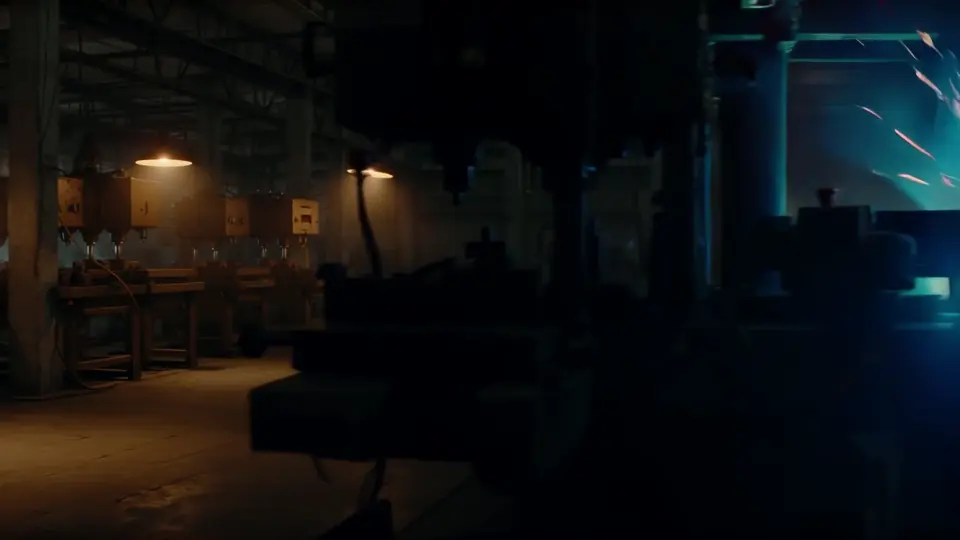
Industrial light in motion
Text to videoFast10.3s

Industrial light in motion

A lateral tracking shot moves through sparks, smoke and steel. Start with this Fast template for atmospheric industrial B-roll.

View prompt & source inputs

A lateral tracking shot glides past a row of industrial presses in a cavernous steel mill. A welder's arc erupts in the mid-ground, throwing hard blue-white light and a shower of sparks that arc and die on the concrete floor. Overhead sodium lamps cut hazy orange cones through smoke. Silhouetted workers cross the frame in the foreground. High-contrast mixed color temperature, heavy atmospheric particulate, gritty texture, slow-motion spark trails, hard industrial realism.
A quiet wildlife sequence
Text to videoPro10.0s

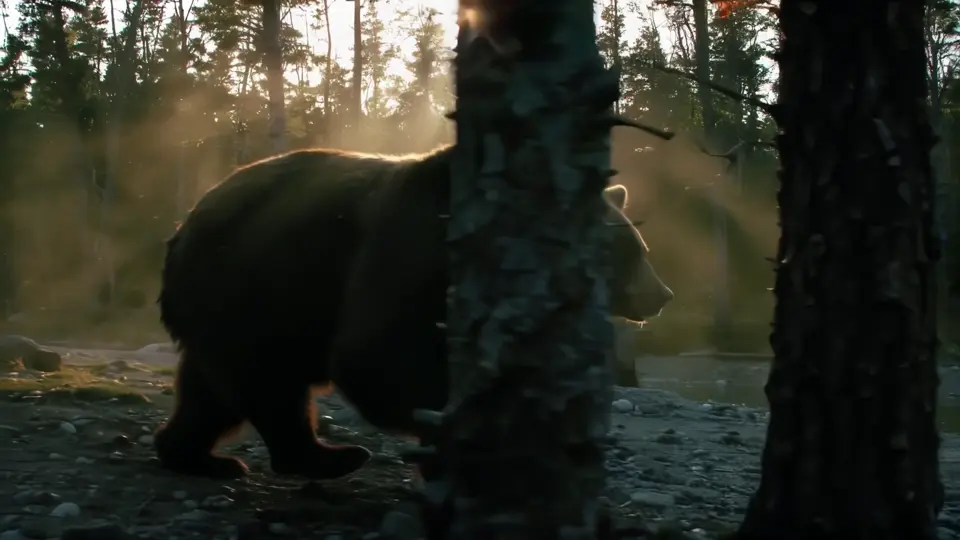
A quiet wildlife sequence

Follow a bear along a riverbank in morning light. The Pro example combines subject movement, camera direction and ambient sound.

View prompt & source inputs

A slow lateral tracking shot glides through old-growth pines, following a large brown bear as it moves along a shallow river bank, the camera drifting with it in parallel. Low morning sun cuts sideways through the trunks in hard parallel shafts, backlighting the bear's fur into a bright rim of gold against deep shadow; its breath clouds in the cold air with every step. Suspended mist and pollen turn slowly in the light beams. The bear pauses, lowers its head toward the water, then moves on. Telephoto compression, shallow depth of field, pine trunks sliding through the foreground, high dynamic range, cool green shadows against warm highlights, natural wildlife cinematography, 35mm film grain. Sound: shallow water running over stones, wind high in the pines, wet gravel underfoot, distant birdsong.

This example used automatic duration. The template is set to 10 seconds so you can review an exact credit cost.

Bring a workspace to life
Image to videoFast10.3s

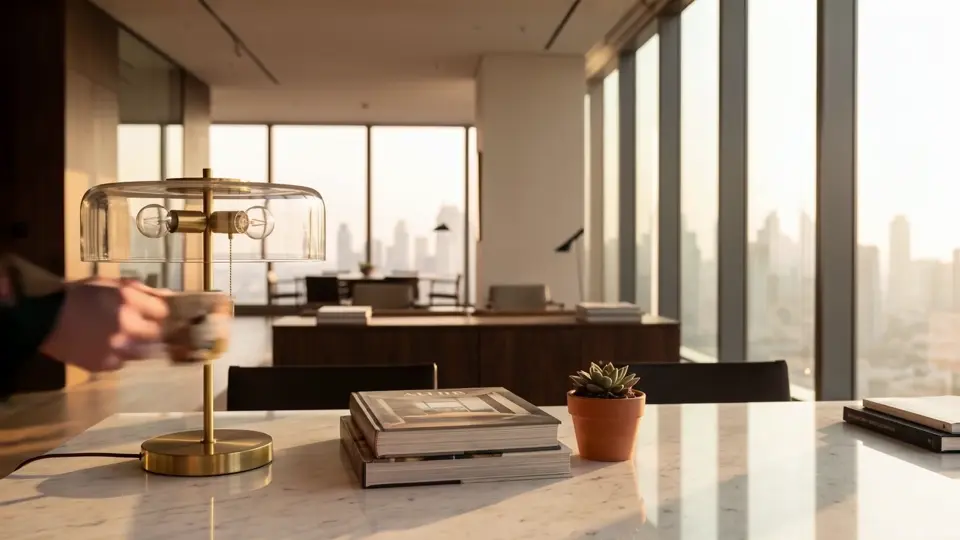
Bring a workspace to life

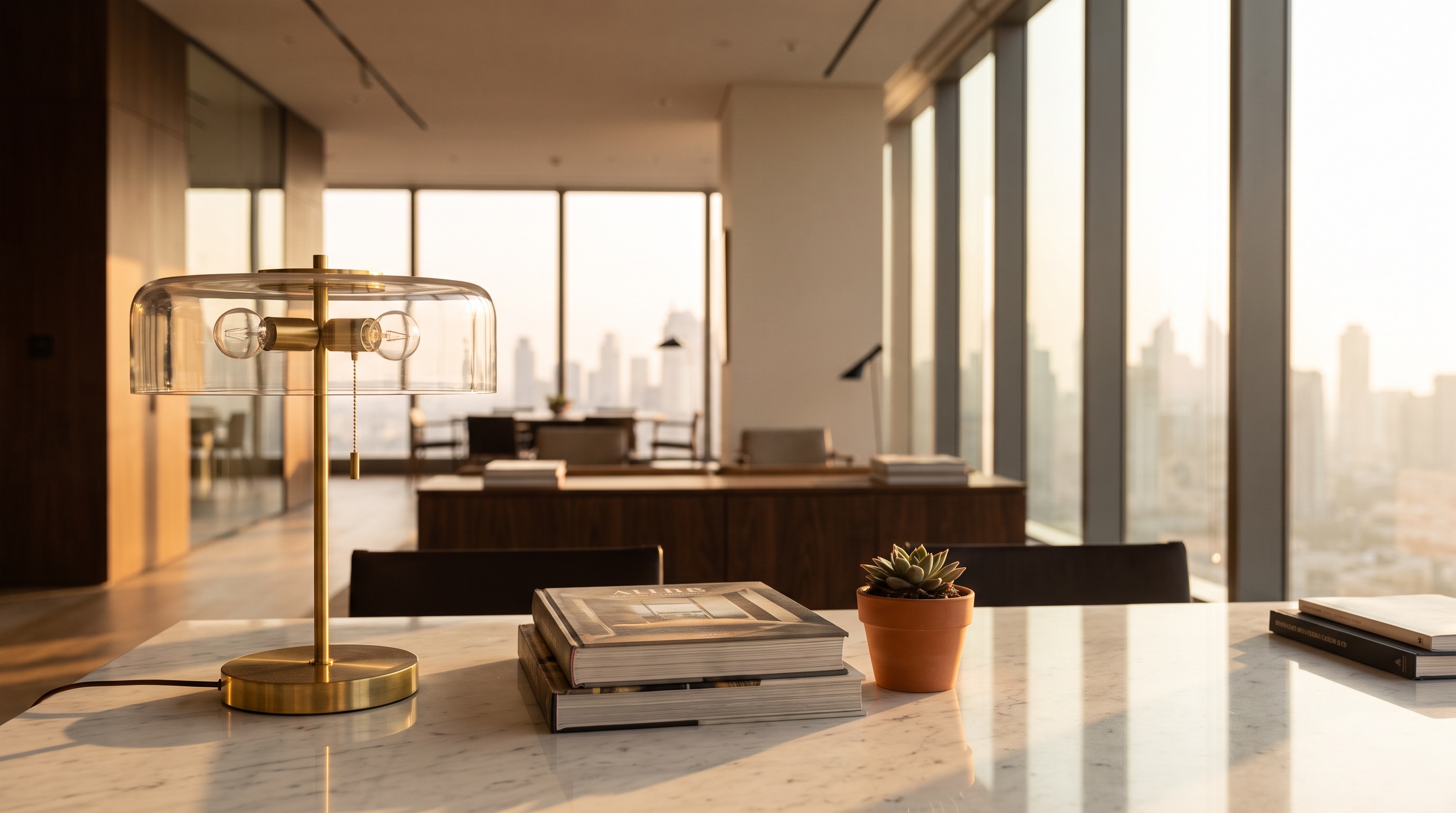
A still office becomes a short action: someone enters, sets down a mug and looks out. The source image is included.

View prompt & source inputs

A man enters from off frame left and crosses the sunlit office in a few unhurried strides. He sets a ceramic coffee mug down on the marble tabletop beside the stacked books and the small potted succulent, steam curling up through the low golden light. He pauses briefly, then walks toward the floor-to-ceiling glass and stops, silhouetted against the hazy skyline, looking out. Static locked-off camera, deep focus with the brass lamp anchoring the foreground; hard low sun raking in from frame right, long warm shadows crawling across the marble, gentle lens haze. 35mm film grain, natural cinematic realism, single continuous shot, no cuts. Sound: quiet footsteps on hard floor, the soft ceramic knock of the mug on marble, muffled city hum through glass.

Bring a workspace to life — Source image
Source image
A voice-led radio scene
Audio to videoFast6.0s

A voice-led radio scene

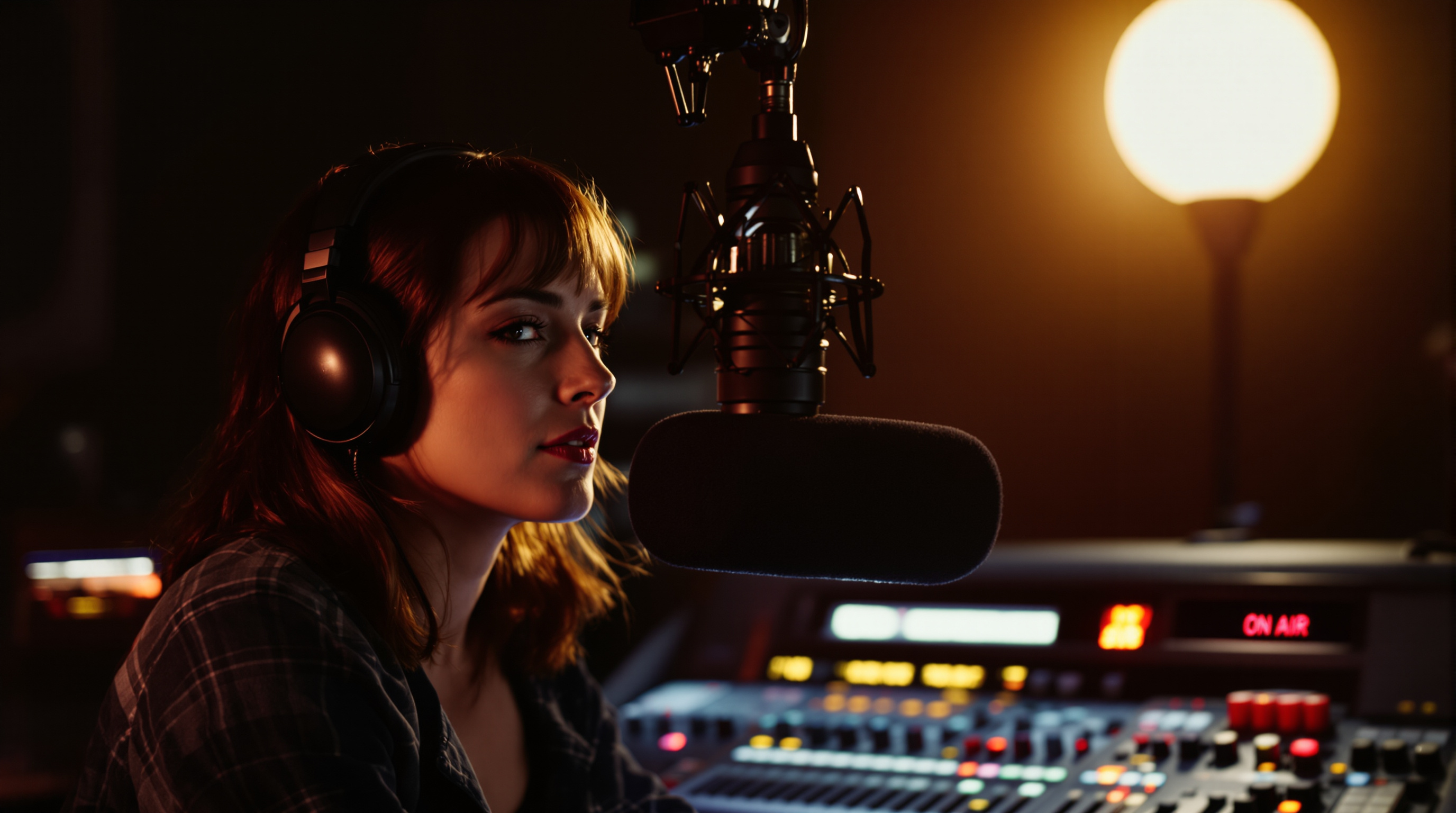
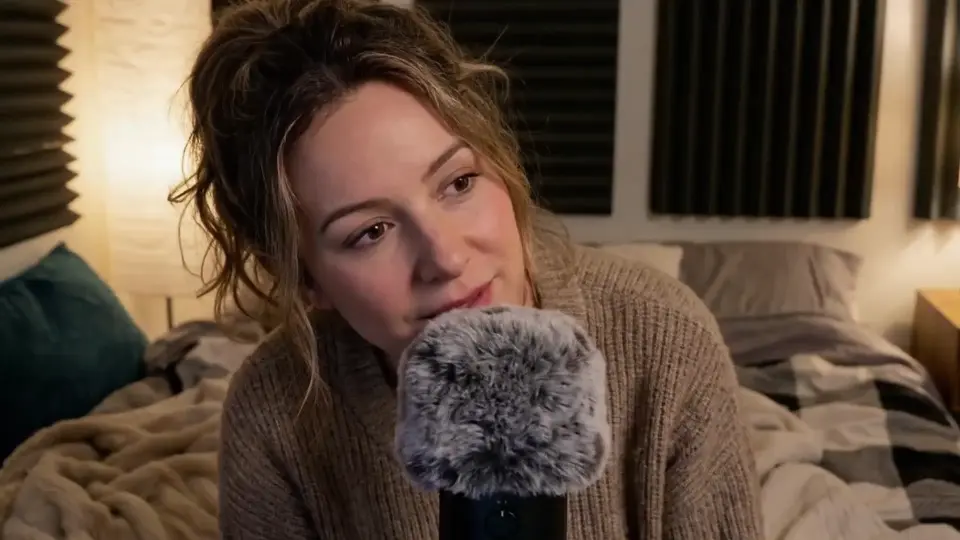
Use an image and a recorded line to animate a speaker at a microphone. Replace the source audio to build your own scene.

View prompt & source inputs

woman talks into a mic

A voice-led radio scene — Source image
Source image

Source audio

Sound gives the scene a rhythm
Audio to videoPro12.7s

Sound gives the scene a rhythm

A puppy and a treat become a small, sound-led story. This Pro template includes the source image and audio.

View prompt & source inputs

a nature documentary, the puppy eats the dog treat

Sound gives the scene a rhythm — Source image
Source image

Source audio

The published example has a 12.98-second track. This template uses its first 10 seconds to fit the current Pro limit.

An intimate cinematic portrait
Text to videoPro10.3s

An intimate cinematic portrait

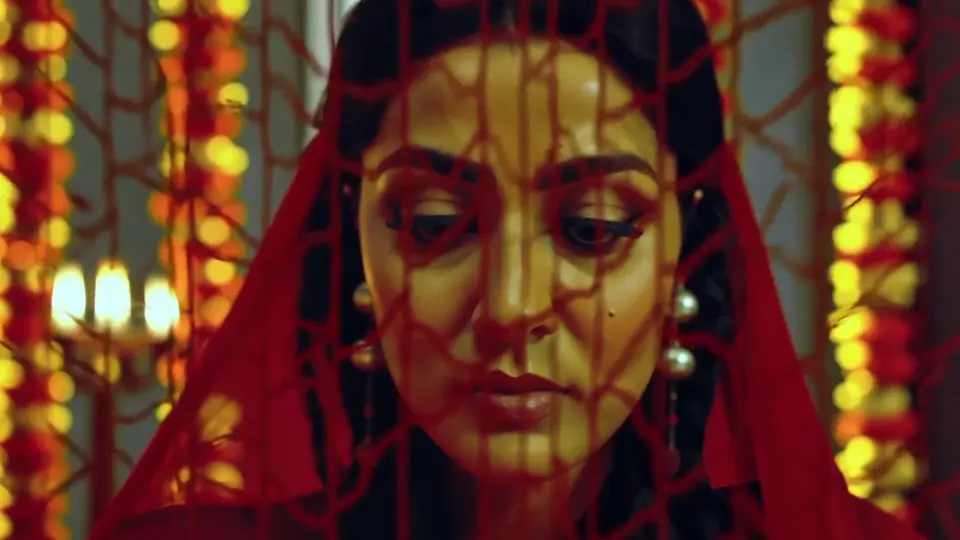
A close portrait uses foreground fabric, warm light and subtle movement. Start from the original Pro text prompt.

View prompt & source inputs

Through-the-veil shot of a bride's face during an Indian wedding ceremony, camera positioned behind the sheer red dupatta fabric, the embroidered pattern creating a textured overlay on her face, her eyes lined with kohl looking down at henna-covered hands, marigold garlands in soft background bokeh, 85mm f/1.2 focused through the fabric layer, warm tungsten and candlelight, Mira Nair Monsoon Wedding intimacy

This example used automatic duration. The template is set to 10 seconds so you can review an exact credit cost.

Animate a moment of movement
Image to videoPro10.3s

Animate a moment of movement

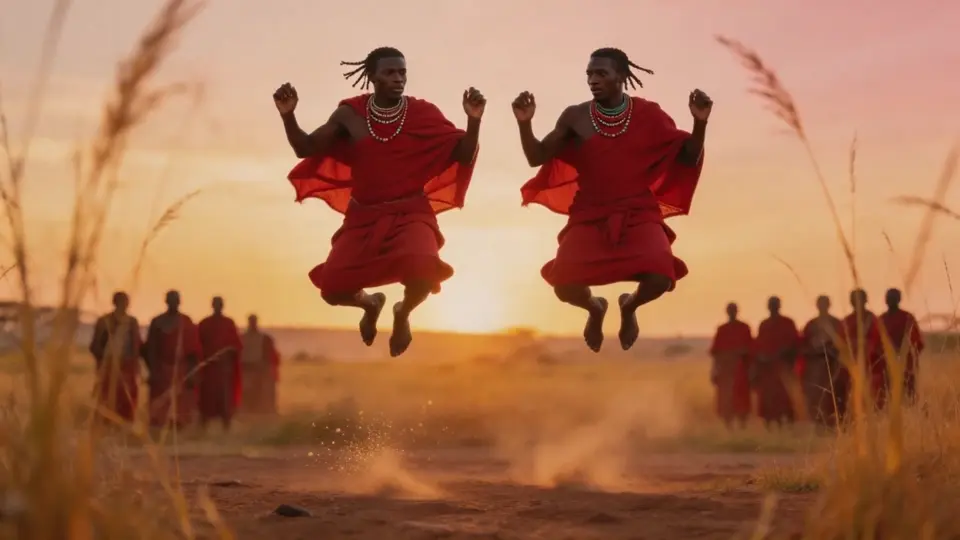
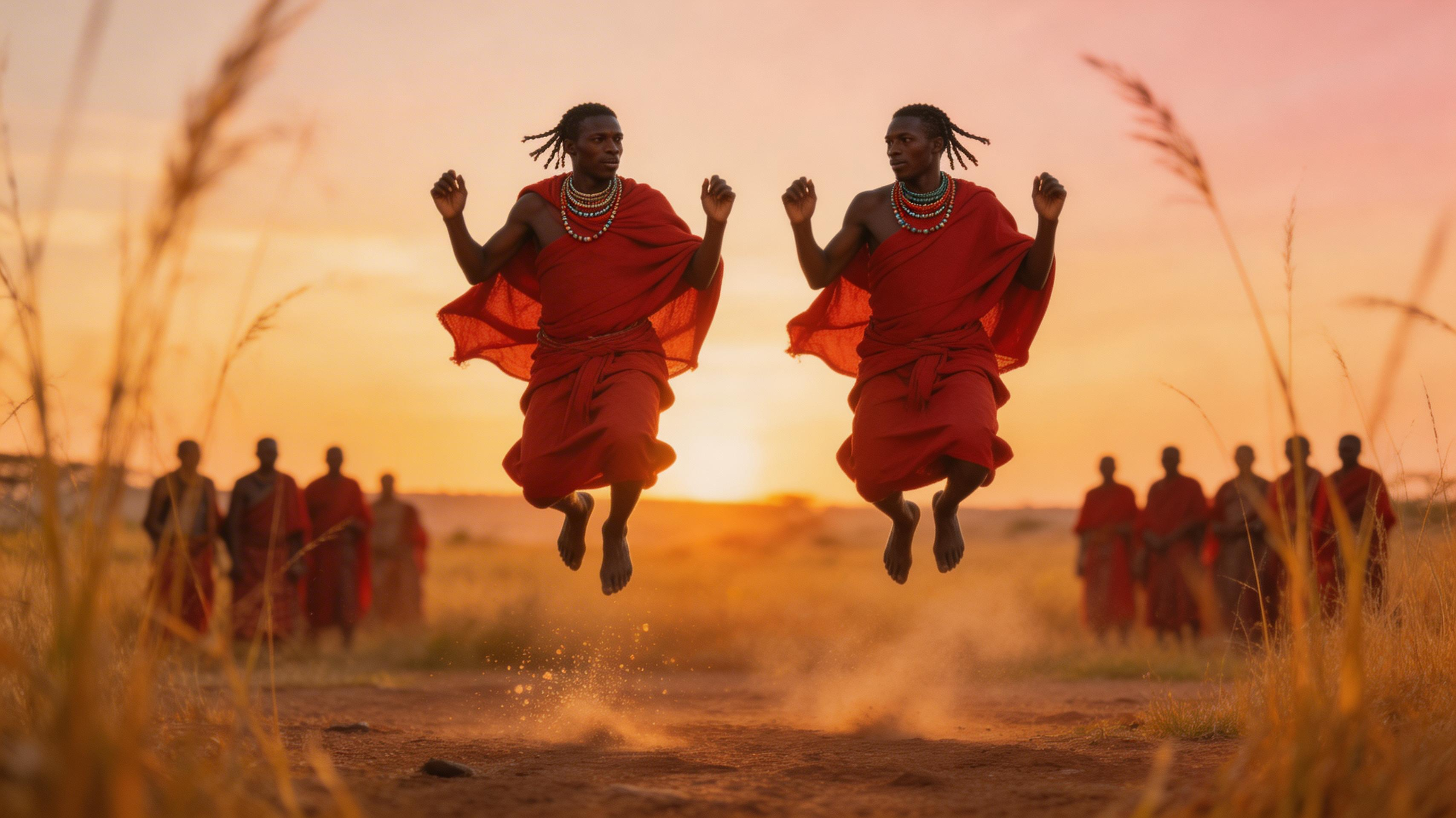
Turn the opening image into a dance sequence. Use the included still and motion prompt as a starting point.

View prompt & source inputs

Periscope-level shot from behind tall grass of two Maasai warriors mid-leap during an adumu jumping dance, bodies fully airborne against a golden savanna sunset, red shuka robes frozen in motion, dust kicked up from the earth catching backlight, 85mm f/1.4 isolating the pair from a blurred circle of onlookers, Steve McCurry meets Emmanuel Lubezki

Animate a moment of movement — Source image
Source image

This example used automatic duration. The template is set to 10 seconds so you can review an exact credit cost.

Build an ASMR-style shot
Audio to videoFast9.3s

Build an ASMR-style shot

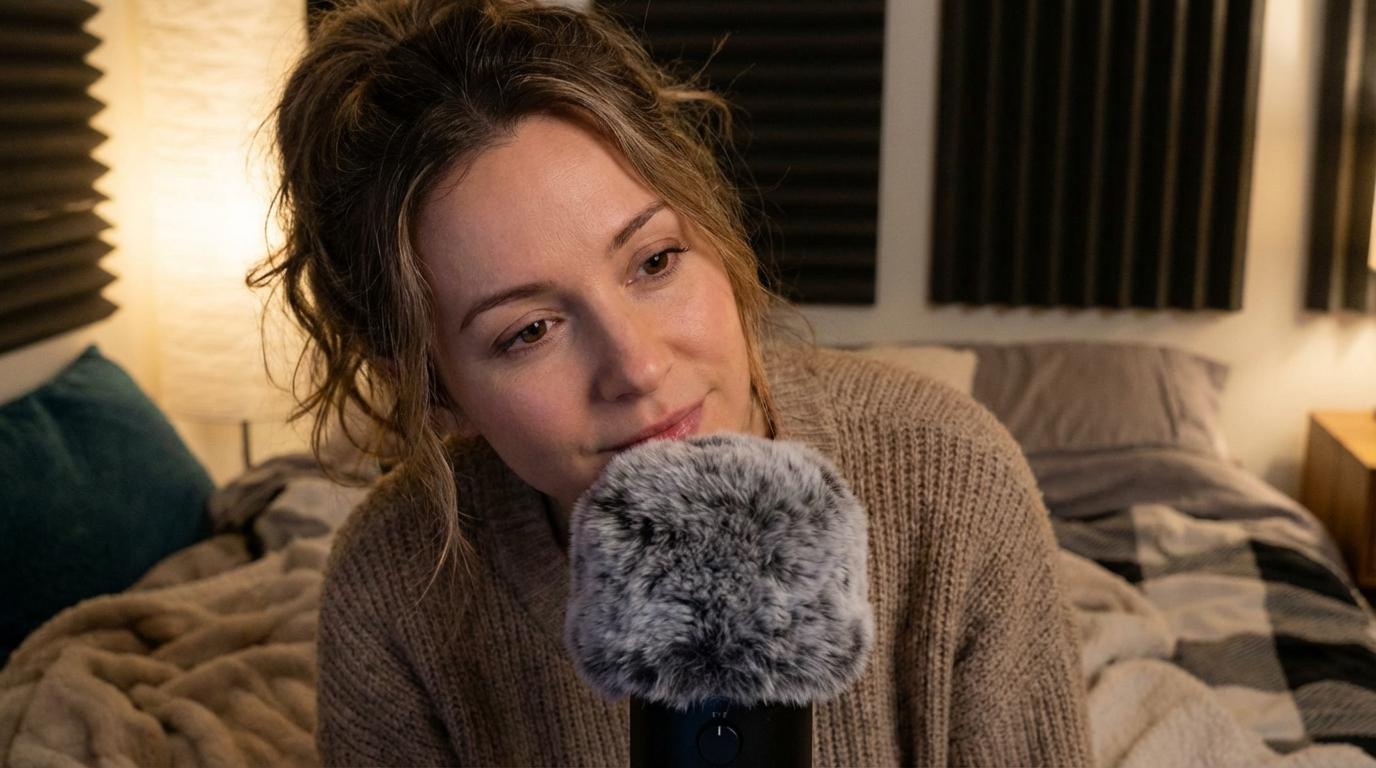
A supplied voice track and image guide a close microphone scene. Preview the original audio before loading the template.

View prompt & source inputs

A woman whispering to the microphone

Build an ASMR-style shot — Source image
Source image

Source audio

New generations can vary, even with the same prompt.

One model. Three ways to start.

Describe the scene you want to see

Start with a subject and one clear action, then add the setting, light and camera movement. Text to video works well for visual concepts, wildlife scenes and atmospheric B-roll. Native audio can be enabled with the video.

Describe the scene you want to see

Give a still image its next moment

Use an image as the opening frame and describe what happens next. You can also add an end frame to guide the transition. Keep the image, movement and requested ending consistent for a more coherent shot.

Give a still image its next moment

Let your audio set the pace

Upload a voice, music or ambient sound clip. LTX 2.5 audio to video creates visuals timed to that track. Add an image to establish the subject or write a prompt to set the scene. Audio-driven output is 1080p.

Let your audio set the pace

How to create an LTX 2.5 video

  1. 01

    Choose your starting point

    Select text, image or audio to video. Write a prompt, upload your media, or load an example with Use this template.

  2. 02

    Set the shot and review credits

    Choose Fast or Pro and a supported format. For text and image, pick a duration. For audio, the uploaded track determines the billed length.

  3. 03

    Generate, preview and download

    Sign in and use your credits to generate. Follow the task status, preview the finished video and download it. Failed generation tasks return their deducted credits.

LTX 2.5 Fast or Pro: choose your format

Choose the tier for the output you need. The settings below describe this generator; some features of locally hosted LTX workflows are not exposed here.

SettingFastPro
Text / image resolution720p, 1080p, 1440p or 4K (2160p)720p or 1080p
Text / image duration6–20 seconds at 720p/1080p; 6–10 seconds at 1440p/4K6, 8 or 10 seconds
Audio-driven video1080p; 2–20-second audio input1080p; 2–10-second audio input
Aspect ratios16:9 or 9:16; Auto for image/audio inputs16:9 or 9:16; Auto for image/audio inputs
Text / image frame rate25 FPS in this generator25 FPS in this generator
Image inputsStart image required; end image optional. Audio mode accepts one optional image.Start image required; end image optional. Audio mode accepts one optional image.

Text and image duration uses 2-second steps. Prompts accept up to 5,000 characters. Camera motion can be described in the prompt; enable Fixed camera for a static shot.

See the credit cost before you generate

The generator updates the estimate from the model and selected settings. Text and image modes charge for output duration. Audio mode charges for the measured input audio length.

Fast · 10s at 1080p

195 credits

Pro · 10s at 1080p

255 credits

These examples use current model pricing. Your final estimate appears on the Generate button. Loading a template does not start a generation or spend credits.

Write an LTX 2.5 prompt that directs the shot

Describe what the viewer should see and hear in chronological order. Start with the camera and subject, give the subject a clear action, then add the environment, lighting and sound. A focused scene is easier to iterate on than a long list of unrelated effects.

A slow tracking shot follows a cyclist along a quiet seaside road at sunrise. Soft orange light catches the spokes as waves break below the path. The cyclist rounds a bend and rides into the distance. Sound: turning wheels, a light breeze and distant surf.

For image to video, focus on what changes after the first frame. For audio to video, describe the visible action that should accompany the uploaded track.

Read the official LTX prompting guide

From a useful first draft to a finished short

Cinematic B-roll

Cinematic B-roll

Build establishing shots, nature scenes and atmospheric cutaways from a written scene. Try a short draft before increasing the resolution.

Product and workspace stories

Product and workspace stories

Animate a still into a simple reveal or everyday action. Use a start image to establish the look and keep the motion easy to follow.

Voice-led and UGC-style clips

Voice-led and UGC-style clips

Use your recorded voice with a subject image for dialogue-led scenes, creator-style content or an ASMR concept. Review alignment and expression before sharing.

LTX 2.5 questions, answered

What is LTX 2.5?

LTX 2.5 is a video and audio generation model from Lightricks. This page gives you browser-based access to its text-to-video, image-to-video and audio-to-video modes in Fast and Pro versions.

Can I use an image and my own audio together?

Yes. In Audio to video, upload one MP3 or WAV and optionally add one image to establish the first frame. A prompt is required when no image is provided. Fast accepts 2–20-second tracks; Pro accepts 2–10 seconds.

Does LTX 2.5 generate audio?

Text and image modes can generate audio with the video. In Audio to video, your uploaded track drives the scene. Use the generated-audio switch in text or image mode when you want a silent clip.

Should I use LTX 2.5 Fast or Pro?

Fast costs fewer credits at matching HD settings and offers up to 4K for text and image generation. Pro offers 720p and 1080p with a maximum of 10 seconds. Compare a short sample from each tier for the style you need.

Can I generate 4K or 20-second videos?

Fast supports 4K text and image videos up to 10 seconds, or up to 20 seconds at 720p and 1080p at the 25 FPS setting used here. Pro supports up to 1080p and 10 seconds. Audio-driven videos are 1080p and follow the input audio length.

Is LTX 2.5 free to use here?

You can preview these examples and prepare a template without starting a paid generation. Generating with LTX 2.5 requires a purchased plan or credit pack and enough credits. Open model weights and hosted generation have different costs.

Do I need a local GPU or a ComfyUI workflow?

No. This generator runs in your browser and sends the job to a hosted model. You do not need to download model weights. Local extensions, multi-subject reference workflows and video-to-video editing are not part of these six integrated endpoints.

Can I use the example videos as templates?

Yes. Use this template loads the original prompt, the selected LTX tier and any source image or audio used in that example. Review the settings before generating. Examples with automatic duration are set to 10 seconds here, and every new output may differ. The puppy template uses the first 10 seconds of its published audio to fit the current Pro limit.

Start with a scene, a still or a sound.

Choose an example and make one clear change. Your prompt, inputs and credit estimate stay in view before you generate.

Back to the generator