Video Editing
Change a background, adjust the style, or replace an object with a text prompt. Source and output limits depend on the selected model.
The estimate reserves up to 30 output seconds plus the source video. Unused credits are returned automatically when the edit completes.
Credits required: 972
Describe the scene before generating.
Video Editing
Upload your video
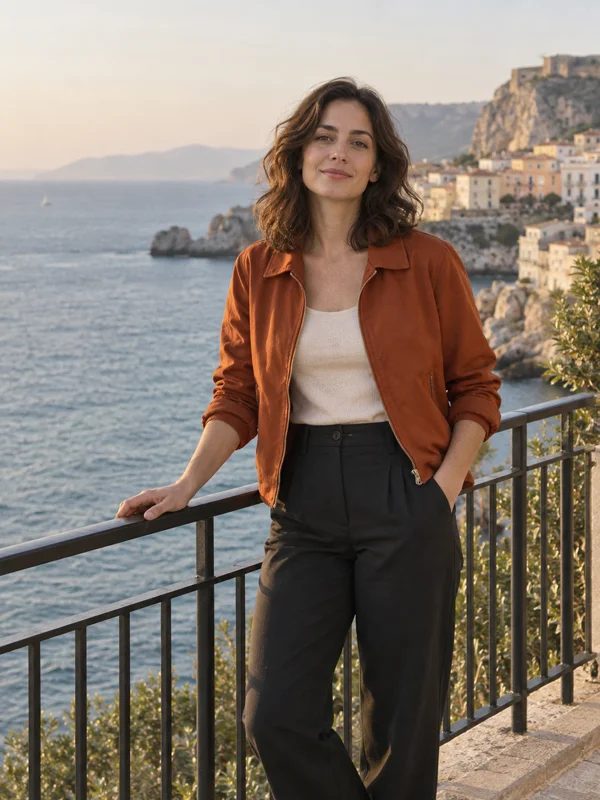
Describe your changes
Change the rust-orange jacket to cobalt blue. Keep the same woman, pose, cream top, dark trousers, seaside terrace, and lighting. Preserve the original camera movement and clip length.
Get your edited video
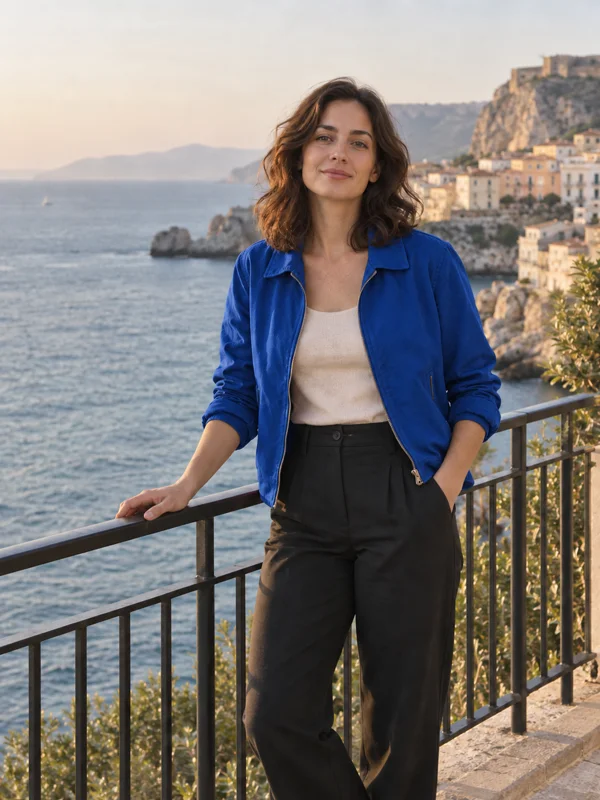
Example frames