A focused photo edit
Keep the product, its shape and all packaging text unchanged. Replace only the background with a warm ivory studio setting and add a soft natural shadow. Preserve the original camera angle.
Create an image from text or refine a photo with Flare or Sunburst.
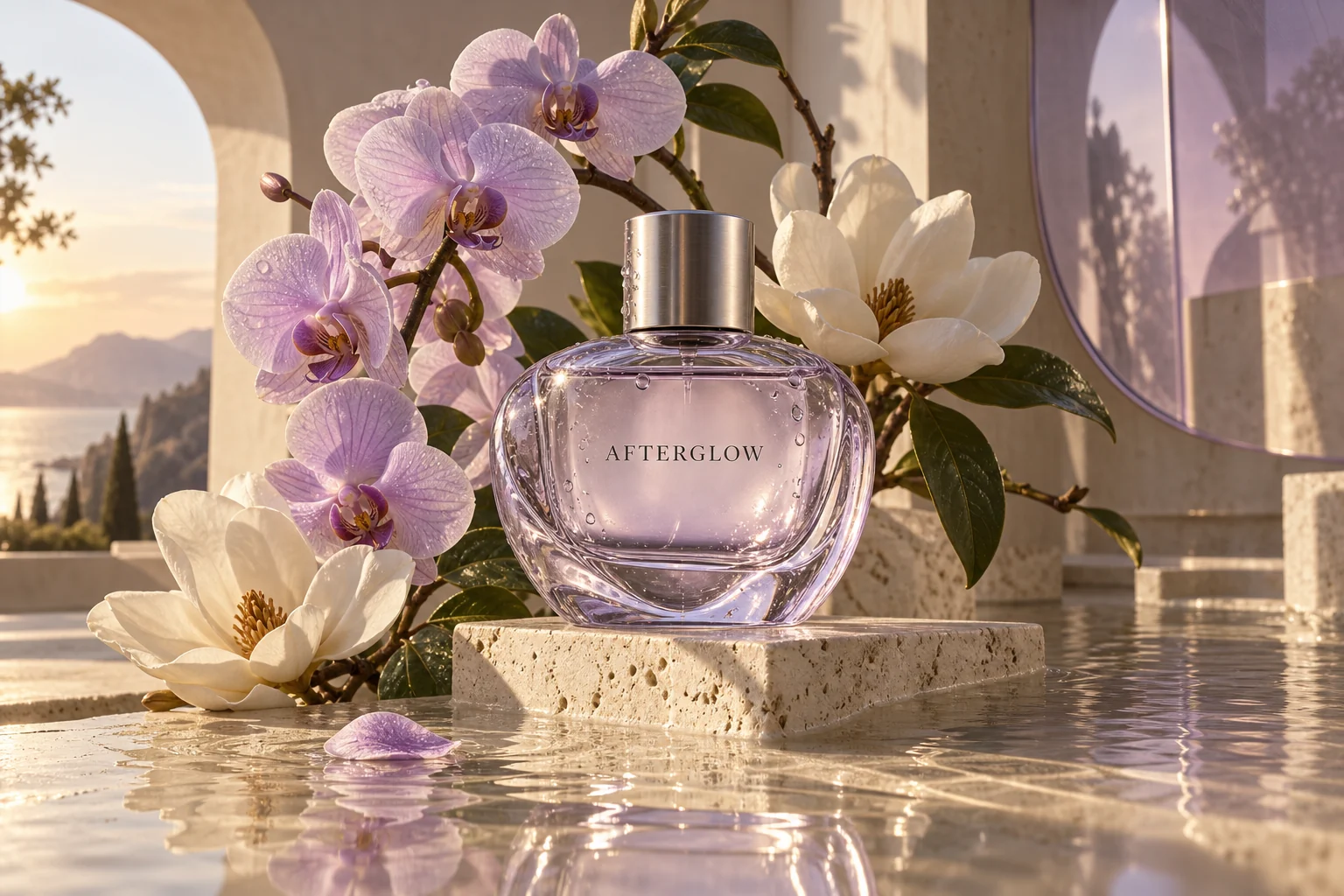
AI-generated concept illustration
A botanical product campaign
Created with Codex Image Gen for creative inspiration; not a verified GPT Image 2.5 result.
Describe the subject, setting, composition and lighting. For an edit, name what should change and what should stay.
Keep the product, its shape and all packaging text unchanged. Replace only the background with a warm ivory studio setting and add a soft natural shadow. Preserve the original camera angle.
The model, explained
ChatGPT Images 2.5 is OpenAI’s image-generation release for creating visuals and editing existing pictures. Its announcement describes improvements to lighting, texture, subject preservation and focused edits. Here, you can work with the two GPT Image 2.5 variants through a prompt-and-reference workflow.
Use a reference photo when the person or product needs to remain recognizable as you change the setting, composition or style. Review the result for details that must stay exact.
Describe a specific background, product or lettering change, and state which surrounding details to preserve. The release focuses on following these targeted editing instructions more reliably.
Give posters, presentation visuals and interface concepts a clear hierarchy. The system card reports improved infographic accuracy and layout; text and factual details still need a final check.
Both variants generate and edit images. Choose according to the kind of iteration your project needs.
Everyday generation
The default choice for social visuals, early product concepts and quick creative iterations. OpenAI positions Flare around faster generation with the new model family’s image and editing improvements.
Precision editing
Designed for creative work where small changes matter, including polished product imagery and campaign assets. Its emphasis on editing precision can mean a longer generation time.
Use From a prompt to create a new image. Choose Edit a photo to upload PNG, JPEG or WebP references, then describe the change you want. You can use up to 16 reference images.
Select Flare or Sunburst, an aspect ratio and a 1K, 2K or 4K resolution tier. This workspace uses medium quality and generates one image at a time. Check the credit cost before starting.
Start generation, follow the task status, and inspect the result for text, subject details and layout. Open or download the image from the result card; find previous work in History or Creations.
A resolution tier is a size preset, not a promise that every edge is 4,096 pixels. The actual dimensions depend on the aspect ratio. The examples below follow the provider’s size table.
| Aspect ratio | 1K | 2K | 4K |
|---|---|---|---|
| 1:1 | 1024 × 1024 | 2048 × 2048 | 2880 × 2880 |
| 16:9 | 1536 × 864 | 2048 × 1152 | 3840 × 2160 |
| 9:16 | 864 × 1536 | 1152 × 2048 | 2160 × 3840 |
| 3:2 | 1536 × 1024 | 2048 × 1360 | 3520 × 2336 |
Larger outputs above 2560 × 1440 are experimental in the model documentation. Use a smaller tier for initial iterations and check the downloaded image before using it in a final layout.
OpenAI announced ChatGPT Images 2.5 on September 8, 2026, alongside the Flare and Sunburst API models. If you arrived searching “what is the new ChatGPT image model coming out?”, this is the released image family described in that announcement.
ChatGPT’s Sketch, templates and image comments belong to its own interface. This page provides text-to-image generation and reference-photo editing. A ChatGPT subscription and this site’s credits are separate.
The image-generation guide still lists limitations in text clarity, exact placement, recurring characters and brand consistency. Keep instructions specific, check all visible wording, and compare the result with your reference. Better editing consistency does not guarantee an unchanged logo or a perfect layout.