Video Editing

Change a background, adjust the style, or replace an object with a text prompt. Source and output limits depend on the selected model.

Browse prompts
0/2500

One MP4 or MOV, 3–60 seconds, up to 100 MB; more than 8 fps, at least 480p with a 360px short side. The first 15 seconds are used when the source is longer. Output follows the source aspect ratio.

Adaptive ratioAuto

The output follows your source video, using its first 15 seconds when longer. Credits use the source length rounded up to the next second (maximum 15 seconds); changing a duration setting does not change this cost.

Credits required: 173

Describe the scene before generating.

Video Editing

  1. Upload your video

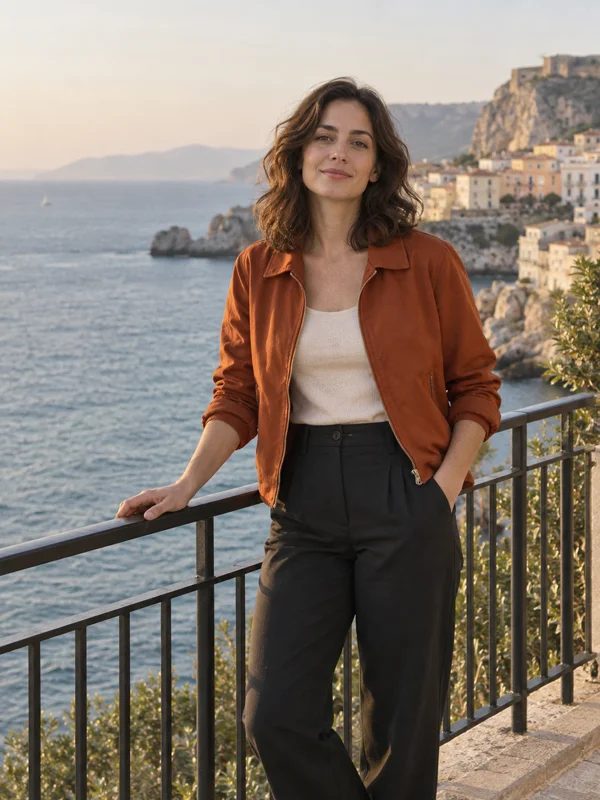
    A woman in a rust-orange jacket facing the camera beside a seaside railing.
  2. Describe your changes

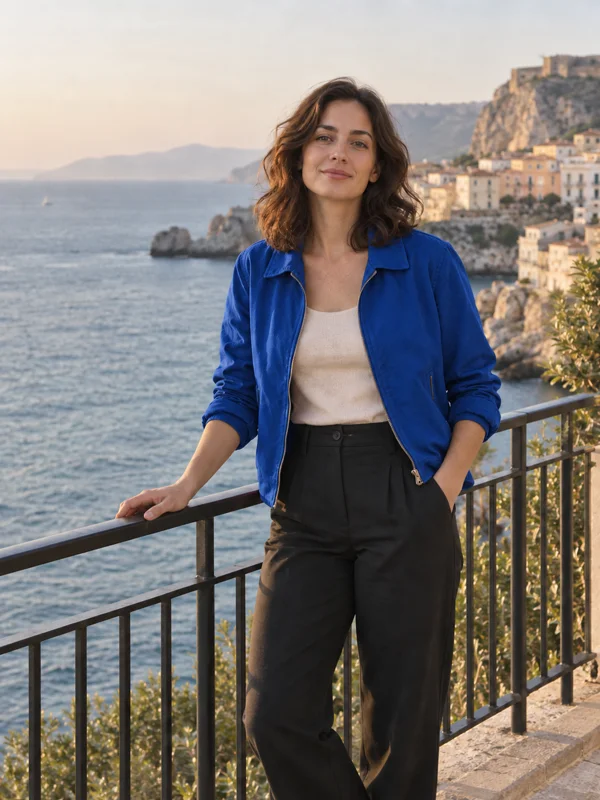
    Change the rust-orange jacket to cobalt blue. Keep the same woman, pose, cream top, dark trousers, seaside terrace, and lighting. Preserve the original camera movement and clip length.

  3. Get your edited video

    The same woman and seaside scene, with only the jacket changed to cobalt blue.

Example frames